
Your camera is usually black and white because night vision, a grayscale setting, or a color-signal problem is active.
Wondering why is my camera black and white can be frustrating, especially when the camera worked normally before. In most cases, the issue is not permanent damage. A few simple checks can reveal whether the cause is a setting, low light, an infrared mode, a loose cable, or a failing image sensor.
Why Is My Camera Black and White?
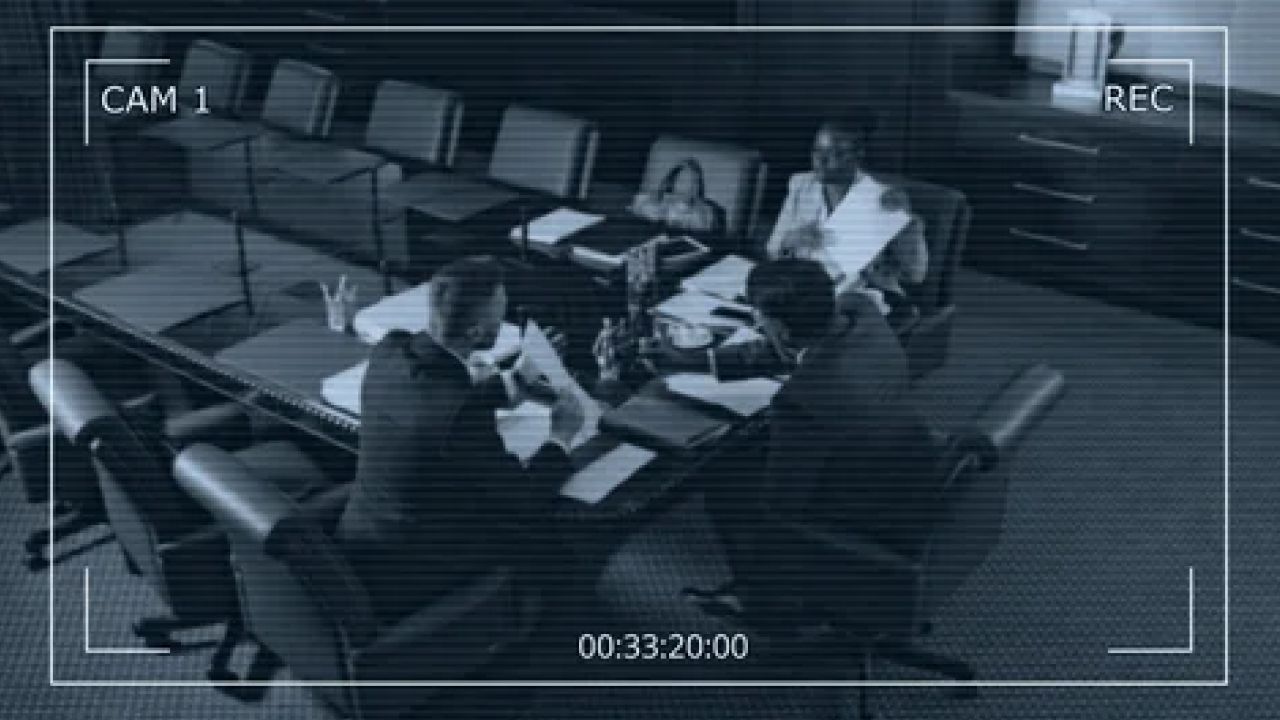
The most common reason is that the camera has switched to night vision. Security cameras often use infrared LEDs in dark areas, and infrared images usually appear in grayscale. This helps the camera capture clear shapes when there is not enough visible light for color.
Another common reason is a black-and-white or monochrome setting. Many webcams, phone cameras, baby monitors, and surveillance cameras include filters or image modes that can remove color. A filter may turn on by accident after an app update or a change in the camera menu.
If you are asking why is my camera black and white during the day, low light may still be the cause. Some cameras switch to night vision when they are inside a dark room, behind tinted glass, or pointed toward a shaded area.
Other possible causes include:
• A night vision mode that is stuck on
• A grayscale filter in the camera app
• A loose or damaged video cable
• Incorrect camera software settings
• A faulty infrared cut filter
• A damaged image sensor
• A power supply problem
• A display or recording device that is showing monochrome video
The best approach is to test the simple causes first. This can save time and may prevent an unnecessary repair bill.
Common Causes of a Black-and-White Camera Image
Night vision is active
Night vision is the leading cause of a grayscale image on security cameras. When light drops, many cameras remove their infrared cut filter and turn on infrared LEDs. The result is often a clear black-and-white picture.
This feature is useful because color needs visible light. Infrared light can show detail in darkness, but the camera usually cannot display normal color under those conditions.
If your camera returns to color when you shine a light near it, night vision is probably working as designed. The problem may only be that the camera is switching modes too early.
A grayscale filter is turned on
Phone and computer camera apps may include effects such as Mono, Noir, Silver, or Black and White. These effects can remain active even after you close and reopen the app.
Check the camera preview for a filter icon, magic-wand symbol, or color-mode menu. Select Original, Natural, Color, or No Filter to restore the normal image.
The camera is in low-light conditions
A camera may show black and white video when the room is dim, even if night vision is not obvious. This is common with webcams and indoor security cameras.
Try moving the camera into a brighter room. Avoid pointing it directly at a bright window, since strong backlighting can confuse automatic exposure and color processing.
A cable or connection is damaged
Wired cameras can lose color when the video signal is weak or incomplete. A loose coaxial connector, damaged Ethernet cable, faulty adapter, or poor power connection may affect the image.
This issue is more likely if the picture also flickers, cuts out, shows lines, or looks distorted. Inspect the connectors and test the camera with a different known-good cable when possible.
The display or recorder is causing the issue
Sometimes the camera is fine, but the monitor, digital video recorder, television, or viewing app is set to grayscale. This can make every camera feed look black and white.
Check another screen or open the feed in a different app. If the image is in color elsewhere, the original display or software is the source of the problem.

How to Fix a Camera That Is Black and White
Use this simple troubleshooting process. Start with the steps that do not change important settings.
- Improve the lighting
Turn on room lights or move the camera to a brighter area. Wait several seconds to see whether the image changes from grayscale to color.
- Restart the camera
Disconnect the camera from power, wait about 30 seconds, and reconnect it. For a phone or laptop, close the camera app and restart the device.
- Turn off night vision
Open the camera settings and look for Night Vision, IR Mode, Infrared, or Day/Night Mode. Set it to Color or Auto if you want the camera to switch between color and grayscale based on light.
- Remove camera filters
Open the camera app and choose the normal image mode. Disable settings named Mono, Noir, Black and White, Grayscale, Film, or Vintage.
- Check the lens
Clean the lens with a soft microfiber cloth. Dust, fingerprints, moisture, or a protective film can reduce light and cause the camera to enter low-light mode.
- Inspect the cables
For a wired camera, firmly reconnect the power and video cables. Look for bent pins, cracked insulation, corrosion, or loose connectors.
- Test another viewing method
Open the camera on another monitor, phone, browser, or recording device. This helps you determine whether the camera or the original display is causing the black-and-white image.
- Update the software
Install available updates for the camera app, camera firmware, operating system, or recording system. Updates can fix display bugs and improve day-and-night switching.
- Reset the camera settings
If nothing else works, restore the camera to its default settings. Save important settings first, since a reset may erase Wi-Fi details, recording schedules, and user preferences.
A common mistake is to reset the camera before checking the lighting and filter settings. In many cases, the fix takes less than a minute.

How to Fix Security Cameras That Stay in Black and White
Security cameras use a mechanical or electronic infrared cut filter to switch between day and night views. During the day, the filter blocks infrared light so colors look natural. At night, the filter moves away to help the sensor detect infrared light.
If the filter becomes stuck, the camera may stay in night vision during the day. You may hear a small click when the camera changes modes, though not every model makes an audible sound.
Try these steps:
• Set Day/Night Mode to Auto instead of Night
• Increase the camera’s light sensitivity threshold if the menu allows it
• Turn off forced infrared mode
• Check whether an object is covering the light sensor
• Make sure nearby infrared lights are not confusing the sensor
• Restart the camera after changing the mode
If the camera remains black and white in bright daylight, the infrared cut filter may be damaged. A repair technician may need to inspect or replace the filter.
Do not open a weatherproof security camera unless you understand how to reseal it. Moisture can enter the housing and cause more serious damage.

Why Is My Camera Black and White on a Phone or Webcam?
Phone cameras and webcams can show grayscale video for reasons that differ from security cameras. The most likely cause is an app filter, accessibility setting, driver issue, or software conflict.
On a phone, check the camera app first. Remove all filters, switch to the rear and front cameras, and compare the result. If only one camera is black and white, that camera module may have a hardware problem.
On a Windows computer, check the camera app and video meeting software. Apps such as Zoom, Microsoft Teams, and browser-based meeting tools may apply their own effects. Look for video filters, studio effects, or appearance controls.
On a Mac, check the camera settings inside the app you are using. Close other programs that may be accessing the camera, then reopen the video app.
If the webcam is black and white in every program, try the following:
• Restart the computer
• Disconnect and reconnect the webcam
• Try another USB port
• Install the latest camera driver
• Remove third-party camera software
• Test the webcam on another computer
One useful lesson from troubleshooting webcams is to test one variable at a time. Changing several settings at once makes it hard to know which step solved the issue.

Why Is My Camera Black and White After an Update?
An update can change camera settings, reset a filter, or create a compatibility problem. This does not always mean the camera hardware is damaged.
First, check the new app settings. Some updates move color controls to a different menu or turn on automatic low-light enhancement. Review the permissions and display options as well.
If the issue began immediately after a firmware update, restart the camera and router if it is a network model. Then check for a newer update that may correct the problem.
You can also compare the camera feed in the manufacturer’s app and a third-party app. If one app shows color and another shows grayscale, the camera itself is probably working.
Avoid installing unofficial firmware. It may cause permanent problems, remove important safety features, or void the warranty.

When a Black-and-White Camera Needs Repair
A camera may need professional service when basic settings and connection checks do not help. Hardware failure becomes more likely when the image is grayscale in bright light across several devices.
Look for these warning signs:
• The image has colored lines or heavy distortion
• The camera changes color randomly
• The lens has moisture inside it
• The camera was dropped or exposed to water
• The image stays black and white after a factory reset
• The camera produces no infrared light at night
• A cable replacement makes no difference
A damaged image sensor, infrared cut filter, power board, or processing circuit can cause permanent color loss. For an inexpensive webcam, replacement may cost less than repair. For a professional security system, contact the installer or manufacturer before replacing parts.
Record the camera model, serial number, firmware version, and troubleshooting steps. This information helps support staff identify the problem faster.
How to Prevent Camera Color Problems
Good maintenance can reduce the chance of future camera issues. Keep the lens clean, protect outdoor cameras from moisture, and use the correct power adapter.
For security systems, place cameras where they receive enough light for daytime color. Avoid installing an indoor camera behind dark glass, since reflections and low light can trigger night vision.
You can also:
• Check camera settings after major updates
• Use high-quality cables and power supplies
• Keep firmware current
• Avoid covering the light sensor
• Protect outdoor connections from water
• Test the camera feed from time to time
• Keep a record of the original settings
A black-and-white image is not always a bad thing. Grayscale night vision often gives better detail in darkness than a noisy color image. The key is knowing whether the mode is intentional or caused by a fault.

Frequently Asked Questions About Why Is My Camera Black and White
Why is my camera black and white during the day?
Your camera may be stuck in night vision, set to grayscale, or affected by a faulty infrared cut filter. Brighten the area, disable night vision, and test the camera on another screen.
Why is my security camera black and white at night?
Many security cameras use infrared night vision, which normally produces a black-and-white image. This helps the camera capture detail when visible light is too low for normal color.
How do I turn my camera back to color?
Open the camera settings and disable Mono, Grayscale, Black and White, or forced Night Vision mode. Then choose Color, Natural, or Auto and place the camera in good light.
Can a bad cable make a camera black and white?
Yes, a damaged or loose cable can weaken the video signal and cause color loss, flickering, or distortion. Reconnect the cable or test a replacement cable to check whether the connection is responsible.
Is a black-and-white camera always broken?
No. Black-and-white video is often normal during night vision or when a grayscale filter is active. It is more concerning when the image stays monochrome in bright light after you check the settings.
Why is only one camera black and white?
One camera may have different night vision settings, a local cable problem, or a damaged sensor. Compare its settings and connections with a working camera of the same model.

Conclusion
A camera that shows only black and white video usually has a simple cause. Night vision, low light, a grayscale filter, a loose connection, or an incorrect software setting can all remove color from the image.
Start by improving the light, checking camera modes, restarting the device, and testing another cable or display. If the problem continues in bright conditions after a reset, professional support may be the safest next step.
Use these checks before replacing the camera, and you may solve the problem in just a few minutes. If this guide helped, explore more camera troubleshooting tips or share your experience in the comments.
Recent Posts
Parts of a 35mm Camera: Complete Guide to Every Key Part and Its Function
Learn the parts of a 35mm camera, what each part does, and how the lens, shutter, film chamber, viewfinder, and controls work together.
Parts of a Camera Canon: A Complete Guide to Canon Camera Parts and Functions
Learn the parts of a Canon camera, what each part does, and how the lens, sensor, shutter, controls, viewfinder, and screen work together.