
Digital cameras look better because they use larger sensors, stronger lenses, and more control over light and image processing.
The reason why digital cameras look better is not one magic feature. Image quality comes from the full system: the sensor, lens, autofocus, exposure settings, image processor, and the photographer’s control. Once you understand how these parts work together, you can choose the right camera and avoid common mistakes that make even expensive gear look ordinary.
What “Better” Image Quality Really Means
When people ask why digital cameras look better, they often mean that photos look sharper, cleaner, and more natural. They may also notice softer background s, better colors, and more detail in bright skies or dark shadows.
Image quality is not only about having more megapixels. A good photo must handle light well, record fine detail, focus on the right subject, and preserve a natural look.
Key parts of image quality include:
• Sharpness: Fine details appear clear without looking artificial.
• Dynamic range: The camera keeps detail in both bright and dark areas.
• Low-light performance: Photos show less grain in dim conditions.
• Color accuracy: Skin tones, skies, and objects look natural.
• Depth of field: The subject can stand out from a soft background.
• Motion control: Fast shutter speeds can freeze action.
• Tonal quality: Light changes look smooth instead of harsh or broken.
A phone can produce an excellent photo with smart software. However, a digital camera often gives you more original data to work with. It acts like a larger bucket for light, while a small phone sensor has less room before highlights clip or shadows become noisy.
This is why digital cameras look better in many real-world situations, especially portraits, sports, landscapes, events, and low-light scenes.
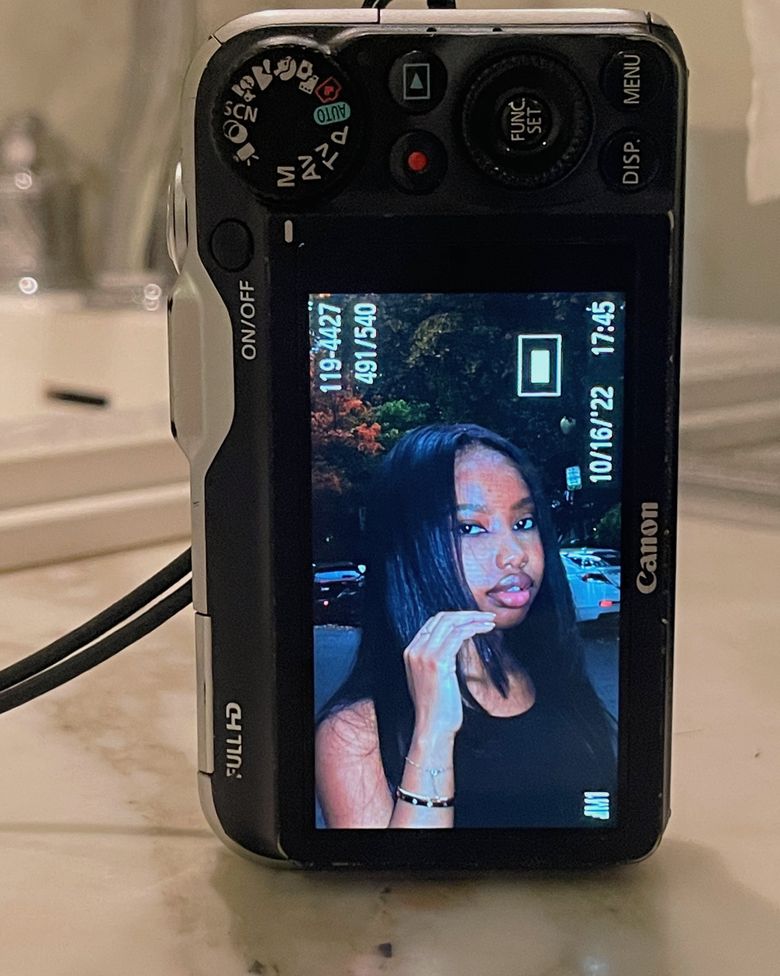
Larger Camera Sensors Capture More Light
The biggest reason why digital cameras look better is their larger image sensor. The sensor sits behind the lens and changes light into digital information.
Many smartphones use a small sensor because the entire device must fit inside a slim body. Interchangeable-lens cameras often use larger formats, such as:
• Micro Four Thirds
• APS-C
• Full frame
• Medium format
A larger sensor can collect more light during the same exposure. More light usually means cleaner shadows, better color, and less digital noise.
Think of each pixel as a small cup collecting rain. A larger cup can collect more water before it overflows. In a similar way, a larger sensor can gather more usable light before the image loses detail.
Sensor size and noise
Digital noise looks like colored specks or rough grain. It becomes more visible when you shoot at a high ISO setting or brighten a dark photo.
Larger sensors usually perform better because they can use larger individual pixels or collect more total light. This gives the camera more information to process.
Still, sensor size is not the only factor. Sensor design, lens brightness, exposure, and image processing also affect noise. A modern phone may use advanced software to reduce noise, but strong noise reduction can remove fine texture.
Sensor size and background blur
A larger sensor also makes it easier to create a shallow depth of field. This lets you keep a person sharp while the background becomes soft.
For example, a 50mm lens on a full-frame camera at f/1.8 can create a strong portrait effect. A phone may copy this look with portrait mode, but it must estimate the subject’s edges. That estimate can fail around hair, glasses, leaves, or fingers.

Better Lenses Improve Detail, Light, and Contrast
A camera body matters, but the lens often makes the biggest visible difference. A high-quality lens can produce more detail, stronger contrast, and fewer optical problems.
This is another major reason why digital cameras look better. A dedicated camera lens is built to gather and direct light with precision. It can also use a wide aperture to let in more light.
Important lens features include:
• Focal length: Controls the angle of view and the way subjects appear.
• Aperture: Controls light intake and depth of field.
• Optical design: Affects sharpness, contrast, and distortion.
• Image stabilization: Helps reduce blur from camera movement.
• Focusing motor: Affects speed and accuracy.
A wide aperture, such as f/1.4, f/1.8, or f/2.8, can help in low light. It can also create a soft background that looks natural rather than digitally added.
Why lens quality matters
A small camera with a sharp lens can outperform a high megapixel camera with a poor lens. More pixels cannot restore detail that the lens never projected clearly onto the sensor.
Good lenses also control problems such as:
• Chromatic aberration, which creates colored edges
• Flare, which reduces contrast in bright light
• Distortion, which bends straight lines
• Vignetting, which darkens the corners
• Coma, which can make small lights look smeared
Modern cameras often correct some of these issues with software. Even so, a strong optical design gives the camera better information from the start.
Choosing a lens for real use
You do not always need the most expensive lens. A basic 50mm f/1.8 lens can create sharp portraits at a low price. A 24 to 70mm zoom can cover travel, family events, and everyday scenes.
The best lens is the one that suits your subject. A sports photographer may value a fast telephoto lens, while a landscape photographer may prefer a wide angle lens with strong corner detail.

Digital Cameras Offer More Control Over Exposure
Another answer to why digital cameras look better is control. A phone often decides the exposure, color, sharpening, and noise reduction for you. A digital camera gives you more ways to shape the image before you press the shutter.
The three main exposure settings are:
• Aperture: Controls the amount of light and depth of field.
• Shutter speed: Controls the time light reaches the sensor and affects motion blur.
• ISO: Controls the sensor’s sensitivity setting, while higher values can increase noise.
These settings form the exposure triangle. Changing one setting affects the others, so you can choose the result you want instead of accepting one automatic look.
For example, you can use:
• A fast shutter speed to freeze a child running across a yard
• A wide aperture to separate a portrait subject from the background
• A low ISO to produce the cleanest image in bright light
• A slow shutter speed to blur waterfalls or capture night scenes
Manual control does not automatically make every photo better. It gives you more creative and technical choices. You still need to understand light, focus, and composition.
RAW files preserve more information
Many digital cameras can save RAW files. A RAW file stores much of the sensor data before the camera applies strong sharpening, contrast, and color adjustments.
This gives you more room to:
• Recover slightly bright highlights
• Lift detail from dark shadows
• Correct white balance
• Adjust skin tones
• Reduce color casts
• Change contrast without damaging the image as quickly
JPEG files are smaller and ready to share, but they have less editing flexibility. RAW files take more storage and need processing in software such as Lightroom, Capture One, or another editor.
In my practical camera comparisons, one of the clearest lessons is that a well-exposed RAW file often gives a more natural final image than an aggressively processed JPEG. The difference becomes especially clear in skies, skin, and scenes with mixed lighting.
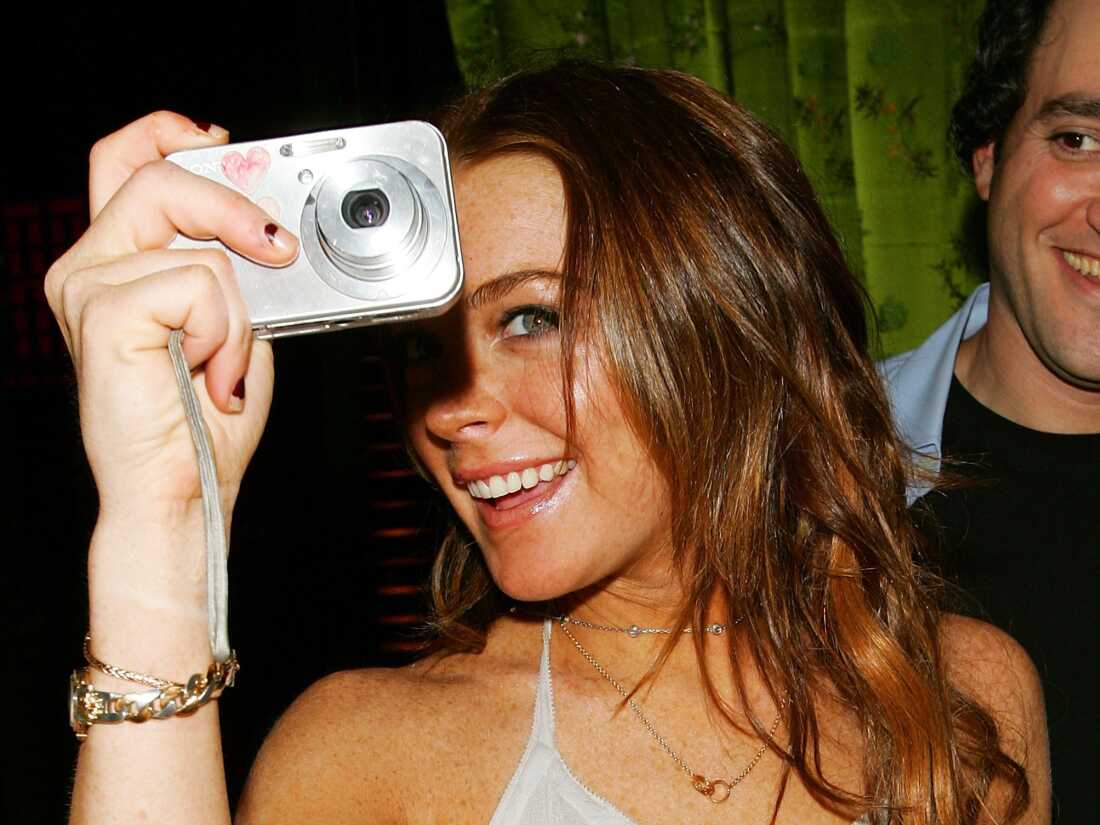
Stronger Autofocus Helps Cameras Capture the Right Moment
A sharp lens cannot save a photo if the camera focuses on the wrong subject. Modern digital cameras use advanced autofocus systems to detect faces, eyes, animals, cars, and other moving subjects.
This is another reason why digital cameras look better in demanding situations. Their autofocus systems often include more focus points, stronger tracking, and better control over the focus area.
Autofocus performance depends on:
• The camera’s focus system
• The lens motor
• Available light
• Subject speed
• Contrast in the scene
• Your selected autofocus mode
For a still portrait, single autofocus and eye detection can work well. For a runner or bird in flight, continuous autofocus is often more useful because the camera keeps adjusting focus as the subject moves.
Autofocus is not always perfect
Even advanced cameras can miss focus. Low contrast, poor light, fast movement, and objects crossing the frame can confuse the system.
A common mistake is using a large automatic focus area in a busy scene. The camera may choose a nearby branch, background object, or another person. Selecting a smaller focus area or using subject tracking can improve results.
Good technique matters, too. Keep your shutter speed fast enough for the subject, hold the camera steadily, and take several frames when the moment is brief.

Digital Cameras Often Create More Natural-Looking Photos
Many people say digital cameras look better because the images feel more natural. That feeling usually comes from several factors working together.
A camera with a larger sensor and good lens can create smooth transitions from light to shadow. It can preserve fine skin texture without turning the face into a plastic surface. It can also produce background blur with gradual edges.
Phones often use computational photography to brighten shadows, sharpen details, combine exposures, and improve color. These tools are useful, but they can sometimes make photos look:
• Over-sharpened
• Too bright
• Too saturated
• Flat in depth
• Smeared in fine detail
• Artificial around hair and thin objects
This does not mean phone photos are poor. In bright daylight, a modern phone can look excellent. Its software may even produce a more pleasing result without editing.
The difference is control and consistency. A digital camera tends to give you a stronger base file, while a phone often gives you a finished interpretation. One is like receiving fresh ingredients. The other is like receiving a prepared meal.
Color depends on more than the camera
Color is affected by lighting, white balance, picture profiles, and editing. A digital camera can look worse if its white balance is wrong or its picture style is poorly chosen.
For natural results:
• Use auto white balance in changing conditions.
• Choose a daylight setting in stable outdoor light.
• Photograph a gray card when color accuracy matters.
• Avoid extreme saturation in editing.
• Check skin tones before adjusting the whole image.
A more expensive camera does not guarantee better color. Good light and careful exposure still matter.
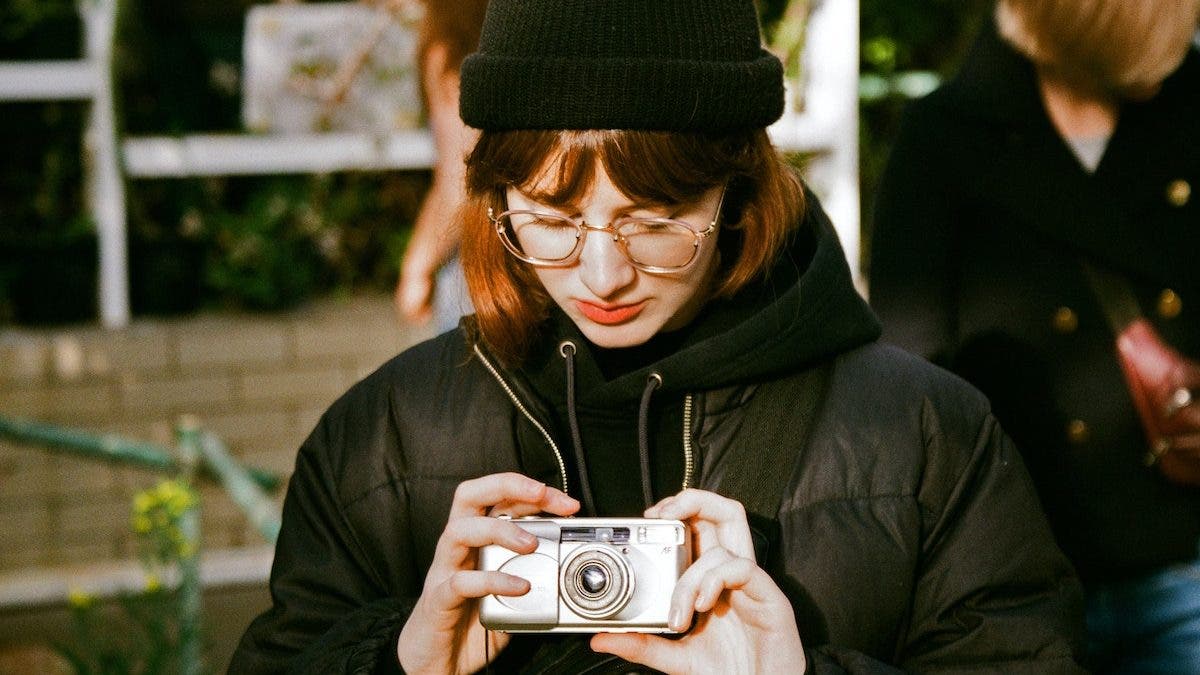
Why Digital Cameras Look Better in Low Light
Low light reveals the difference between camera systems. When light is scarce, the camera must amplify the signal from the sensor. This can increase noise and reduce detail.
Digital cameras often perform better because they combine:
• Larger sensors
• Brighter interchangeable lenses
• Better light gathering
• More control over shutter speed and ISO
• Stronger RAW files
Suppose you are photographing a restaurant dinner. A phone may brighten the scene with software, but moving people can look smeared if the phone combines several frames. A digital camera can use a bright lens and fast shutter speed to capture a more natural moment.
A larger camera does not remove every low-light problem. You still need to choose a suitable shutter speed. If you use a very slow shutter speed while people move, the image may blur even at low ISO.
Practical low-light settings
Try these starting points:
• Indoor people: 1/125 second, a wide aperture, and auto ISO
• Night street scenes: 1/60 second or faster when shooting by hand
• Static landscapes: A tripod, low ISO, and a slower shutter speed
• Concerts: A fast lens, continuous autofocus, and a shutter speed that freezes movement
These are starting points, not strict rules. Review your images and adjust based on the subject.
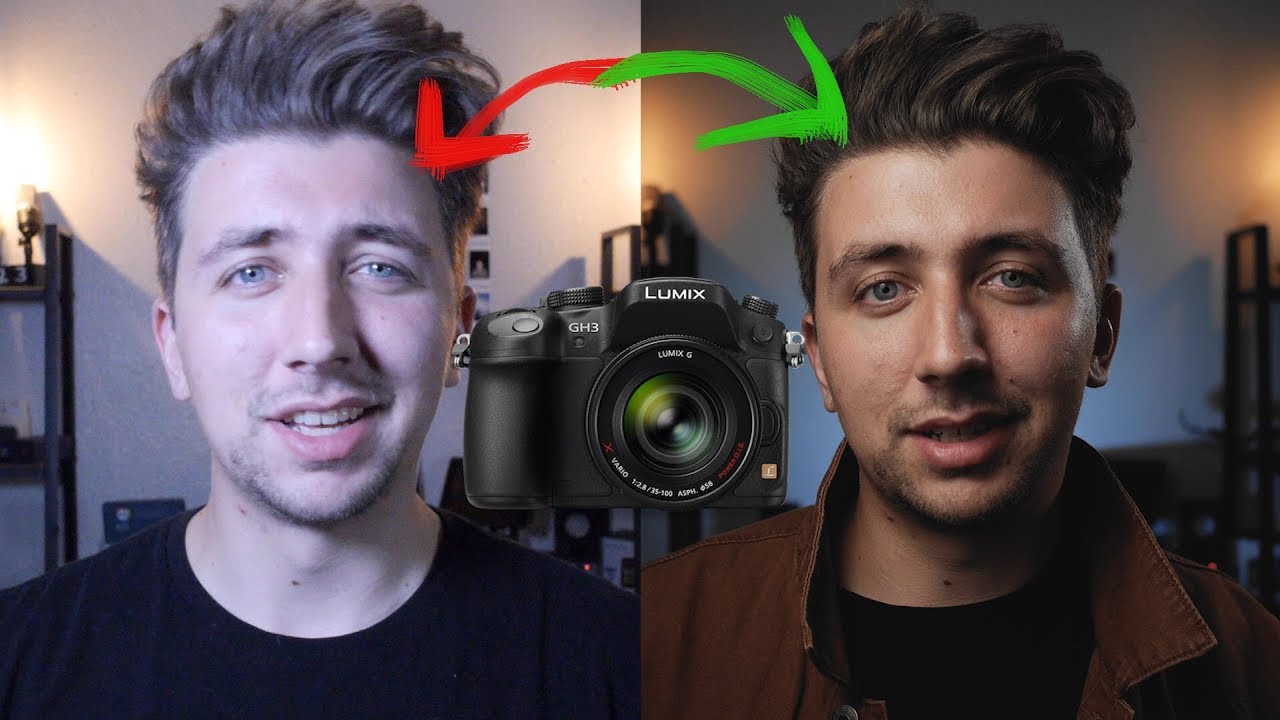
Digital Cameras Give You More Room to Improve
A camera is not only a tool for taking pictures. It also helps you learn how light, timing, and composition work.
When you use a phone, much of the process happens automatically. That is convenient, but it can hide useful lessons. A digital camera shows how changing the aperture affects the background, how shutter speed controls motion, and how ISO changes image quality.
This learning process can improve your photography even when you return to a phone. You begin to notice:
• Where the light comes from
• Which backgrounds distract from the subject
• When a scene needs a slower shutter speed
• How color changes during the day
• Why some moments feel more powerful than others
In hands-on testing, one mistake appears again and again: people blame the camera when the real problem is poor light or weak composition. A newer body may help, but better decisions often create the larger improvement.
A simple improvement process
Use this method when testing your camera:
-
Photograph the same subject at different apertures.
-
Compare a low ISO image with a high ISO image.
-
Test autofocus on both still and moving subjects.
-
Review shadows and highlights at full size.
-
Edit a RAW file and a JPEG from the same scene.
-
Note which changes improve the photo most.
This process turns vague opinions into useful evidence. It also helps you learn whether a camera upgrade solves your actual problem.

When Digital Cameras Do Not Look Better
Digital cameras do not always produce better photos. A phone may win when you need speed, convenience, or automatic processing.
A smartphone is often the better choice when:
• You need to share a photo at once.
• You are traveling with minimal gear.
• The light is good.
• You want automatic HDR.
• You need a quick family snapshot.
• You do not want to edit RAW files.
Digital cameras also have drawbacks. They can be heavy, costly, and less convenient. Lenses add expense, batteries need charging, and learning manual settings takes time.
There is also a difference between technical quality and viewer preference. Some people prefer the bright, sharp, processed look of a phone image. Others prefer the softer tones and natural depth from a camera.
The best choice depends on your goal. If you want flexible files, strong low-light results, interchangeable lenses, or full creative control, a digital camera is a powerful option. If you value convenience above all else, a phone may serve you better.

How to Make Your Digital Camera Photos Look Better
Buying a camera is only the first step. Simple habits can make a large difference in the final image.
Start with these practical tips:
• Clean the front and rear lens elements.
• Use a shutter speed fast enough for your subject.
• Watch the background before pressing the shutter.
• Focus on the subject’s eye in a portrait.
• Avoid raising ISO more than needed.
• Use exposure compensation when the camera gets too bright or dark.
• Shoot RAW when you plan to edit.
• Use a tripod for still subjects at night.
• Check the histogram when highlights are important.
• Learn how your camera meters light.
One of the most useful lessons is to protect highlights. Bright skies, white clothing, and shiny objects can lose detail quickly. It is often easier to brighten a slightly dark RAW file than to rebuild completely white highlights.
Do not rely only on the camera’s rear screen. Zoom in occasionally to check focus, but also view the whole image to judge composition. A technically sharp photo can still feel weak if the subject is poorly placed.
Finally, use the camera often. Familiarity improves timing. The best camera is not simply the one with the highest specifications. It is the one you understand and carry when meaningful moments happen.
Frequently Asked Questions About Why Digital Cameras Look Better
Why do digital cameras look better than phones?
Digital cameras often use larger sensors, better lenses, and stronger manual controls. These features can produce cleaner low-light images, more natural background blur, and files with more editing flexibility.
Do more megapixels make a digital camera look better?
More megapixels can record more detail when the lens, focus, and lighting are good. However, sensor size, lens quality, exposure, and image processing often matter more than megapixel count alone.
Why do digital camera portraits look more professional?
Digital cameras can create shallow depth of field with large sensors and wide-aperture lenses. This helps separate the subject from the background and produces a natural blur that can be harder for phone software to copy perfectly.
Are digital cameras always better than smartphones?
No. Smartphones are often better for convenience, quick sharing, and automatic HDR processing. Digital cameras usually offer stronger control and flexibility, but the better tool depends on the subject and shooting conditions.
Why do digital cameras perform better at night?
Larger sensors and brighter lenses can gather more light. This often allows a digital camera to use lower ISO settings or faster shutter speeds, which can reduce noise and motion blur.
Can editing make a phone photo look like a camera photo?
Editing can improve color, contrast, sharpness, and background blur, but it cannot fully recreate information that the phone sensor and lens never captured. Good software can narrow the gap, especially in bright light.
Conclusion
Digital cameras look better because they combine larger sensors, stronger lenses, advanced autofocus, RAW files, and greater exposure control. These features help capture more light, preserve more detail, create natural depth, and give you more freedom during editing.
Still, equipment is only part of the result. Good light, careful focus, steady technique, and thoughtful composition matter just as much. Choose a camera that fits your subjects, practice with its settings, and compare your results in real situations.
Explore your camera’s manual controls, test different lenses, and share your photography journey with others. Your next great image may begin with a simple change in how you use the gear you already own.
Recent Posts
Parts of a 35mm Camera: Complete Guide to Every Key Part and Its Function
Learn the parts of a 35mm camera, what each part does, and how the lens, shutter, film chamber, viewfinder, and controls work together.
Parts of a Camera Canon: A Complete Guide to Canon Camera Parts and Functions
Learn the parts of a Canon camera, what each part does, and how the lens, sensor, shutter, controls, viewfinder, and screen work together.