
For most creators in the United States, the Sony ZV-1 II is the best small camera for vlogging. It has a wide 18–50mm equivalent lens, a flip-out screen, a built-in microphone, strong autofocus, and a small body that fits in a jacket pocket or small camera bag.
The best choice can change based on how you record. The DJI Osmo Pocket 3 is better for walking videos because its gimbal keeps footage smooth. The Sony ZV-1F costs less and offers a very wide view. The Canon PowerShot V10 is simple and easy to hold. If you want interchangeable lenses, the Sony ZV-E10 II offers more room to grow, but it is larger.
This guide compares the leading small cameras for vlogging, explains their limits, and shows which one fits different types of US-based creators.

Key Takeaways
- Best overall: Sony ZV-1 II
- Best for walking and travel: DJI Osmo Pocket 3
- Best budget option: Sony ZV-1F
- Best for simple vertical video: Canon PowerShot V10
- Best small interchangeable-lens camera: Sony ZV-E10 II
- Best low-light flexibility: A camera with a larger sensor and a fast lens, such as the Sony ZV-E10 II
- Best for hands-free shooting: DJI Osmo Pocket 3 with its tracking features
The Best Small Vlogging Cameras Compared
The table below compares the main features that affect daily vlogging. Sensor size, lens width, stabilization, audio, and screen design usually matter more than raw megapixel count.
| Camera | Best for | Lens or view | Stabilization | Screen | Main limit |
|---|---|---|---|---|---|
| Sony ZV-1 II | Most vloggers | 18–50mm equivalent zoom | Electronic stabilization | Side-opening vari-angle | Small one-inch sensor |
| DJI Osmo Pocket 3 | Walking and travel videos |
Fixed wide lens | Three-axis gimbal | Rotating touchscreen | Fixed lens and small sensor |
| Sony ZV-1F | Budget buyers and selfies | 20mm equivalent fixed lens | Electronic stabilization | Side-opening vari-angle | No optical zoom |
| Canon PowerShot V10 | Simple creator setups | 19mm equivalent fixed lens | Electronic stabilization | Tilting touchscreen | Limited lens flexibility |
| Sony ZV-E10 II | Creators who want to grow | Interchangeable E-mount lenses | Lens or electronic stabilization | Side-opening vari-angle | Larger and less pocketable |
These are documented product specifications from manufacturer information. Real results also depend on lighting, walking speed, wind, camera settings, and microphone placement.
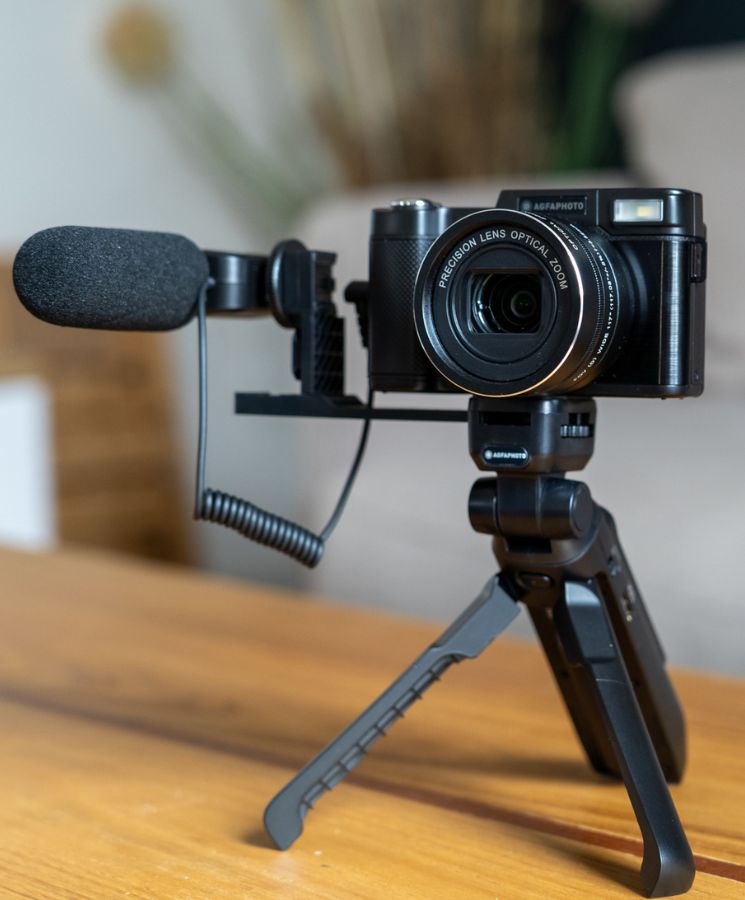
Best Overall: Sony ZV-1 II
The Sony ZV-1 II is the best small camera for most vloggers because it balances size, image quality, autofocus, lens range, and ease of use.
Its wide 18–50mm equivalent lens is useful for handheld videos. The 18mm setting gives you more room for your face, background, and nearby subjects. The longer end helps when you want a tighter view. This range is more flexible than a fixed wide lens.
The camera has a one-inch image sensor. This is larger than the sensor in most phones and basic compact cameras. In good light, it can produce clean video with natural background blur. In dark rooms, it still has limits. A small camera cannot match a large interchangeable-lens camera in very low light.
Why the Sony ZV-1 II works well for vlogging
- Side-opening screen for front-facing recording
- Reliable face and eye autofocus
- Built-in directional microphone
- Microphone input for an external mic
- Compact body
- 4K video recording
- Product Showcase mode for filming items near the lens
- Background Defocus mode for a softer background
The main weakness is stabilization. Electronic stabilization can crop the image and may not fully remove the bounce from a fast walk. For indoor talking videos, desk videos, food videos, and calm travel clips, this is less of a problem.
The lens also has a modest maximum aperture at the telephoto end. In plain terms, the camera gathers less light when you zoom in. For the best low-light results, stay near the wide end and use a small light.
Choose the Sony ZV-1 II if you want one small camera that can handle talking-head videos, travel clips, product demonstrations, and casual daily vlogs.
Best for Walking Vlogs: DJI Osmo Pocket 3
The DJI Osmo Pocket 3 is the best small camera for walking and moving vlogs. Its three-axis mechanical gimbal keeps the lens level and smooths many bumps that electronic stabilization cannot fully remove.
The camera uses a one-inch sensor and records up to 4K at high frame rates, depending on the selected mode. Its rotating touchscreen can switch between horizontal and vertical recording. That makes it useful for YouTube videos, TikTok clips, Instagram Reels, and Shorts.
The Pocket 3 also includes subject-tracking features. The camera can keep a face in view while you move around the frame. This helps when you record alone and do not want to stand in one fixed spot.
Where the Pocket 3 is stronger
- Smooth walking footage
- Very small design
- Fast setup
- Rotating screen
- Strong face tracking
- Good support for vertical video
- Useful for travel and street footage
Where it is weaker
- The lens is fixed
- It has less control over framing than a zoom camera
- The small body is easy to drop
- Wind can affect built-in microphone audio
- A gimbal needs care around sand, dust, and strong impacts
The Pocket 3 is not the best choice if you often need to zoom, use a long lens, or mount a large microphone. It is also not a full replacement for a larger camera in a controlled studio.
Choose the DJI Osmo Pocket 3 if smooth movement matters more than lens flexibility.
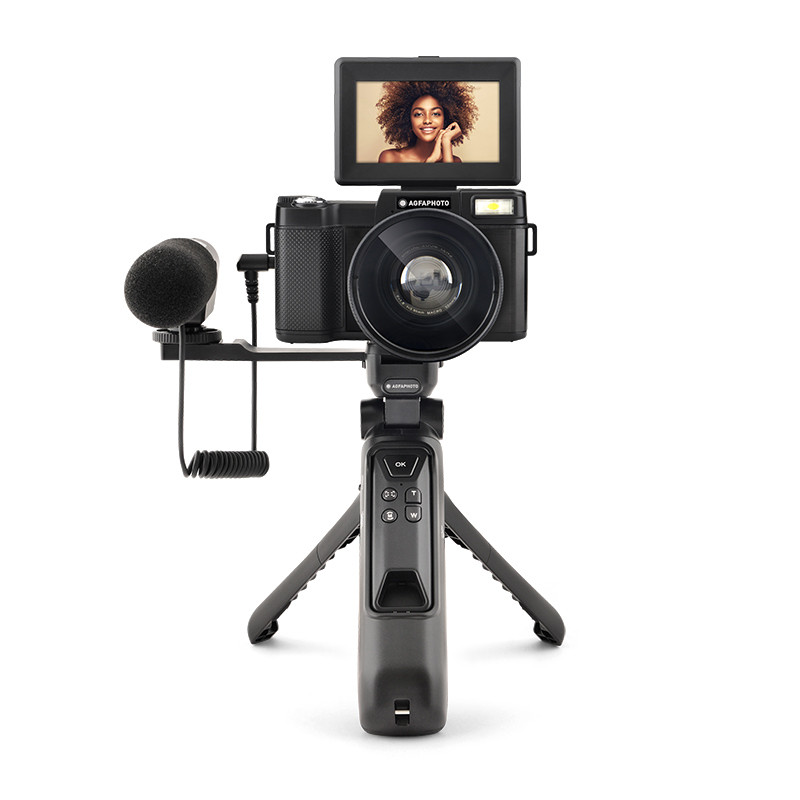
Best Budget Choice: Sony ZV-1F
The Sony ZV-1F is a strong budget vlogging camera for creators who mostly film themselves at arm’s length. Its fixed 20mm equivalent lens gives a wide view. That helps fit your face and background into the frame.
The camera has a one-inch sensor, a flip-out screen, face and eye autofocus, a microphone input, and 4K recording. These features cover the main needs of a beginner vlogger.
The fixed lens is both its strength and its limit. You do not need to think about zoom settings, but you cannot zoom optically when a subject is far away. Digital zoom reduces image detail.
The ZV-1F also relies on electronic stabilization. Keep your steps slow, use a small tripod, or add a simple grip for better results. If you plan to walk often, the Pocket 3 is usually the better tool.
Choose the Sony ZV-1F when you want a simple, wide, compact camera for indoor videos, desk work, and selfie-style vlogging.

Best Simple Creator Camera: Canon PowerShot V10
The Canon PowerShot V10 is designed for easy, direct-to-camera video. Its built-in stand lets you place it on a desk, counter, or table without buying a separate tripod. Its vertical body can also feel natural to hold during short videos.
The wide lens is useful for self-recording. The flip-up screen helps you check framing. Canon also includes built-in microphones and video-focused controls.
The V10 makes the most sense for creators who want a small camera with little setup. It can work well for cooking clips, interviews, home videos, short travel updates, and social media content.
Its limits are clear:
- The lens is fixed
- The sensor is smaller than the one in the Sony ZV-1 II and DJI Pocket 3
- Stabilization is not designed to replace a gimbal
- Low-light image quality is limited
- It has less room for advanced camera growth
Choose the Canon PowerShot V10 if ease of use and a built-in stand matter more than advanced image control.
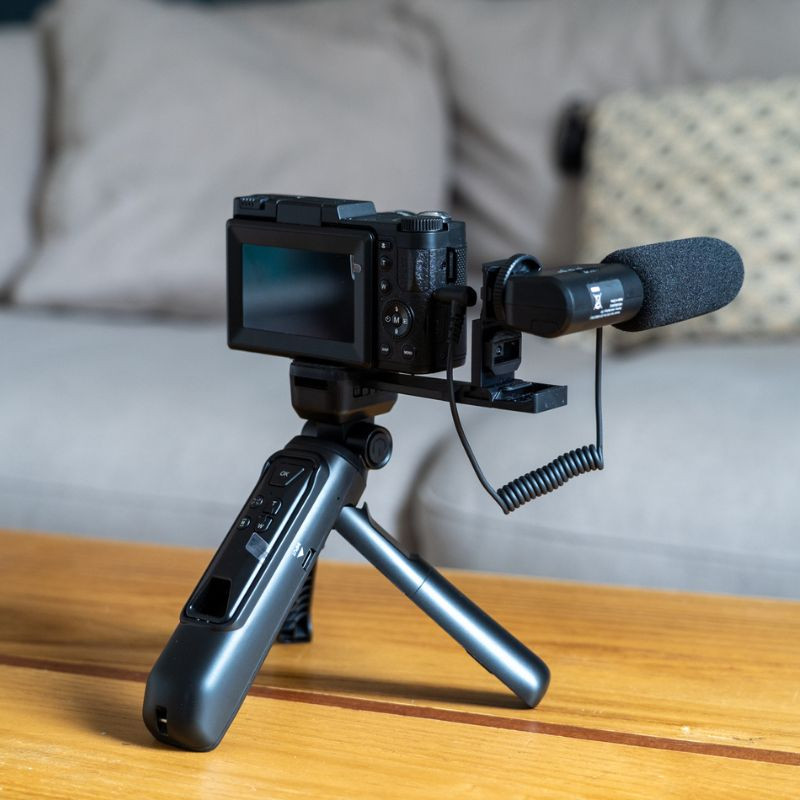
Best Small Interchangeable-Lens Camera: Sony ZV-E10 II
The Sony ZV-E10 II is the best choice for vloggers who want to start small but grow into a more advanced setup. It uses an APS-C sensor, which is larger than the one-inch sensors in the cameras above. A larger sensor can help with low-light quality and background blur, though the lens still matters.
You can change lenses for different jobs. A wide lens can help with handheld vlogging. A bright prime lens can improve indoor footage. A telephoto lens can help with distant subjects.
The ZV-E10 II includes a side-opening screen, a microphone input, a headphone output, subject recognition features, and high-resolution video modes. It is better suited to a creator who may later add lights, microphones, lenses, and a tripod.
The trade-off is size. Once you add a lens, the camera may no longer fit in a pocket. You also need to learn more about lens choice, exposure, batteries, and storage.
Choose the Sony ZV-E10 II if image flexibility matters more than the smallest possible body.

How to Choose the Best Small Camera for Vlogging
The right camera depends on how you shoot. Start with your movement, distance from the camera, light, audio, and final video format.
1. Decide whether you walk or stay in one place
For walking videos, stabilization should be a top priority. The DJI Osmo Pocket 3 has a mechanical gimbal, so it is the strongest choice for smooth movement.
For seated videos, a Sony ZV-1 II, Sony ZV-1F, or Canon PowerShot V10 may be easier. You can place the camera on a small tripod and avoid most walking shake.
2. Check the lens width
A wide lens lets you hold the camera closer to your face. This matters in small rooms, on a plane, in a car, or on a busy US city sidewalk.
A lens around 18mm to 20mm in full-frame equivalent terms is usually comfortable for handheld self-recording. A narrower lens may cut off your face or force you to hold the camera farther away.
A very wide lens can also stretch faces near the edge of the frame. Keep your face near the center for a more natural look.
3. Think about light before sensor size
A larger sensor can help, but light often makes a bigger difference. A small LED light near your desk may improve video more than a camera upgrade.
Use this order:
- Face a window or soft light.
- Keep bright windows out of the background when possible.
- Use a small fill light for dark rooms.
- Then consider a larger sensor or brighter lens.
Never point a strong light directly into your eyes. Use a diffuser or bounce the light from a wall.
4. Treat audio as a major feature
Viewers may tolerate a soft image. They are less likely to tolerate speech covered by wind, traffic, or room echo.
Look for:
- A microphone input
- A built-in microphone with wind protection
- A hot shoe or accessory mount
- A headphone output if you need audio monitoring
- Support for a wireless microphone system
For outdoor videos, a furry windscreen or wireless microphone can make a large difference. Test the sound before recording a long take.
5. Match the camera to your video format
If you mainly publish standard YouTube videos, a horizontal screen and 4K recording are useful. If you publish Shorts or Reels, a rotating screen or easy vertical setup saves time.
Do not record every video in vertical mode just because a platform supports it. Choose the format that matches where your audience watches.
Small Camera Features That Matter Most
Some features sound impressive but have little effect on your daily workflow. Focus on the functions you will use in nearly every video.
Autofocus
Face and eye detection can keep you sharp while you move. This is especially useful for solo creators. Test autofocus in the lighting where you normally record. A feature that works well outdoors may behave differently in a dim room.
Screen design
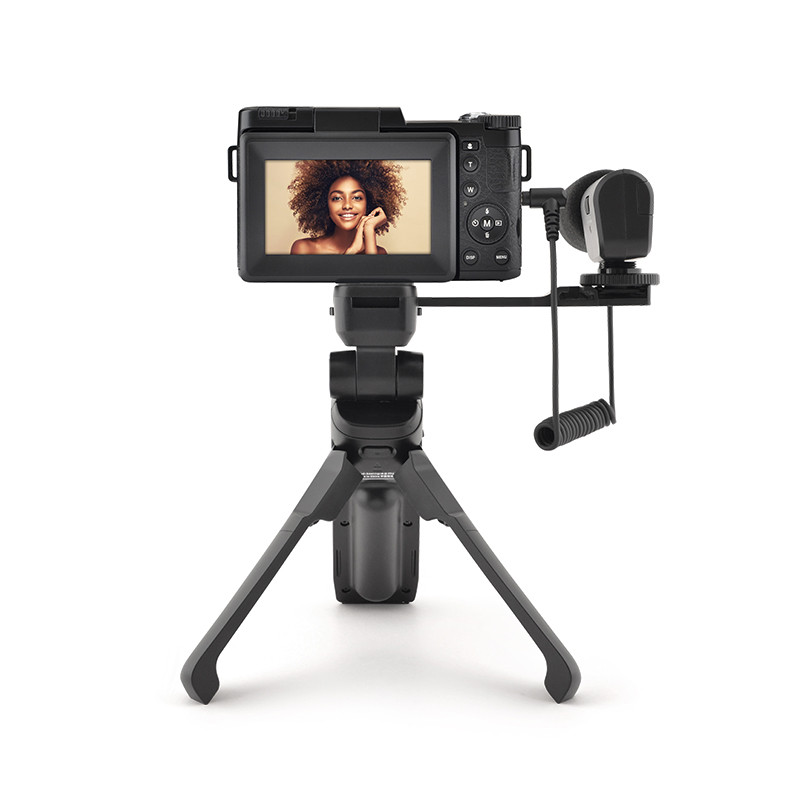
A side-opening screen is helpful when you mount a microphone or light on top of the camera. A flip-up screen can be blocked by some accessories.
A rotating screen is useful if you switch between horizontal and vertical content.
Battery and storage
Small cameras often use small batteries. Carry at least one spare battery or a USB-C power bank that the camera supports.
Use a memory card that meets the camera maker’s speed requirements. A slow or damaged card can stop a recording or cause file errors. Format the card in the camera after backing up your files.
Heat
High-resolution video uses more power and can create more heat. Heat limits depend on room temperature, recording mode, card type, battery condition, and camera settings.
For long recordings:
- Keep the camera out of direct sun.
- Use a fully charged battery.
- Remove unnecessary accessories.
- Test the exact recording mode before an important event.
- Stop if the camera becomes unusually hot or shows a warning.
Accessories Worth Buying First
Buy accessories that solve a real problem. You do not need a large kit to begin.
Useful first purchases
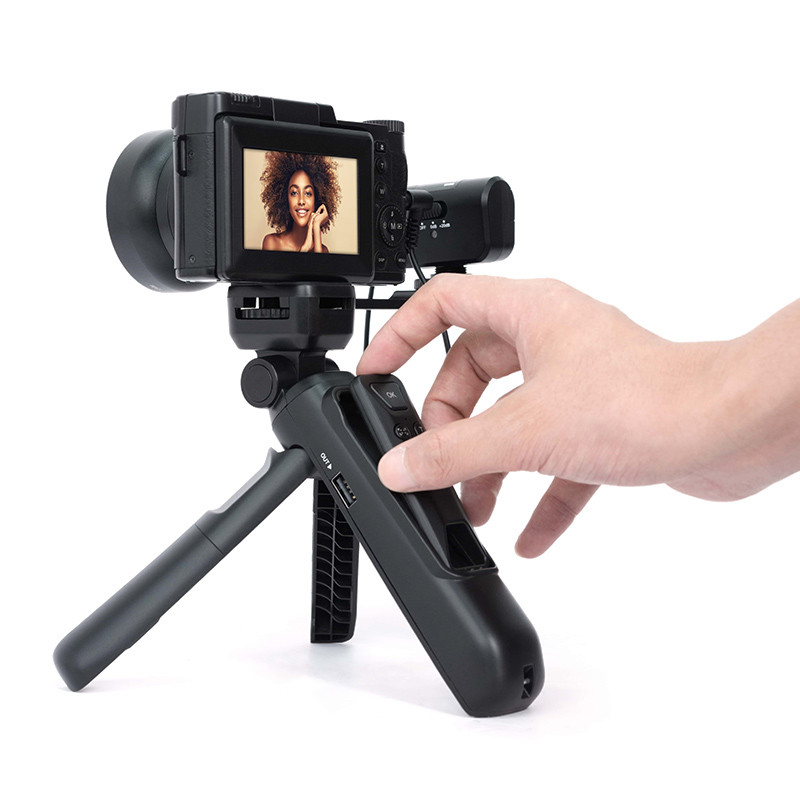
- Small tripod or hand grip
- Spare battery
- Fast, compatible memory card
- Wind protection
- Compact LED light
- External microphone
- Protective case
- USB-C cable or approved charger
A small grip can improve handheld footage. A tripod helps with stationary videos. A microphone is most useful when the camera is far from your mouth or when you record outdoors.
Avoid blocking the camera’s microphones, vents, screen, or gimbal. Check the manual before using third-party batteries or chargers.
Common Small-Camera Vlogging Mistakes
Using digital zoom
Digital zoom enlarges the image without adding detail. Move closer when it is safe, use an optical zoom, or crop a high-resolution file during editing.
Recording in poor light
A small camera cannot create clean detail from a very dark room. Add light before raising the camera’s gain or ISO too far.
Ignoring wind
Wind noise can ruin an otherwise good clip. Use a windscreen and face away from strong gusts when possible.
Holding the camera too low
Keep the lens near eye level for a more natural view. A low angle can make the camera point toward the ceiling or distort your face.
Forgetting to check the frame
Before recording, check:
- Your eyes are near the upper third of the frame.
- The lens is clean.
- Your face is not in deep shadow.
- The background is not distracting.
- The camera is recording.
- The audio meter responds to your voice.
Buying for specifications alone
A camera with more video modes is not always better for your work. A simple camera that you carry every day may produce more useful footage than a powerful camera that stays at home.

Frequently Asked Questions
Is a phone or a small camera better for vlogging?
A phone may be better when you want the fastest workflow, easy sharing, and no extra device. A small camera may offer a more natural lens, better handling, a microphone input, longer recording comfort, or a larger sensor.
Use the device that fits your filming habit. The best camera is often the one you have with you and know how to use.
Is 4K necessary for vlogging?
No. Full HD can work well for many platforms. 4K gives you more room to crop, stabilize, and reframe during editing. It also uses more storage and battery power.
Record in 4K when your computer, storage, and editing software can handle it.
What camera is best for vlogging at night?
No small camera is ideal in very poor light. The Sony ZV-E10 II can offer more low-light flexibility because of its larger APS-C sensor and interchangeable lenses. A fast lens and a small light may improve results more than the camera body alone.
Do vloggers need a gimbal?
No. A gimbal is useful for smooth walking shots, but it adds cost and setup. The DJI Osmo Pocket 3 has a built-in gimbal. Other cameras can work well with a small tripod, grip, or electronic stabilization.
Can these cameras record vertical video?
Many can record vertical video, but the process differs. The DJI Osmo Pocket 3 has a rotating screen and supports vertical shooting. Other cameras may require you to rotate the camera or crop horizontal footage during editing.
Check the camera’s manual before buying if vertical video is your main format.
Final Recommendation
The Sony ZV-1 II is the best small camera for vlogging for most people. Its wide zoom lens, front-facing screen, autofocus, microphone support, and compact body cover the widest range of common vlog tasks.
Choose the DJI Osmo Pocket 3 if you walk often. Choose the Sony ZV-1F if you want a lower-cost wide-angle camera. Choose the Canon PowerShot V10 if simple setup is your priority. Choose the Sony ZV-E10 II if you want interchangeable lenses and a path toward more advanced video.
Before you buy, decide where you will film, how far the camera will be from your face, whether you will walk, and how much control you want over lenses and sound. Those answers will usually matter more than a long list of specifications.
Recent Posts
Find the best camera for vlogging and photography with expert tips on image quality, video features, portability, and value.
Find out what is the best camera for vlogging on YouTube, with expert tips on video quality, portability, audio, and value for creators.