
For most vloggers in the United States, the iPhone 16 Pro is the best all-around phone camera for vlogging. It records high-quality 4K video, has strong stabilization, offers useful front and rear cameras, and works well with popular editing apps.
The Google Pixel 9 Pro is a strong choice for creators who value natural skin tones, clear audio tools, and easy editing. The Samsung Galaxy S25 Ultra is better for long-range shots, wide views, and Android users who want more camera control.
The best phone for you depends on more than image quality. Battery life, heat, storage, microphones, stabilization, file transfer, and your filming style all matter.

Quick answer: What is the best phone for vlogging?
The iPhone 16 Pro is the safest choice for most U.S. vloggers because it balances video quality, ease of use, stabilization, editing support, and accessory choice.
| Phone | Best for | Main strength | Main limit |
|---|---|---|---|
| iPhone 16 Pro | Most vloggers | Consistent video and strong stabilization | High cost; limited built-in storage may fill fast |
| iPhone 16 Pro Max | Long shoots | Large battery and screen | Heavy and expensive |
| Google Pixel 9 Pro | Solo creators | Smart video tools and natural color | Less flexible for long-range video |
| Samsung Galaxy S25 Ultra | Travel and action vloggers | Zoom, wide camera, and manual control | Video color may vary between lenses |
| Sony Xperia 1 VI | Manual shooters | Detailed control and creator-focused tools | Less simple for quick social posts |
These recommendations are based on documented features from the manufacturers and on the needs of common vlog setups. They are not a substitute for a controlled camera test. Phone results also change with light, heat, settings, and the editing app used.
What makes a phone camera good for vlogging?
A good vlogging phone must do several jobs at once. It needs a camera that can handle faces, movement, indoor light, outdoor sun, and changing scenes.
The main features to check are:
- 4K video: Gives you more detail and room to crop.
- Stabilization: Reduces shake when you walk or hold the phone.
- A useful front camera: Helps when you film yourself.
- A strong main rear camera: Usually gives better image quality than the selfie camera.
- Good microphones: Clear speech matters more than small gains in sharpness.
- Long battery life: A phone that dies early cannot finish a vlog.
- Enough storage: 4K files can use a great deal of space.
- Heat control: Long video recording can make a phone hot.
- Fast file transfer: You need an easy way to move clips to a computer or editor.
- Reliable autofocus: Your face should stay sharp as you move.
The main rear camera often produces the best image. The front camera is more convenient, but it may have a smaller sensor and weaker low-light performance.
Why stabilization matters
Stabilization keeps a handheld video from looking shaky. Optical image stabilization uses moving lens or sensor parts. Electronic stabilization adjusts the image with software. Many phones use both.
Stabilization can crop the image. That means the final view may look narrower than the original view. Extra stabilization modes may crop even more.
For walking videos, a phone with steady standard video may look better than a phone with a high-resolution mode that produces shaky footage.
Why audio matters more than many buyers expect
Viewers may accept a soft image. They are less likely to stay when speech sounds distant, windy, or muffled.
A phone can have excellent cameras and weak built-in audio. For regular vlogging, plan to use one of these:
- A wired lavalier microphone
- A wireless microphone system
- A compact camera microphone with a compatible adapter
- A small recorder placed close to the speaker
Check whether the phone uses USB-C, whether it supports digital audio, and whether your chosen microphone needs a separate receiver or adapter.
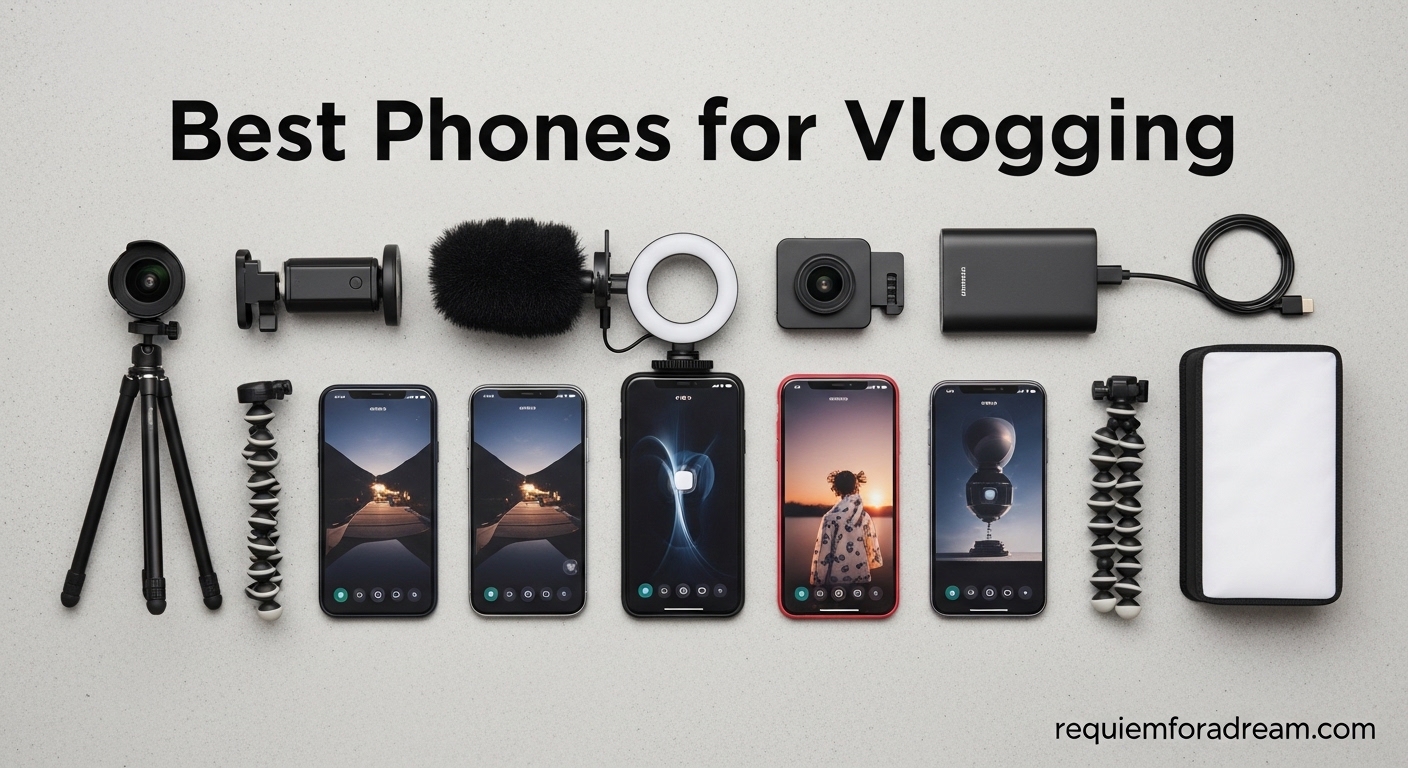
Best overall: iPhone 16 Pro
The iPhone 16 Pro is the best phone camera for vlogging for most people who want simple, dependable results.
Apple documents support for 4K video recording, several frame rates, sensor-shift stabilization, and ProRes recording on supported models and storage levels. The phone also works with a large range of microphones, tripods, cages, lights, and editing apps.
The biggest advantage is consistency. The iPhone usually makes it easy to point, record, and get usable color and exposure without changing many settings.
Why it works well for vloggers
- Strong video quality from the main rear camera
- Good stabilization for walking shots
- A wide camera for rooms and group clips
- A front camera for direct-to-camera work
- Broad support for mobile editing apps
- USB-C file transfer
- Strong accessory support in the U.S.
- Good performance for vertical and horizontal video
The iPhone 16 Pro also supports Apple Log and ProRes on compatible settings. These formats can help advanced users grade video, but they use much more storage and may require a faster editing workflow.
Limits to consider
The iPhone 16 Pro is not the best choice for every creator. ProRes files can become large very quickly. The phone can also become warm during long recordings, especially in direct sun or while using demanding video modes.
The standard iPhone 16 may be enough for casual creators. The Pro model makes more sense when you need stronger camera flexibility, advanced video formats, or a telephoto camera.
Best for: Daily vlogs, interviews, travel videos, food videos, and creators who want a simple workflow.
See Apple’s official iPhone 16 Pro technical specifications for documented recording modes and camera features.

Best Android phone for vlogging: Google Pixel 9 Pro
The Google Pixel 9 Pro is a strong Android choice for creators who want natural color, simple controls, and smart video features.
Google lists 4K video recording, optical and electronic stabilization, a triple rear camera system, and several software-based video tools for the Pixel 9 Pro. The phone’s image processing can produce clear faces and balanced exposure in many everyday scenes.
The Pixel 9 Pro is especially appealing to solo vloggers. You can film yourself, review clips, and make quick edits without learning a complex camera system.
Strengths for vloggers
- Natural-looking skin tones in many lighting conditions
- Strong main and ultrawide cameras
- Telephoto camera for distant subjects
- Useful software processing
- Bright display for outdoor framing
- Clean Android editing workflow
- Good still photos for thumbnails and social posts
Google’s Video Boost feature can improve some video results through cloud processing. It may require an internet connection and can affect the time needed before the finished clip is ready. Check Google’s current support terms before relying on it during travel.
Limits to consider
The Pixel 9 Pro may not offer the same level of third-party video accessory support as the iPhone. Some creators may also prefer the iPhone’s color consistency when switching between lenses.
The phone is a good fit for normal clips. It may be less ideal for creators who need heavy manual control, long telephoto work, or a color-matched multi-camera setup.
Best for: Android users, talking-head videos, travel clips, and creators who want strong automatic processing.
Read Google’s Pixel 9 Pro specifications for its listed camera and video features.

Best for zoom and travel: Samsung Galaxy S25 Ultra
The Samsung Galaxy S25 Ultra is the best option for vloggers who need a wide range of focal lengths.
Its rear camera system includes an ultrawide camera and multiple telephoto cameras. This gives you more ways to frame a subject without moving the phone as much. That can help during travel, outdoor events, sports, and city videos.
Samsung also offers advanced camera controls through its camera apps. Experienced users can adjust more settings than they may find on a basic point-and-shoot phone.
Strengths for vlogging
- Flexible rear camera system
- Strong zoom options
- Useful ultrawide view
- Large, bright display
- Manual camera controls
- High-resolution video modes
- Strong battery capacity for long days
The wide camera can help in small rooms. The telephoto cameras can make distant buildings, signs, and landscapes more interesting.
Limits to consider
Switching between cameras can produce changes in color, exposure, or sharpness. In low light, a digital crop may look less clear than a shot from the main camera.
The Galaxy S25 Ultra is also a large phone. It may need a strong grip, cage, or small tripod for comfortable filming.
Best for: Travel vloggers, outdoor creators, action clips, and Android users who want zoom and control.
Samsung’s Galaxy S25 Ultra product page provides the manufacturer’s current feature details.

Best phone for selfie vlogging
For selfie vlogging, the best phone is not always the one with the highest front-camera resolution. A good selfie setup also needs reliable autofocus, a clear preview, stable exposure, and strong audio.
The iPhone 16 Pro is a safe choice for creators who speak directly to the camera. The Pixel 9 Pro is also strong for automatic face exposure and natural color. The Galaxy S25 Ultra offers a bright screen and a wide rear-camera system, which can be useful when someone else operates the phone.
For better results:
- Clean the front lens before recording.
- Face a window or soft light.
- Keep the phone near eye level.
- Lock exposure when the brightness keeps changing.
- Use an external microphone when speech matters.
- Leave space around your head for vertical cropping.
- Record a short test clip before the full take.
A rear camera often looks better than a selfie camera. You can use a small monitor, a smartwatch preview, or a mirror setup if your phone supports it.
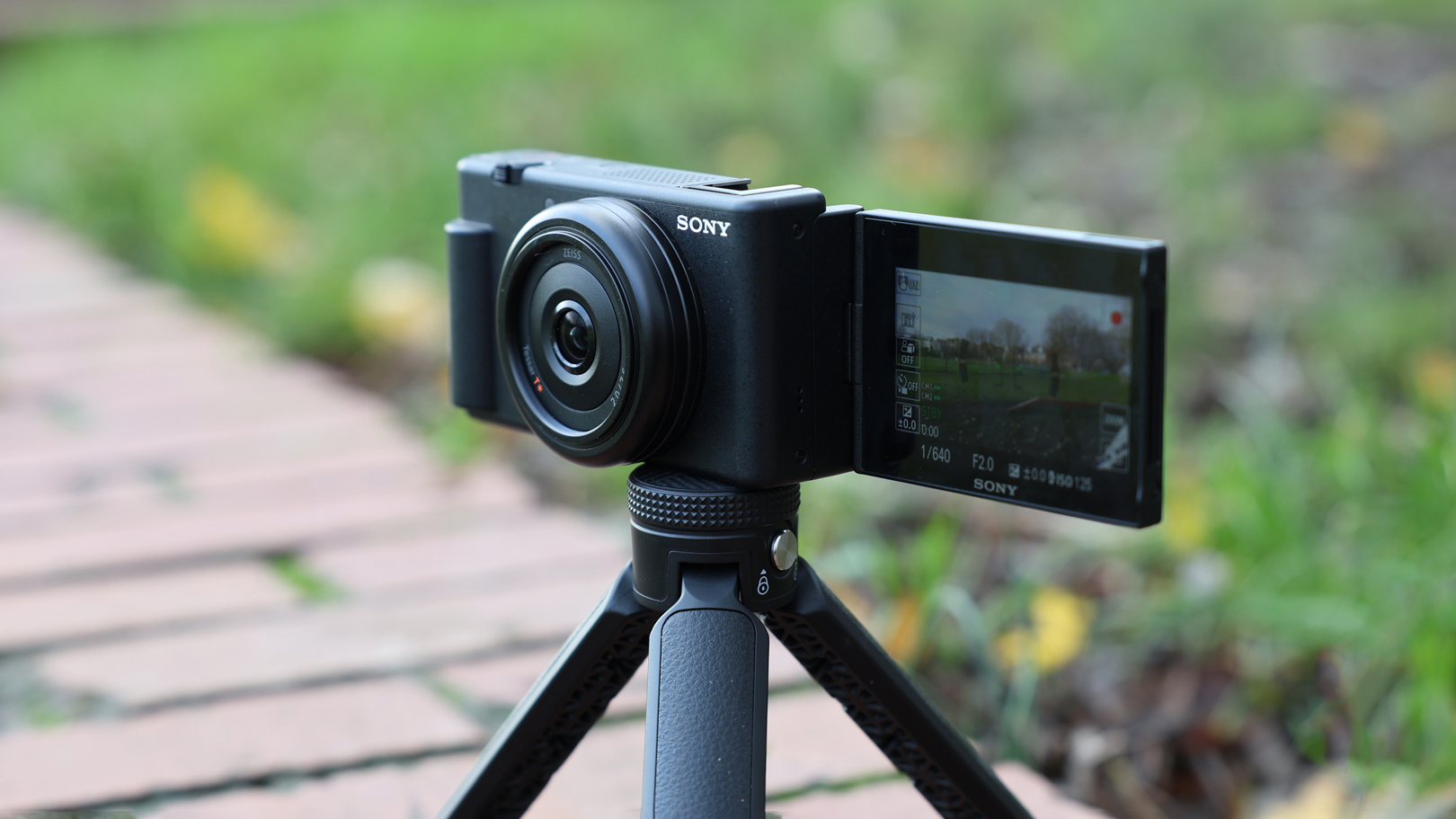
Best phone settings for vlogging
The best settings depend on where you will publish the video. Use simple settings first. More data is not always better if your phone, storage, or editor cannot handle it.
Recommended starting settings
| Use case | Resolution | Frame rate | Useful note |
|---|---|---|---|
| YouTube vlog | 4K | 30 fps | Good detail and natural motion |
| Walking or action | 4K | 60 fps | Smoother motion; uses more storage |
| Low light | 4K or 1080p | 24 or 30 fps | Avoid very fast frame rates |
| TikTok or Reels | 4K vertical | 30 fps | Frame the shot for a 9:16 crop |
| Slow motion | 1080p or 4K | High frame rate | Needs bright light |
Use 30 frames per second as a safe starting point. Use 60 fps when you need smoother motion or plan to slow the clip down.
Higher resolution and frame rates create larger files. They can also increase heat and battery use. Test your chosen mode for at least five minutes before a long shoot.
HDR and log video
HDR video can preserve more detail in bright skies and dark areas. But the final look depends on your phone, editor, export settings, and viewing platform.
Log video is designed for color grading. It often looks flat before editing. Do not use it unless you understand how to grade and export it.
For most new vloggers, standard video with good light and clean audio is the better choice.
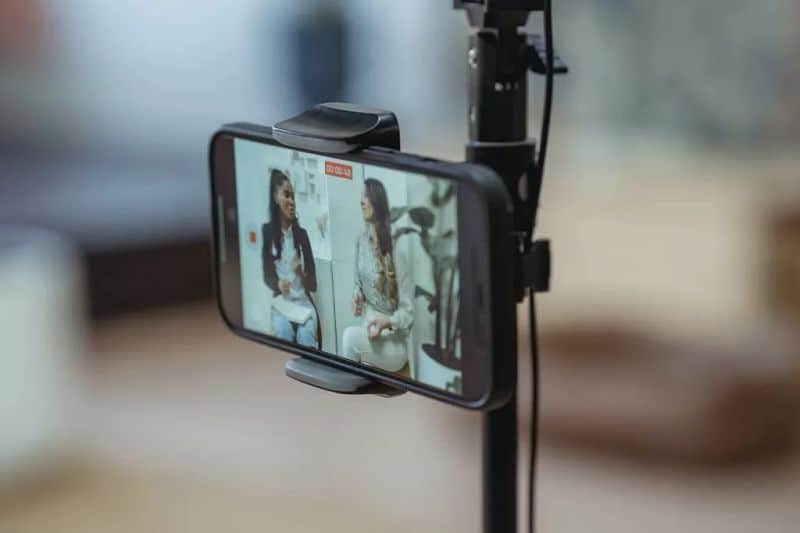
Phone camera accessories that improve vlogs
A modest accessory can improve a vlog more than a phone upgrade.
Start with a microphone. Then add support and light if your budget allows.
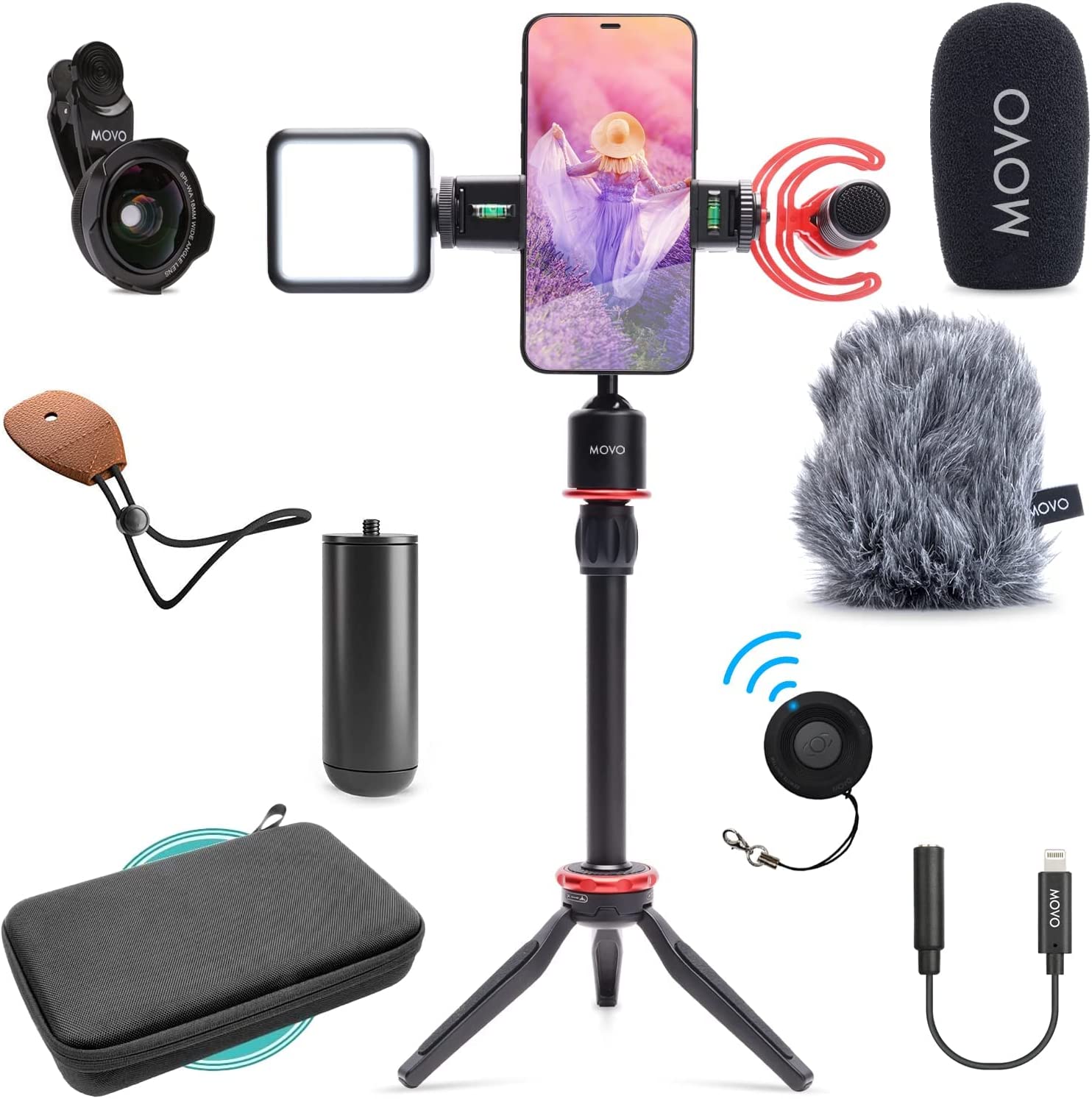
Useful accessories
- Wireless microphone: Keeps speech clear while you move.
- Small tripod: Helps with sit-down videos and steady shots.
- Phone cage or grip: Makes handheld filming more secure.
- Portable LED light: Helps indoors and at night.
- Power bank: Extends filming time.
- Fast USB-C storage: Helps move large video files.
- Lens cloth: Removes fingerprints and dust.
- Small windscreen: Reduces wind noise outdoors.
Check the connector and app support before buying a microphone. Some wireless systems record into their own receiver. Others depend on a phone app.
Do not cover the phone’s microphones, speakers, or cooling areas with a case or grip. Avoid filming in heavy rain unless the entire setup is rated for it. Water resistance can weaken with age, drops, repairs, and wear.
How to choose the right vlogging phone
Choose by your filming style, not by the camera megapixel number.
Choose the iPhone 16 Pro if you:
- Want the easiest path from recording to editing
- Use iPhone, Mac, or iPad devices
- Need strong third-party accessory support
- Want dependable stabilization
- Plan to use advanced video formats later
Choose the Google Pixel 9 Pro if you:
- Prefer Android
- Want strong automatic image processing
- Film people and travel scenes
- Value simple editing tools
- Do not need extensive manual video control
Choose the Galaxy S25 Ultra if you:
- Need zoom for travel or outdoor scenes
- Want several rear-camera views
- Prefer a large display
- Like manual camera controls
- Want a powerful Android camera system
Choose an older or standard model if you:
- Mainly post short vertical clips
- Film in good light
- Do not need telephoto video
- Already own a compatible microphone and tripod
- Want to spend more on audio and lighting
A phone from the last few years can still make good vlogs. A strong microphone, steady support, and soft light often matter more than a small jump in camera specifications.
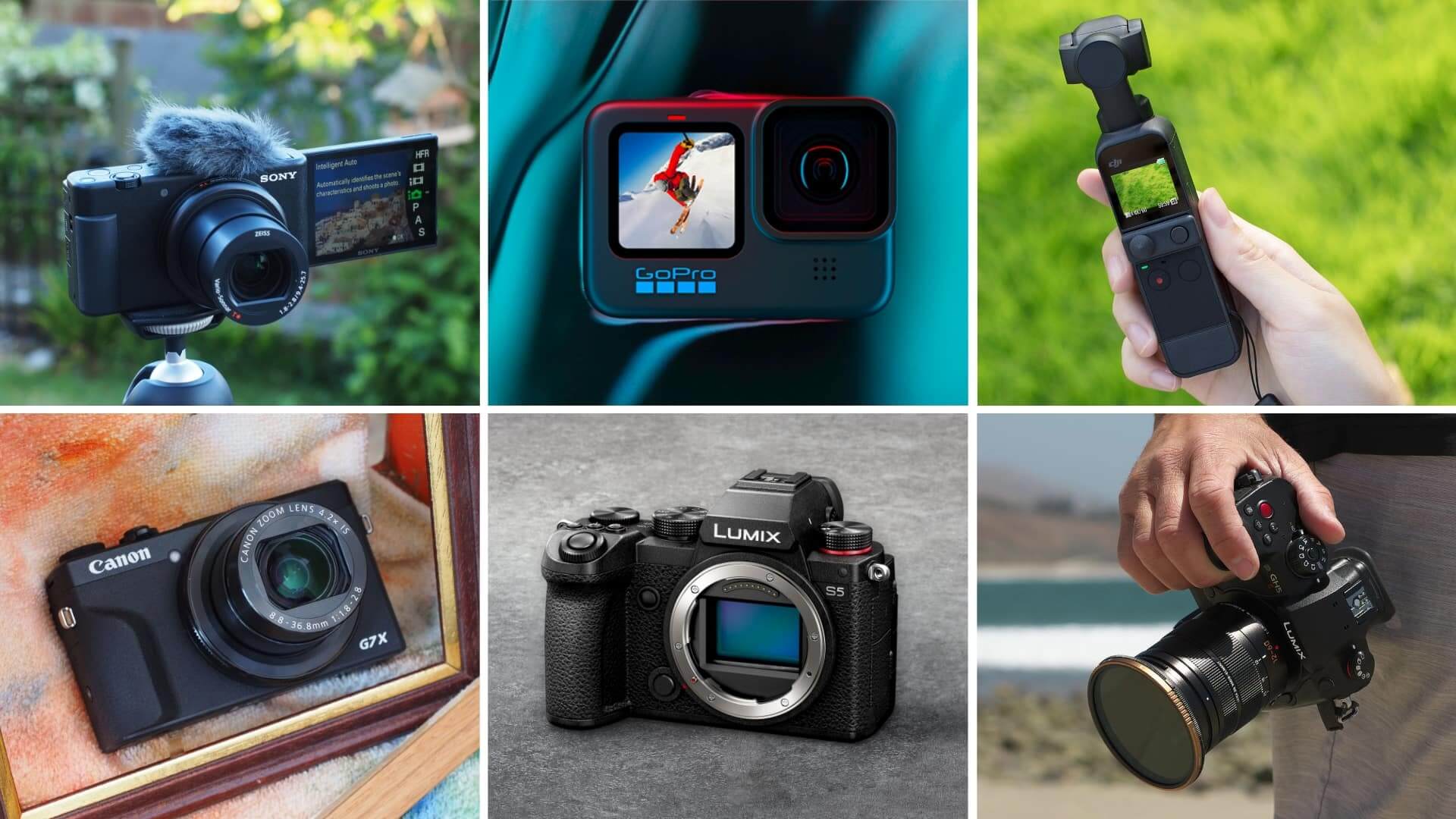
Common vlogging mistakes to avoid
Many weak vlogs fail because of setup problems, not camera quality.
Recording only with the front camera
The front camera is convenient. The rear camera often gives better detail and low-light results. Use a preview method when image quality matters.
Ignoring storage
A single 4K clip can be much larger than expected. Check free storage before filming. Move old clips to a computer or approved cloud service.
Using digital zoom
Digital zoom enlarges part of the image. It can make footage look soft. Move closer or use the phone’s optical telephoto camera when available.
Filming with a dirty lens
Fingerprints create haze and reduce contrast. Wipe the lens with a clean microfiber cloth.
Recording in poor light
A bright phone camera cannot fully fix a dark room. Face a window or use a soft LED light. Avoid placing a bright window behind you.
Trusting phone water resistance
Water resistance is not the same as waterproof protection. Salt water, pools, steam, and drops can damage a phone. Keep the phone dry when the risk is high.
Forgetting the edit
Test how your chosen phone transfers files and works with your preferred editor. A good camera is less useful when clips are hard to move or edit.
Key takeaways
- Best overall: iPhone 16 Pro
- Best Android option: Google Pixel 9 Pro
- Best for zoom and travel: Samsung Galaxy S25 Ultra
- Most important upgrade for many creators: A good microphone
- Best starting video setting: 4K at 30 fps
- Best buying rule: Match the phone to your filming style, storage needs, and editing workflow
Frequently asked questions
Is an iPhone or Android phone better for vlogging?
Neither is always better. iPhones offer a very consistent video workflow and broad accessory support. Android phones can offer stronger zoom, larger displays, and more manual control. Choose the system that works with your computer, editing apps, microphones, and cloud storage.
Is 4K necessary for vlogging?
No. 1080p can work well for social media and small screens. 4K gives you more detail and lets you crop the image, but it uses more storage and battery. Use 4K when your phone has enough space and your editing workflow can handle it.
Do I need a gimbal for phone vlogging?
Not always. Good phone stabilization is enough for many walking clips. A gimbal can create smoother movement, but it adds weight, cost, setup time, and another battery to manage.
How much storage should a vlogger get?
Choose more storage if you record often in 4K or keep raw clips on the phone. The right amount depends on your workflow. If you regularly transfer files after each shoot, you may need less built-in storage than a creator who keeps weeks of footage.
Which is more important: camera quality or microphone quality?
For spoken vlogs, audio quality is often the better first upgrade. Viewers need to understand you. A phone with a good camera and poor sound can feel less professional than a phone with a slightly weaker camera and clear speech.
Can I vlog with a regular smartphone?
Yes. You can start with almost any recent smartphone that records stable video. Begin with good light, clear audio, steady framing, and a simple editing app. Upgrade only after you know what limits your current phone.
Conclusion: Which phone camera should you buy?
The iPhone 16 Pro is the best phone camera for vlogging for most U.S. creators. It offers a strong balance of video quality, stabilization, editing support, and accessories.
Choose the Google Pixel 9 Pro if you want an easy Android workflow and strong automatic image processing. Choose the Samsung Galaxy S25 Ultra if zoom, travel, and manual control matter most.
Before you buy, test your full setup: phone, microphone, storage, tripod, editing app, and file transfer. The best vlogging phone is the one that lets you record clear video and sound without slowing down your work.
Recent Posts
Compare eight anti-theft travel sling bags, including Travelon and Pacsafe options. Learn what security features matter, how to choose, and which bag fits your trip.
Find out what is a good video camera for vlogging, with expert tips on image quality, audio, stabilization, and portability.