
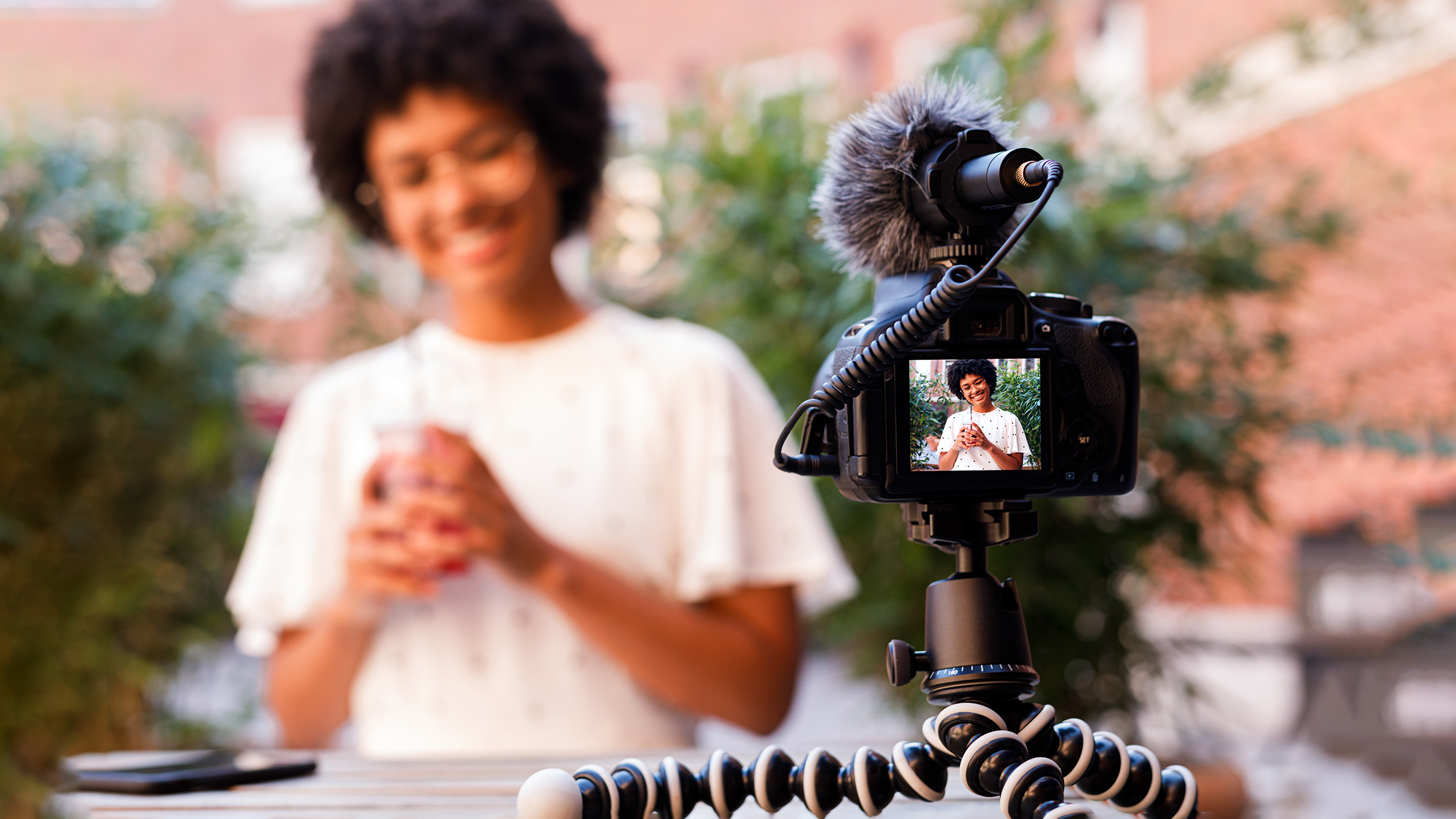
The best vlogging camera is not the one with the most features. It is the one that fits your filming style, records clear video and sound, stays easy to carry, and works well in the places you film across the United States.
Start with four needs: image quality, autofocus, audio, and ease of use. Then check stabilization, battery life, screen design, heat control, lens choice, and file transfer. A small camera with a built-in microphone may suit a travel creator. A larger interchangeable-lens camera may suit studio videos, interviews, or low-light work.
Your goal is simple: choose a camera that lets you record more and fight with settings less.

1. Match the Camera to Your Vlogging Style
Your type of vlog should guide your camera choice. A camera for walking tours in New York City has different needs from one used for desk videos in a home office.
| Vlogging style | Features to value most |
|---|---|
| Travel and daily vlogs | Small size, strong stabilization, long battery life, USB charging |
| Walk-and-talk videos | Reliable autofocus, wide lens, light body, wind control |
| Home or studio videos | Good low-light quality, clean HDMI, external microphone input |
| Interviews | Headphone port, two audio inputs, long recording time |
| Sports and action | Strong stabilization, rugged body, wide view, fast startup |
| Beauty and product videos | Accurate color, sharp close focus, clear screen, soft light support |
| Live streaming | USB webcam mode, power while recording, dependable connection |
| Vertical social videos | Rotating screen or vertical shooting support, fast file transfer |
A camera that is ideal for one style may be poor for another. For example, a large full-frame camera can create soft background blur, but it may feel heavy during a long walking vlog.
Decide where you will film
Think about your normal locations:
- Indoors: Low-light quality and a microphone input matter most.
- Outdoors: Wind control, stabilization, battery life, and weather limits matter more.
- In a car: Mounting, heat, screen visibility, and safe operation matter.
- At a desk: A flip screen, webcam support, and external power can save time.
- While traveling: Weight, charging, file backup, and lens size become key concerns.
Write down your most common setup before you compare cameras. Your real routine matters more than a long feature list.
A good vlogging camera removes friction. If it is hard to carry, slow to start, or difficult to frame, you may leave it at home.

2. Choose the Right Sensor Size
The image sensor collects light. Its size affects image quality, depth of field, low-light results, camera size, and lens cost.
Common sensor sizes include:
- 1/2.3-inch: Very small and common in compact cameras and action cameras.
- 1-inch: A useful middle ground for compact vlog cameras.
- Micro Four Thirds: Larger than a 1-inch sensor and supported by many small lenses.
- APS-C: A strong balance of image quality, size, and cost.
- Full frame: Larger still, with strong low-light potential and more background blur.
A larger sensor can produce a cleaner image in dim light. It can also make it easier to blur the background. But sensor size alone does not guarantee better video.
Lens brightness, image processing, focus, lighting, and camera settings also affect the result.
What sensor size should a vlogger choose?
For many creators, a 1-inch, Micro Four Thirds, or APS-C camera offers a practical balance. A 1-inch compact camera is easy to carry. APS-C gives you more lens options and stronger low-light performance in many cases.
Full frame may be useful if you:
- Film in very low light.
- Want strong background blur.
- Need a wide range of professional lenses.
- Do not mind a larger camera and higher cost.
A small sensor may be enough if you:
- Film outdoors in daylight.
- Use an action camera.
- Value pocket size above all else.
- Add a small light for indoor videos.
Do not buy a larger sensor just for its name. A camera that stays home cannot help your channel.
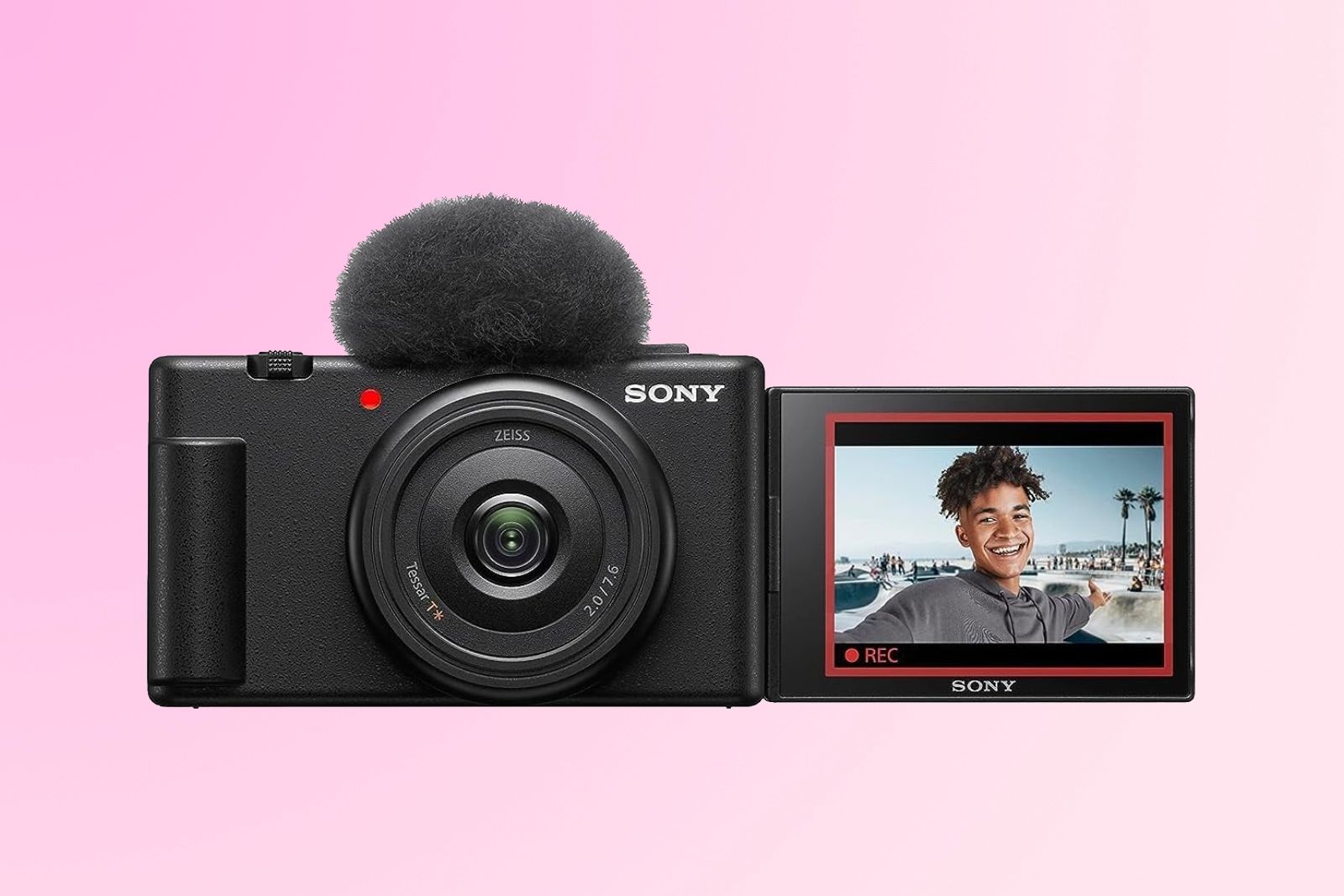
3. Check Video Resolution and Frame Rates
Most modern vlogging cameras record at least 4K video. Four-K video has about four times as many pixels as 1080p, also called Full HD.
4K can help when you:
- Crop the frame during editing.
- Create both horizontal and vertical clips.
- Keep small details sharp.
- Reframe a shot from a wider view.
Full HD can still work well for quick uploads, livestreams, and videos made for small screens. It also uses less storage and may extend battery life.
Understand frame rates
Frame rate means how many frames the camera records each second.
- 24 fps: A film-like look.
- 30 fps: A common choice for online video.
- 60 fps: Smoother motion and useful for half-speed slow motion.
- 120 fps or higher: Slow motion, often with limits on resolution or sound.
For most vlogs, 4K at 24, 30, or 60 fps is enough. Check the exact recording modes before you buy. Some cameras crop the image at 60 fps. Others may limit autofocus, stabilization, or recording time in certain modes.
Watch for crop factors
A crop makes the image look more zoomed in. This can happen when you use electronic stabilization, high frame rates, or certain video settings.
A crop matters when you hold the camera close to your face. A lens that looks wide in one mode may feel too tight in another.
Before buying, check sample footage from the exact model. Look for:
- Changes in framing between modes.
- Loss of detail.
- Rolling shutter during fast movement.
- Flicker under indoor lights.
- Limits on recording time.
Resolution is useful, but it is only one part of video quality.
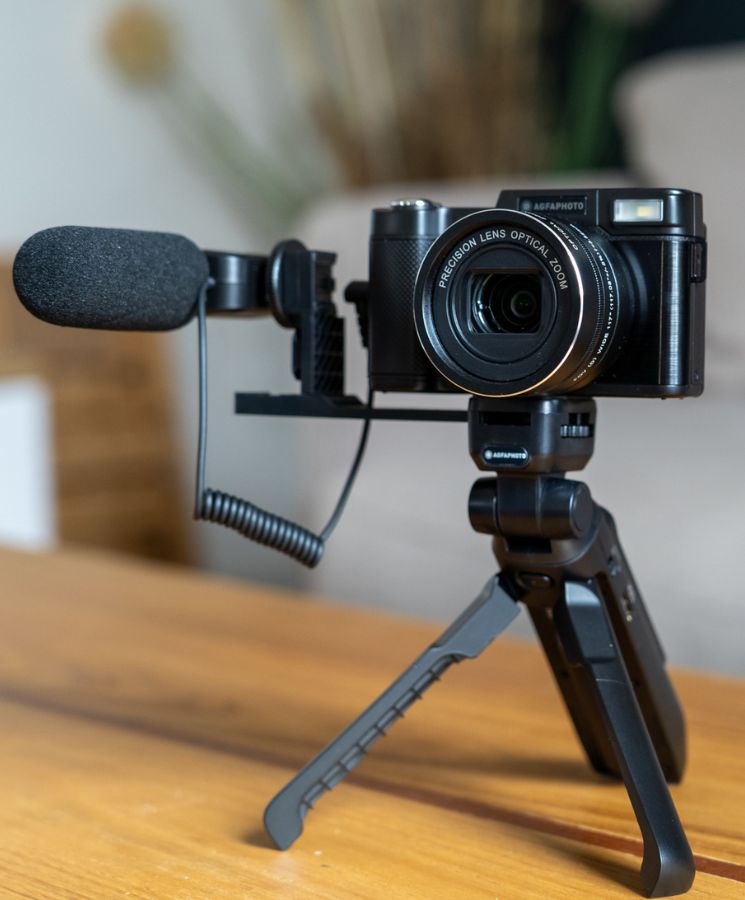
4. Prioritize Autofocus That Works for Faces and Eyes
For most solo vloggers, autofocus is a core feature. Face and eye detection can keep you sharp while you walk, talk, or hold a product near the lens.
Look for:
- Face detection.
- Eye detection.
- Tracking that stays active during video.
- Smooth focus changes.
- A way to lock focus when needed.
A camera may list “subject detection,” but the feature can vary by model and mode. Some systems work well for people but struggle with pets, vehicles, or small products.
Test the focus behavior
Watch sample clips where the creator:
- Walks toward the camera.
- Turns away and returns.
- Holds an object close to the lens.
- Moves from shade into bright sun.
- Films against a busy background.
Good autofocus should change focus without sudden jumps. It should also avoid focusing on the background when your face fills the frame.
Manual focus can help in a fixed studio setup. For handheld vlogging, dependable autofocus usually saves time and missed shots.

5. Do Not Underestimate Audio Quality
Viewers may forgive a soft image. They often leave when the sound is harsh, weak, or full of wind.
A built-in microphone is useful for quick clips. It is not always enough for serious vlogging. Check whether the camera has a 3.5-millimeter microphone input so you can connect an external mic.
Useful audio features include:
- A microphone input.
- A headphone output for monitoring.
- Manual audio levels.
- A visible audio meter.
- Wind noise reduction.
- Support for a digital microphone through the camera’s accessory shoe.
A headphone port lets you hear problems while recording. Without it, you may not notice clothing noise, cable problems, or a dead microphone until you edit.
Pick the microphone for the scene
- Built-in mic: Best for fast clips in quiet places.
- On-camera shotgun mic: Useful when the camera points at you from nearby.
- Wireless lavalier mic: Helpful for walking, interviews, and moving subjects.
- Handheld mic: Useful for street reporting and public interviews.
- External recorder: Good when you need separate, higher-control audio.
Wind is a major problem outdoors. A foam cover helps in light wind. A furry windscreen is usually better in stronger wind.
Do not assume a microphone will solve every sound problem. Distance matters. A microphone close to your mouth often sounds better than an expensive microphone several feet away.

6. Look for Effective Stabilization
Stabilization reduces shake. It can come from the lens, the camera body, electronic processing, or a gimbal.
Main stabilization types
- Optical image stabilization: Moves lens elements to reduce shake.
- Sensor-shift stabilization: Moves the sensor inside the camera.
- Electronic stabilization: Crops the image and adjusts the frame digitally.
- Gimbal stabilization: Uses motors to keep the camera steady.
Electronic stabilization may create a crop. It can also produce a warped or “floating” look during fast movement. Read the manual and check real footage before relying on it.
For a walking vlog, stabilization is most useful when combined with a wide lens. A wider view makes small movements less noticeable.
A tripod, mini tripod, or grip can also improve stability. No camera can fully remove large bumps from running or rough ground.
Match stabilization to movement
- Talking while standing: Basic stabilization may be enough.
- Walking: Use optical, sensor, or electronic stabilization.
- Running or cycling: An action camera or gimbal may work better.
- Locked-off studio video: A tripod matters more than advanced stabilization.

7. Check the Lens and Field of View
The lens controls how much of the scene fits in the frame. This is especially important when you hold the camera at arm’s length.
A lens may look wide enough in a store. Once stabilization adds a crop, the view can feel tight.
Fixed lens or interchangeable lens?
Fixed-lens cameras are simple. The lens is built in, so you do not need to buy or change lenses. They are often small and easy to use.
Interchangeable-lens cameras give you more control. You can choose a wider lens for handheld vlogs, a bright lens for low light, or a longer lens for interviews.
Choose a fixed lens if you want:
- A simple travel kit.
- Lower total cost.
- Fast setup.
- Less gear to carry.
Choose interchangeable lenses if you want:
- Better control over framing.
- More background blur.
- Different looks for different projects.
- A path to grow into photography or advanced video.
Check close-focus ability
Vloggers often show food, products, maps, and small objects. A camera may focus well on faces but struggle with close objects.
Check whether the camera can:
- Focus on an item near the lens.
- Switch focus from your face to the item.
- Keep the item sharp without hunting.
- Maintain a useful working distance.
A camera with a product showcase mode can help, but the feature name and behavior vary by model.
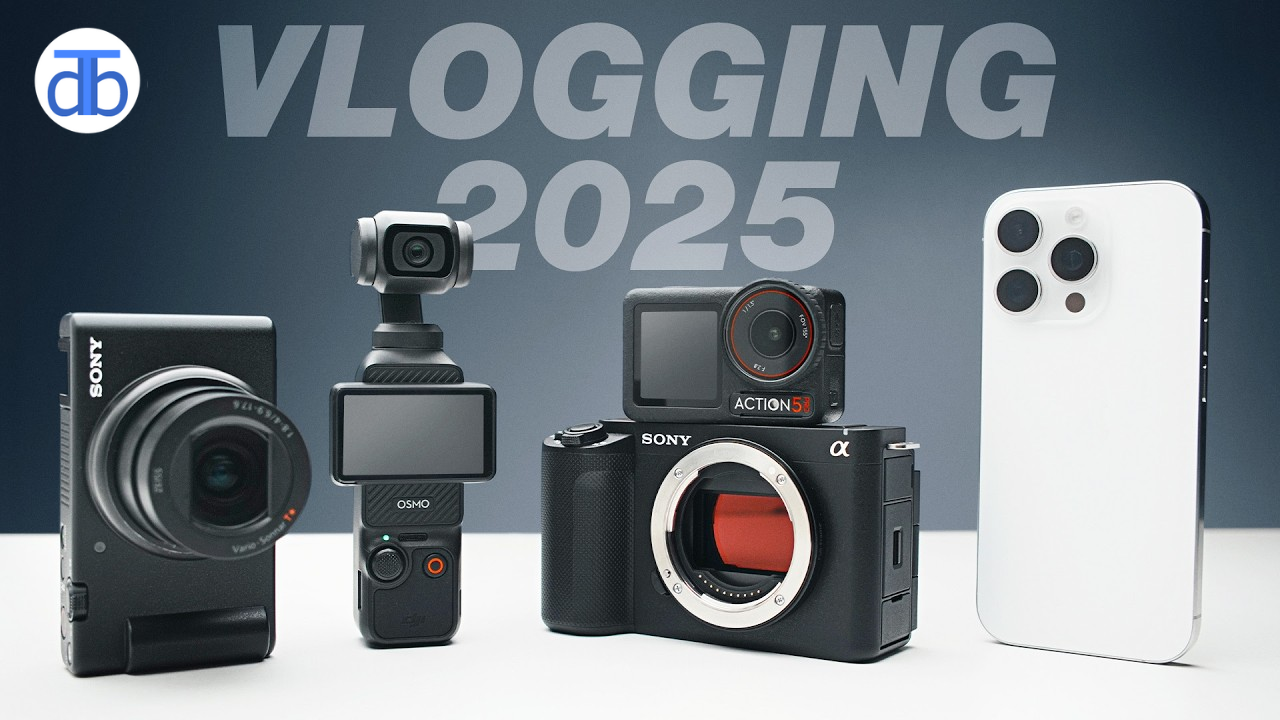
8. Make Sure the Screen Helps You Frame Yourself
A front-facing screen lets you check framing, focus, and exposure while recording alone.
Look for a screen that:
- Flips to the side or rotates upward.
- Remains visible with a microphone attached.
- Is bright enough for outdoor use.
- Responds well to touch.
- Shows audio levels and recording status.
A screen that flips downward may become blocked by a tripod. A side-hinged screen may be easier to see when the camera sits on a grip or stand.
Touch focus can be useful, but physical buttons still matter. Buttons are easier to use when you wear gloves, work in bright sun, or need to change settings without looking down.
A screen does not need to be large to work well. Clear information and a useful viewing angle matter more.

9. Review Battery Life, Charging, and Heat
Battery life can decide whether you capture the shot or pack up early. Camera makers often measure battery life under set conditions. Your results may be shorter when you use 4K, autofocus, stabilization, Wi-Fi, or a bright screen.
Check for:
- Replaceable batteries.
- USB-C charging.
- Charging while recording.
- A clear battery indicator.
- Affordable spare batteries.
- External power support.
A camera that accepts USB power can work well for desk videos and livestreams. Use a suitable power source and follow the camera maker’s instructions.
Heat can stop a recording
Small cameras have less room to move heat away from the sensor and processor. Long 4K recordings, hot outdoor locations, direct sun, and blocked vents can raise the risk of overheating.
Before you buy, check the manual for:
- Maximum recording limits.
- Temperature warnings.
- Recommended settings for hot conditions.
- Required card speeds.
- Whether the camera can record with external power.
Do not place a camera in a hot car or leave it in direct sun. Heat can damage batteries and electronics. Let the camera cool before storing it in a bag.
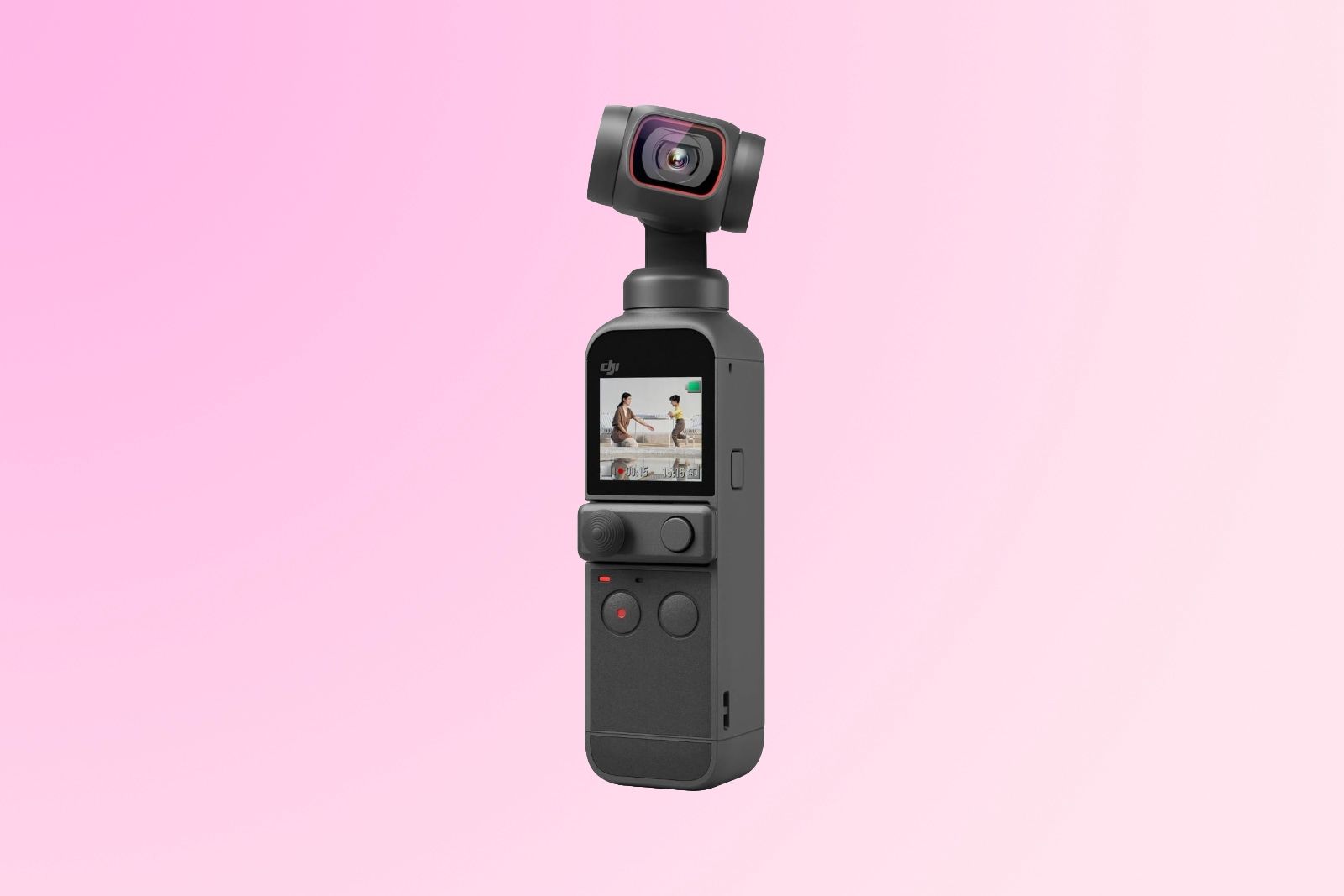
10. Check Storage, File Transfer, and Editing
High-quality video creates large files. A camera may record 4K video well, but the workflow can still be slow if file transfer is difficult.
Look for:
- A standard SD card slot.
- Support for the right card speed.
- USB-C file transfer.
- Wi-Fi or Bluetooth transfer.
- A companion app that works with your phone.
- Files that your editing software can open.
Always check the camera manual for approved card types and speed classes. A slow or poor-quality card can cause recording errors.
Estimate storage needs
A simple estimate is:
Storage needed = bitrate in megabits per second × recording time in seconds ÷ 8 ÷ 1,000
For example, a hypothetical camera recording at 100 Mbps for 10 minutes would use about:
100 × 600 ÷ 8 ÷ 1,000 = 7.5 GB
Actual file sizes vary. Audio, metadata, variable bit rates, and file structure can change the result.
Keep more than one copy of important footage. After a trip or major shoot, copy the files to a computer or storage drive before formatting the card.

11. Consider Manual Controls and Color Options
Automatic settings are useful when you need to start filming quickly. Manual controls become helpful when lighting changes or you want a consistent look.
Useful controls include:
- Shutter speed.
- ISO.
- Aperture.
- White balance.
- Exposure compensation.
- Focus control.
- Picture profiles.
A picture profile changes how the camera records color and contrast. Flat or log profiles can preserve more editing flexibility, but they may require color correction and more storage or processing time.
Do not choose a log profile just because it sounds professional. If you want quick edits, a standard color mode may be better.
Watch shutter speed indoors
Some indoor lights flicker. The problem depends on the light source, shutter speed, and local power frequency. In the United States, many creators use shutter settings that align with 60 Hz lighting, but the right setting still depends on the lights and camera.
If you see bands or pulsing in indoor footage, try a different shutter speed or lighting source. Do not assume the camera is broken.
12. Inspect Ports, Mounts, and Build Quality
Small details can shape your daily workflow.
Useful physical features include:
- A standard tripod mount.
- A microphone input.
- A headphone output.
- USB-C.
- Micro HDMI or full-size HDMI.
- A secure battery door.
- A comfortable grip.
- A hot shoe or accessory mount.
Check the port layout with your planned gear. A side-mounted microphone may block the screen or card door. A large tripod plate may cover the battery compartment.
Weather resistance needs careful reading. “Weather sealed” does not mean waterproof. Protection may depend on the lens, port covers, attached accessories, and exact conditions.
If you film in rain, snow, dust, or near water, use protection designed for that camera. Do not rely on a general label without reading the manufacturer’s limits.

13. Do Not Ignore Accessories and Total Cost
The camera body is only part of the vlogging setup. A realistic budget may also include:
- Extra batteries.
- A fast memory card.
- A small tripod or grip.
- An external microphone.
- A windscreen.
- A camera bag.
- A small LED light.
- A card reader or storage drive.
- A spare lens, if the camera accepts lenses.
A lower-cost camera with a microphone, grip, and spare battery may be more useful than a more expensive body with no accessories.
Prioritize accessories in this order:
- A memory card that meets the camera’s requirements.
- A microphone or windscreen if sound is a weakness.
- A spare battery or USB power option.
- A grip or tripod for stable framing.
- A light for indoor recording.
- Extra lenses only when your current lens limits your work.
A Simple Vlogging Camera Decision Table
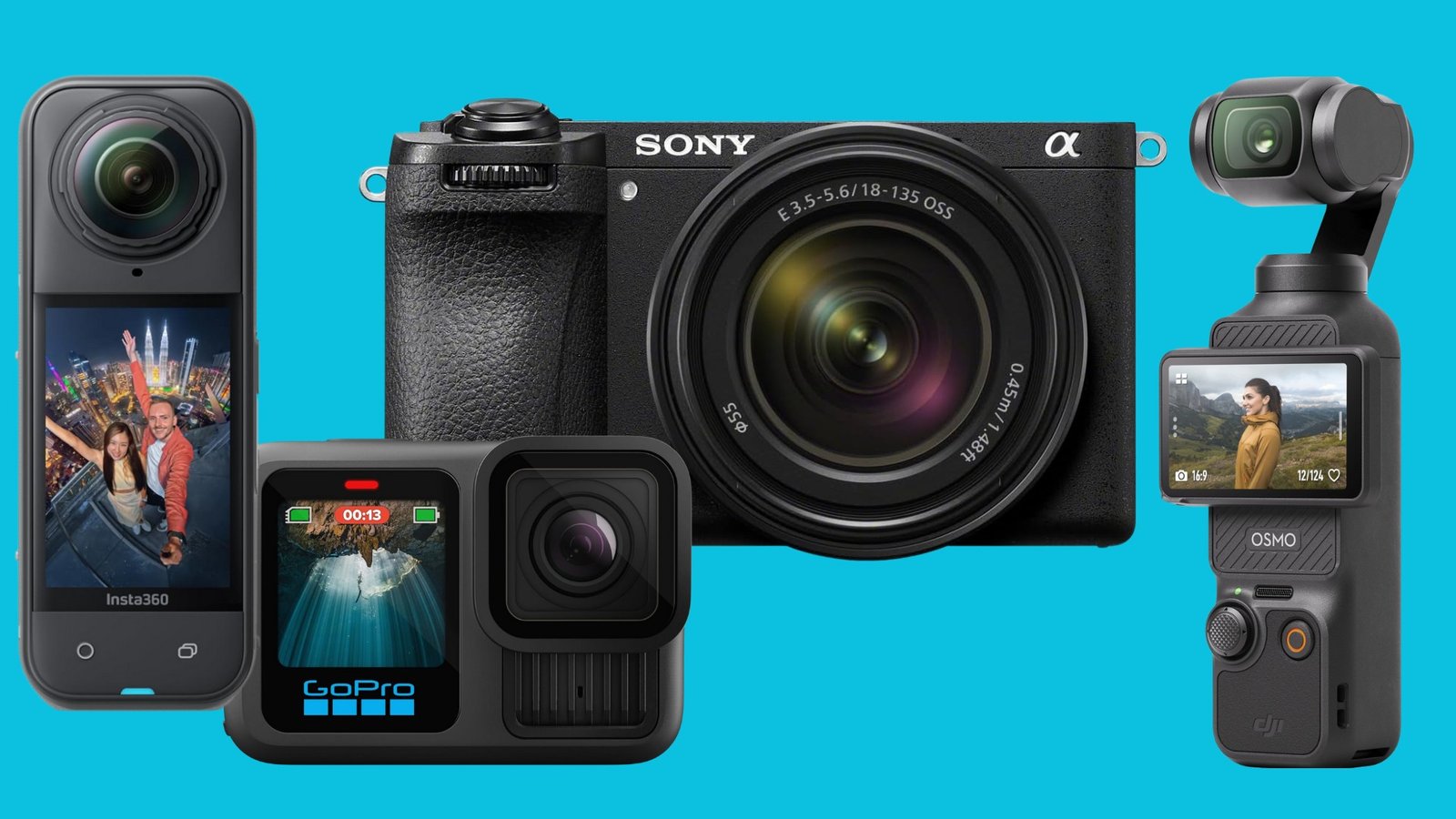
Use this table as a starting point. It does not replace checking the exact model’s manual and sample footage.
| If you need to… | Give priority to… | Accept a trade-off in… |
|---|---|---|
| Film while walking | Wide lens, autofocus, stabilization | Maximum background blur |
| Record at a desk | External power, flip screen, microphone input | Smallest body size |
| Film in dim rooms | Larger sensor, bright lens, clean high-ISO video | Price and lens size |
| Travel with one camera | Small body, fixed lens, USB charging | Lens flexibility |
| Record interviews | Headphone output, microphone options, long battery life | Pocket size |
| Make vertical clips | Rotating screen, vertical metadata or framing tools | Some horizontal framing |
| Capture fast action | High frame rate, strong stabilization, fast focus | Low-light quality |
| Edit on a phone | Simple files, fast wireless transfer, compact size | Advanced codecs |
The best choice is the one that fits the full chain: filming, sound, storage, editing, and publishing.

Common Vlogging Camera Mistakes
Buying for resolution alone
A 4K label does not tell you how well a camera handles focus, sound, motion, or heat. Review all of these parts together.
Using a narrow lens for handheld filming
A tight lens can make arm’s-length footage feel cramped. Check the actual field of view with stabilization turned on.
Ignoring audio
Built-in sound may be fine in a quiet room. It can fail outdoors, near roads, or in strong wind.
Forgetting the card and battery cost
A camera that fits the body-only budget may cost much more after you add basic gear.
Trusting marketing terms without checking limits
Words such as “cinematic,” “weather resistant,” and “professional” do not replace technical details. Read the manual and watch footage from the exact model.
Using advanced profiles without a plan
Log video can look gray before editing. If you do not plan to color-correct, use a standard profile.
Recording without checking the frame
A front screen helps, but it does not guarantee that your face, focus, and background look right. Record a short test clip before a long shoot.
How to Test a Vlogging Camera Before You Buy
If possible, test the camera in a store or use a clear return policy.
Record short clips that cover:
- Your face at arm’s length.
- A slow walk indoors.
- A walk outside in wind.
- A close product demonstration.
- A bright window behind you.
- A dim room.
- A focus change from your face to an object.
- Ten minutes of continuous recording.
- A microphone connected.
- File transfer to your usual computer or phone.
Then inspect the clips with headphones. Look for focus hunting, wind noise, clipped highlights, strange stabilization, overheating, and slow transfers.
A test is successful when the camera produces usable video and sound with your normal setup. If it fails, identify the cause before buying accessories. A new microphone cannot fix poor framing, and a larger memory card cannot fix unreliable autofocus.
Frequently Asked Questions
Is a phone or a camera better for vlogging?
A phone may be better for quick videos because it is always with you and offers simple sharing. A dedicated camera may provide better handling, lens choices, audio ports, battery options, or low-light control. Choose the tool that matches your workflow.
How much should I spend on a vlogging camera?
Set a total budget, not just a body budget. Include a memory card, microphone, spare battery, grip, light, and storage. A modest camera with good sound and light can outperform an expensive camera used with poor accessories.
Do I need 4K for YouTube vlogging?
No. Full HD can work well, especially for quick uploads and phone viewing. 4K gives you more room to crop and reframe, but it uses more storage and may require a faster computer.
Is a mirrorless camera good for vlogging?
Yes, if it has reliable video autofocus, a useful screen, suitable stabilization, a microphone input, and a lens wide enough for handheld work. Its larger size and interchangeable lenses may be a drawback for travel.
What microphone is best for vlogging?
The best type depends on distance and movement. A wireless lavalier suits walking and interviews. An on-camera microphone suits close handheld work. A built-in mic is convenient in quiet conditions. Add wind protection for outdoor filming.
Can I vlog with an action camera?
Yes. Action cameras are useful for movement, travel, water activities, and rough conditions. They often use small sensors and wide lenses, so they may show less background blur and more image noise in dim rooms.
Final Recommendation
When choosing a vlogging camera, rank your needs in this order: reliable autofocus, clear audio options, useful stabilization, a suitable lens or field of view, battery life, and easy file handling. Then choose the smallest camera that meets those needs.
Before you buy, check the exact recording modes, crop behavior, microphone ports, battery method, heat limits, memory card requirements, and screen design. Test sample footage with headphones when possible.
A camera is ready for your channel when it makes your normal shoot simple. If you can frame yourself, record clean sound, keep the subject sharp, and move files without trouble, you have found the right kind of vlogging camera.
Recent Posts
Best Travel Bag To Avoid Pickpockets: 9 Anti-Theft Picks For 2026
Compare nine crossbody, messenger, leather, and sling bags for travel. See practical anti-theft features, ratings, buying advice, and tips for choosing the best travel bag to avoid pickpockets.
Find what camera to use for vlogging with expert tips on video quality, portability, audio, and budget-friendly options for every creator.