
For most travelers in the United States, the DJI Osmo Pocket 3 is the best camera for travel vlogging. It is small, easy to carry, and has a built-in three-axis gimbal that keeps walking footage smooth. Its 1-inch sensor also performs better in low light than many tiny action cameras.
The best choice still depends on your trip. A GoPro is better for water, skiing, and rough outdoor use. A Sony ZV-1 II is a strong pick for creators who want a small camera with a zoom lens. A Canon EOS R50 is better if you want interchangeable lenses and higher-quality still photos.
This guide compares the leading options for U.S. road trips, national parks, city travel, flights, beaches, and everyday creator work. The recommendations are based on documented specifications and practical trade-offs, not hands-on testing by this publication. Prices and package contents can change, so check the manufacturer before buying.

Quick Answer: Which Camera Is Best for Travel Vlogging?
The DJI Osmo Pocket 3 is the best all-around travel vlogging camera for most people.
It combines:
- A small body
- A built-in three-axis gimbal
- A 1-inch sensor
- A rotating touchscreen
- Strong video quality
- Simple walking shots
- Vertical and horizontal recording
- A lower travel burden
 than a camera-and-lens kit
Choose another camera if your needs are more specific:
| Best for | Recommended camera | Main reason |
|---|---|---|
| Most travel vloggers | DJI Osmo Pocket 3 | Small body and smooth stabilized video |
| Beach, snow, and adventure travel | GoPro HERO13 Black | Rugged, waterproof design |
| Small camera with a zoom lens | Sony ZV-1 II | Wide 18–50mm equivalent zoom |
| Interchangeable lenses and photos | Canon EOS R50 | APS-C sensor and lens flexibility |
| Smartphone-like simplicity | DJI Osmo Pocket 3 | Fast setup and easy handling |
| Long-term creator growth | Canon EOS R50 | Better upgrade path through lenses |
“Best” does not mean the most expensive or the camera with the largest sensor. For travel, the best camera is the one you will carry, operate quickly, and protect during a long day.

What Makes a Good Travel Vlogging Camera?
A good travel vlogging camera must balance image quality, size, sound, battery life, stabilization, and durability.
Travel creates problems that do not appear in a studio. You may film while walking through a crowded U.S. city, record in a dim restaurant, shoot beside a windy overlook, or pack your camera into a small carry-on bag.
These are the main features to consider.
Stabilization
Stabilization reduces shake caused by walking or hand movement. It may come from:
- A physical gimbal
- Optical image stabilization
- Electronic stabilization
- A combination of these systems
A gimbal usually gives the smoothest walking footage. Electronic stabilization can work well, but it may crop the image. A crop makes the view narrower.
Sensor size
A larger sensor can collect more light and may create cleaner images in dark places. Common sensor sizes include:
- 1/2.3-inch or similar action-camera sensors
- 1-inch sensors in compact cameras
- APS-C sensors in many mirrorless cameras
- Full-frame sensors in larger professional cameras
A larger sensor often improves low-light quality. It also tends to increase camera size, lens size, and cost.
Lens or field of view
A wide view helps when you hold the camera at arm’s length. It also lets you show more of a canyon, street, room, or trail.
A very wide lens can make faces look stretched near the edges. A zoom lens gives you more framing options but may make the camera larger.
Audio
Viewers may forgive a soft image. They are less likely to tolerate unclear sound.
Look for:
- A built-in microphone system
- A microphone input
- Wireless microphone support
- Wind reduction
- A headphone jack for monitoring, if available
A small wireless microphone can improve outdoor speech more than a camera upgrade.
Battery and storage
Video uses power and storage quickly. Before a long day, carry:
- At least one spare battery or a power bank
- A fast charger
- Several memory cards
- A small card reader or backup drive
- A protective case
A camera that lasts longer on one charge may be more useful than a camera with a higher resolution that you cannot use all day.
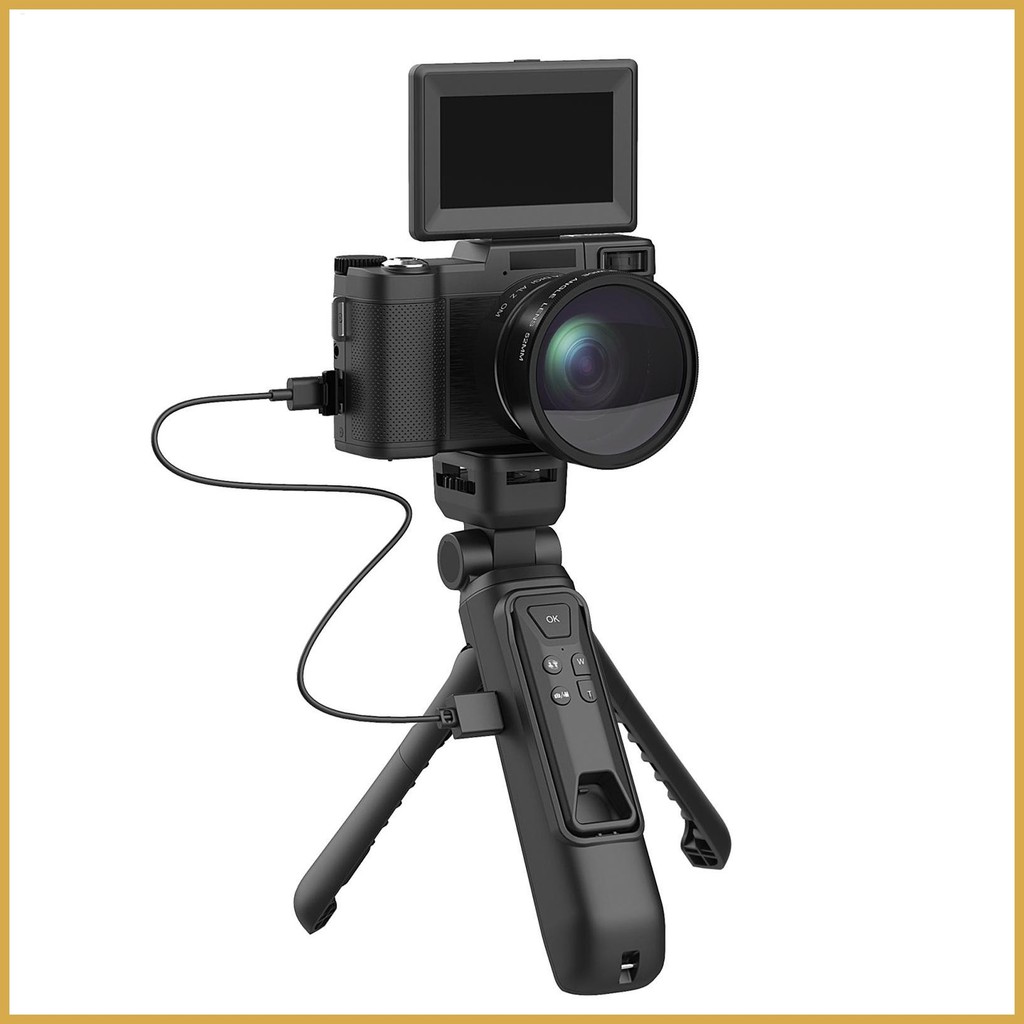
DJI Osmo Pocket 3: Best Overall for Travel Vlogging
The DJI Osmo Pocket 3 is the strongest all-purpose choice for most travel vloggers.
Its built-in gimbal keeps the camera level and smooth while you walk. The 1-inch sensor is larger than the sensor used in many action cameras. The screen rotates, which makes it useful for both landscape video and vertical clips.
Documented features include:
- 1-inch CMOS sensor
- 4K video recording
- Up to 4K/120 slow-motion recording in supported modes
- Three-axis mechanical stabilization
- Rotating touchscreen
- Subject tracking
- USB-C charging
- Wireless microphone compatibility through supported DJI accessories
The main advantage is speed. You can take it from a pocket to a usable filming position in seconds. That matters when a street performer starts, a train arrives, or the light changes.
The Pocket 3 is not the best tool for every trip. It is not built like an action camera, and the exposed gimbal needs care around sand, dust, water, and tight bags. It also has a smaller lens ecosystem than a mirrorless camera.
Choose the Pocket 3 if:
- You film yourself while walking.
- You want smooth footage without carrying a separate gimbal.
- You value a small kit.
- You record both vertical and horizontal video.
- You want better low-light results than many action cameras provide.
Avoid it if:
- You need a waterproof camera.
- You often film in sand or heavy rain.
- You need interchangeable lenses.
- You want a camera mainly for wildlife at long distances.
For many U.S. travelers, the Pocket 3 offers the best balance of portability, stabilization, and image quality.

GoPro HERO13 Black: Best for Adventure Travel
The GoPro HERO13 Black is the best travel vlogging camera for demanding outdoor trips.
It is designed for activities such as:
- Surfing
- Snorkeling
- Skiing
- Mountain biking
- Kayaking
- Hiking in wet weather
- Rides and action sports
The camera records high-resolution video and includes electronic stabilization. Its rugged body can handle conditions that are risky for a gimbal camera. GoPro also offers accessories for different mounting positions and some interchangeable lens options.
The key trade-off is image quality in low light. A small action-camera sensor usually cannot match a 1-inch or APS-C sensor in a dark hotel room, evening street, or restaurant. Electronic stabilization can also crop the frame.
A GoPro is easy to mount on a helmet, chest strap, vehicle, or pole. That makes it more flexible than a traditional camera for action footage.
Choose the GoPro if:
- Your trip includes water or snow.
- You need a rugged body.
- You want hands-free mounting.
- You record fast movement.
- You prefer a wide view.
Avoid it if:
- Most of your videos are indoor talking-head clips.
- You want soft background blur.
- You need strong low-light quality.
- You want natural, non-wide-angle portraits.
A GoPro is not automatically the best camera for every travel vlog. It is the best fit when durability and action matter more than low-light quality.

Sony ZV-1 II: Best Compact Camera With a Zoom Lens
The Sony ZV-1 II is a good choice for travelers who want a small camera with a built-in zoom lens.
Its 18–50mm equivalent lens is useful for self-recording, street scenes, food, and basic landscape shots. The wide end helps when you hold the camera close to your face. The longer end gives you more natural framing for people and objects.
The camera also includes creator-focused features such as:
- A 1-inch sensor
- 4K video
- A built-in zoom lens
- A side-opening screen
- A built-in microphone system
- A microphone input
- Sony autofocus features
Unlike the Pocket 3, the ZV-1 II does not have a built-in mechanical gimbal. Stabilization may be less effective for walking shots, especially when compared with a camera that uses a physical gimbal.
Its strengths are size, autofocus, and lens flexibility. It may suit travelers who spend more time holding the camera still, filming from a table, or recording short pieces to camera.
Choose the Sony ZV-1 II if:
- You want a pocketable camera with a zoom lens.
- You film food, streets, and people.
- You want strong autofocus.
- You do not need a built-in gimbal.
- You want more control than a smartphone offers.
Avoid it if:
- Smooth walking footage is your top priority.
- You need a waterproof body.
- You want to change lenses.
- You often film in very dark places.
The Sony ZV-1 II is a practical middle ground between a smartphone and an interchangeable-lens camera.

Canon EOS R50: Best for Creators Who Want to Grow
The Canon EOS R50 is the best option for travelers who want a more traditional camera system.
It uses an APS-C sensor and accepts interchangeable RF-S and RF lenses. That gives you room to change your setup as your work improves. You can use a small lens for travel, a wide lens for vlogging, or a telephoto lens for distant subjects.
Documented features include:
- 24.2-megapixel APS-C sensor
- 4K video recording
- Fully articulating screen
- Built-in electronic viewfinder
- Interchangeable lenses
- Canon autofocus system
- Microphone input
The larger sensor can provide better image quality and background separation than many compact cameras. It is also a capable still-photo camera for family pictures, landscapes, and travel details.
The cost is size. Once you add a lens, spare batteries, and a bag, the R50 takes more space than a Pocket 3 or GoPro. The camera also needs more setup knowledge.
Choose the Canon EOS R50 if:
- You want to learn photography and video.
- You need interchangeable lenses.
- You take many still photos.
- You want stronger background separation.
- You expect your content needs to grow.
Avoid it if:
- You want the smallest possible kit.
- You want a camera that is ready in one second.
- You dislike changing lenses.
- You need a rugged or waterproof body.
The R50 is often the better long-term choice, but it is not the simplest choice for a first travel vlog.
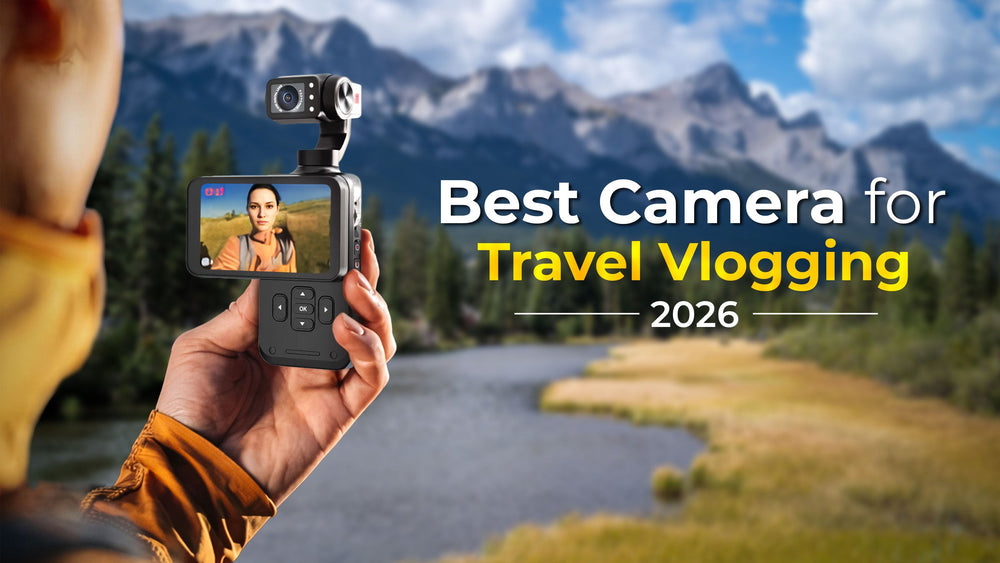
Smartphone vs. Camera for Travel Vlogging
A modern smartphone may be the best camera for a traveler who values convenience above all else.
Phones are easy to carry, quick to share, and good at automatic exposure. Many phones also combine several lenses, computational HDR, stabilization, and fast editing tools in one device.
A dedicated camera becomes more useful when you need:
- Better control over sound
- Longer recording sessions
- A physical gimbal
- Optical zoom
- A larger sensor
- Better mounting options
- Higher-quality still photos
- A more comfortable filming grip
Your phone is also a useful backup. If your main camera battery dies, you can still record important moments.
A simple travel setup may be:
- Use the dedicated camera for planned scenes.
- Use the phone for quick clips and backup footage.
- Record important files to more than one location.
- Edit and upload when you have a stable internet connection.
Do not buy a camera only because its specifications look better. If your phone already meets your needs, a microphone, small tripod, or power bank may improve your videos more than a new body.
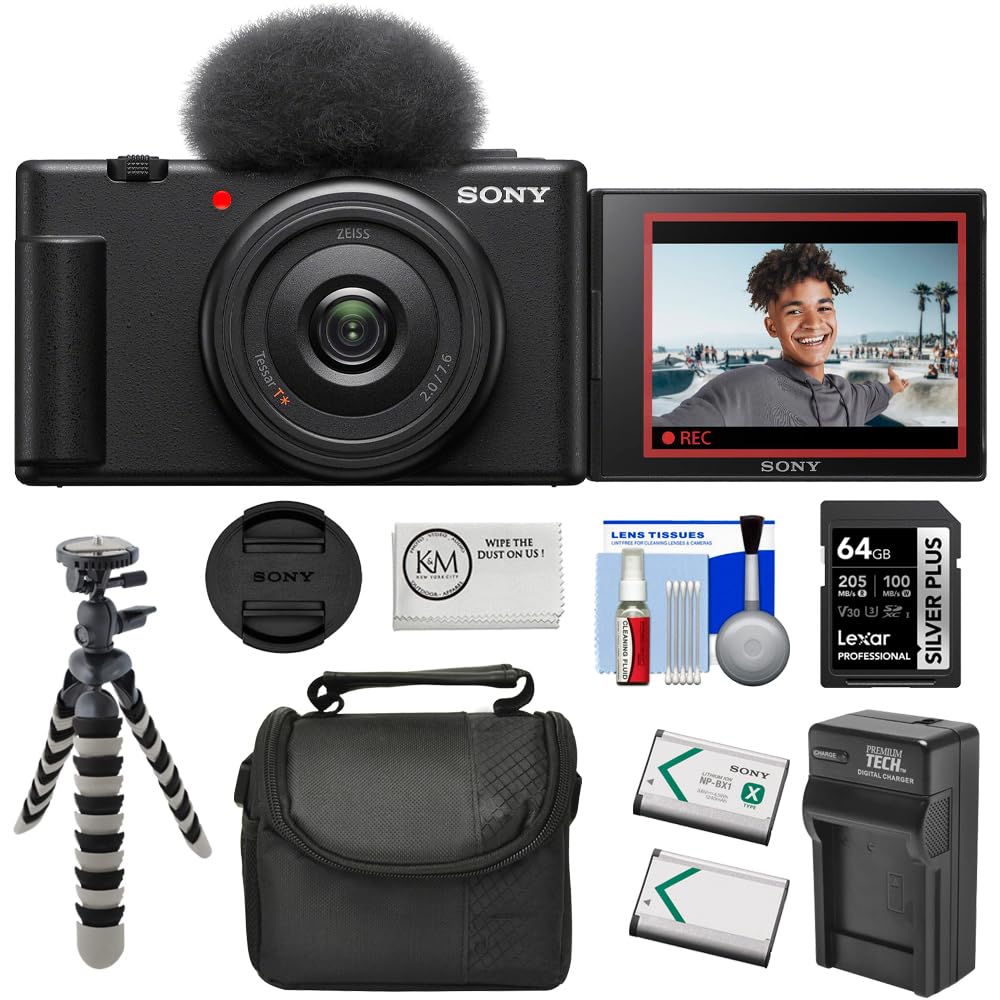
Best Travel Vlogging Camera by Trip Type
The right camera changes with the environment.
U.S. city trip
Choose the DJI Osmo Pocket 3 or Sony ZV-1 II. Both are small and less tiring to carry through cities such as New York, Chicago, Seattle, or San Francisco.
A small camera also attracts less attention than a large camera with a long lens.
National park road trip
Choose the DJI Osmo Pocket 3 for walking videos and scenic clips. Choose the Canon EOS R50 if you want distant wildlife or landscape photos with different lenses.
In U.S. national parks, follow posted rules about drones, tripods, wildlife distance, and restricted areas. A camera does not give you permission to approach animals or enter closed spaces.
Beach or water vacation
Choose the GoPro HERO13 Black. Use the correct waterproof door, housing, and mounting system for the conditions.
Rinse the camera with fresh water after saltwater use. Let ports dry before charging. Water resistance can decline after drops, repairs, worn seals, or improper closure.
Ski trip
Choose the GoPro HERO13 Black for helmet, chest, and ski-pole footage. Carry spare batteries because cold weather can reduce battery performance.
Keep spare batteries warm in an inside pocket. Do not use a damaged battery.
Luxury or food travel
Choose the Sony ZV-1 II or DJI Osmo Pocket 3. Both are easier to use discreetly in restaurants and hotels than a larger mirrorless kit.
Always follow the venue’s photography rules.
Family travel
Choose the DJI Osmo Pocket 3 for moving children and quick clips. Choose the Canon EOS R50 if family photos matter as much as video.
The best family camera is often the one that starts quickly and does not require frequent lens changes.
What Accessories Do You Need?
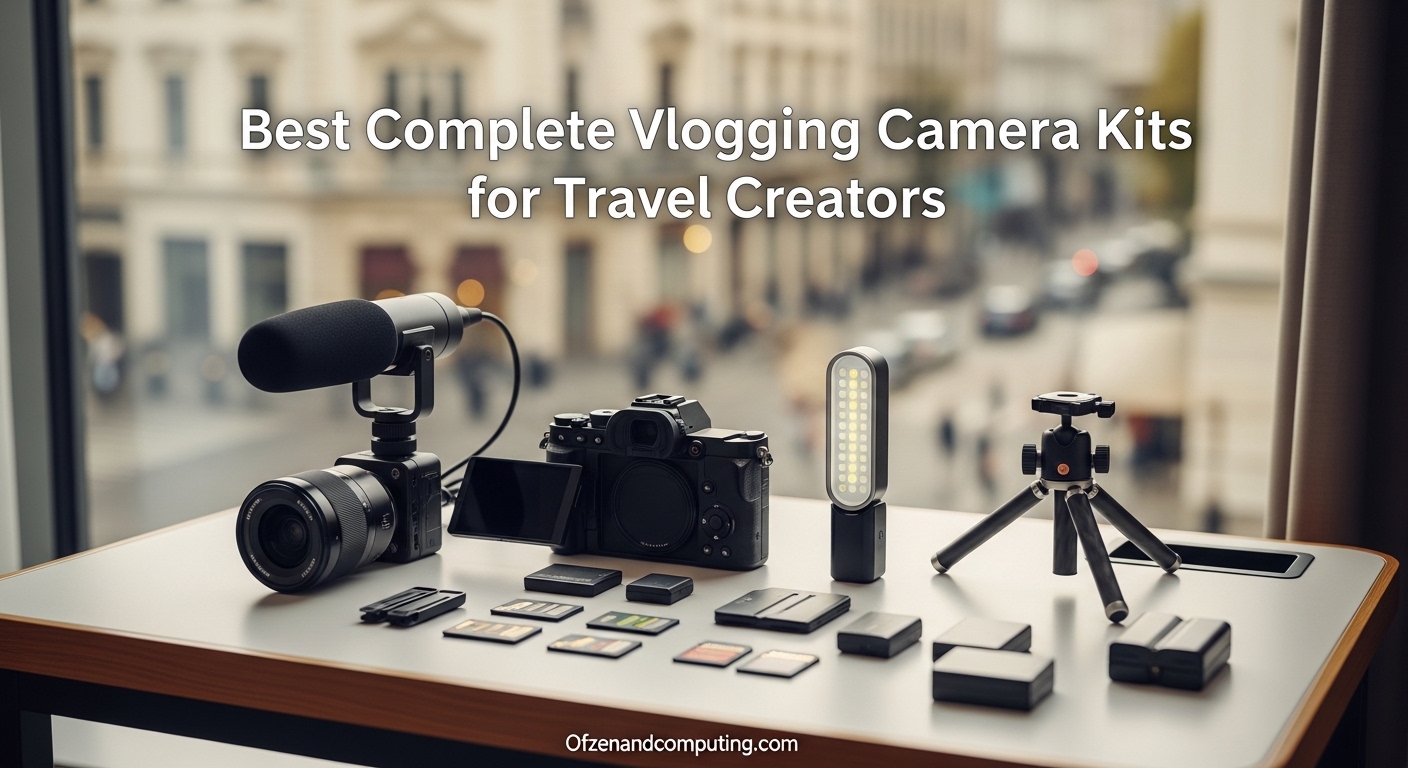
You do not need a large kit to make a strong travel vlog. Start with sound, power, storage, and protection.
Essential accessories
- Two or more memory cards
- A spare battery or USB-C power bank
- A compact charger
- A small protective case
- A lens cloth
- A short grip or mini tripod
- A microphone for outdoor speech
Useful accessories
- A windscreen for the microphone
- A small LED light
- A waterproof pouch
- A card reader
- A portable SSD
- A camera strap
- A backup phone mount
Use memory cards that meet the camera’s documented speed requirements. Format cards in the camera after backing up your files. Avoid filling a card until it has no free space.
For flights within the United States, keep spare lithium-ion batteries in your carry-on baggage rather than checked luggage. Confirm current rules with the Transportation Security Administration and your airline before departure, especially for large power banks or unusual equipment.
How to Set Up a Camera for Travel Vlogging
Use a simple setup before you leave home.
1. Update and test the camera
Install firmware only from the official manufacturer. Test the camera, microphone, charger, screen, and memory card before your trip.
Record a short clip and play it back with headphones. Confirm that the sound is clear.
2. Select a simple video format
For most travel content, 4K at 24, 25, or 30 frames per second is enough. Use a higher frame rate when you want slow motion or smoother action.
Match your frame rate to your editing plan. Mixed frame rates can make editing harder.
3. Set the image for your platform
Use horizontal video for YouTube travel films. Use vertical video for TikTok, Instagram Reels, and YouTube Shorts.
The DJI Osmo Pocket 3 and many modern cameras support vertical recording, but check how the files transfer and display before your trip.
4. Test stabilization
Walk with the camera before leaving. Check whether the view is too narrow, the horizon moves, or your footsteps create large shakes.
If the footage crops too much, step back or use a wider lens.
5. Set up audio
Place the microphone close to your mouth without blocking the lens. Use a windscreen outdoors.
Keep a backup recording option. A phone placed close to you can sometimes save a scene if the camera audio fails.
6. Plan file backups
At the end of each day, copy important clips to a laptop, tablet, portable SSD, or cloud service. Do not delete the memory card until you confirm that the backup opens correctly.
Common Travel Vlogging Mistakes
Many poor travel videos result from workflow problems, not camera quality.
Buying too much camera
A large camera may produce excellent images, but it can stay in the hotel room if it is heavy. Choose the smallest camera that meets your real needs.
Ignoring audio
Wind, traffic, and crowds can ruin clear speech. Test your microphone outside before your trip.
Recording everything in the highest setting
High-resolution video uses more storage, power, and computer performance. Use the setting you can edit and back up.
Forgetting vertical video
If you plan to publish short-form content, decide whether you need vertical clips before filming. Cropping a horizontal clip may remove your face or the main subject.
Carrying only one memory card
A damaged or full card can stop your trip video. Carry a spare card and keep it in a dry case.
Not checking local rules
Some museums, businesses, parks, and transit systems limit filming. Rules can also apply to tripods, drones, commercial work, and wildlife.
Trusting water resistance too much
Water-resistant does not mean indestructible. Salt water, pressure, sand, impact, and poor maintenance can cause damage.

Camera Features That Matter Less Than You Think
Some specifications sound impressive but may not improve your travel videos.
Very high resolution
8K can help with cropping, but it creates large files and demands more storage. For many creators, 4K is a more practical choice.
Extremely high frame rates
High frame rates are useful for slow motion. They may reduce low-light performance or limit resolution, depending on the camera mode.
Megapixels for video
Video resolution is much lower than the still-photo resolution listed on a camera box. A higher megapixel number does not automatically mean better video.
Digital zoom
Digital zoom crops the image. Optical zoom or a longer lens usually preserves more detail.
Built-in filters
Filters can be useful, but you can often add a similar look during editing. Stable footage and clear sound should come first.

Frequently Asked Questions
Is a GoPro or DJI Pocket 3 better for travel vlogging?
The DJI Pocket 3 is better for smooth walking videos and low-light scenes. The GoPro is better for water, snow, action sports, and rough handling.
Is a mirrorless camera worth it for travel vlogging?
A mirrorless camera is worth it if you want interchangeable lenses, stronger still photos, or more control over image quality. It may not be worth the extra weight if you want quick, simple clips.
Can I vlog with an iPhone or Android phone?
Yes. A modern phone can produce very good travel videos. Add a small microphone, grip, and power bank before buying a dedicated camera.
What camera is best for beginner travel vloggers?
The DJI Osmo Pocket 3 is the easiest dedicated option for many beginners because it combines stabilization, a screen, and a small body. A smartphone is even simpler if you already own one.
How much storage do I need for travel video?
The answer depends on resolution, frame rate, and recording length. Carry multiple memory cards instead of relying on one large card. Back up footage each day when possible.
Do I need a microphone for travel vlogging?
You can start with the built-in microphone, but an external or wireless microphone often improves speech, especially outdoors. Wind protection is essential.
Is 4K necessary for travel vlogging?
No. 1080p can work for many platforms. 4K gives you more detail and room to crop, but it uses more storage and power.
Can I bring camera batteries on a U.S. flight?
Spare lithium-ion batteries generally belong in carry-on baggage, not checked baggage. Rules can vary by battery capacity and airline. Check current TSA and airline guidance before flying.
Key Takeaways
- The DJI Osmo Pocket 3 is the best overall travel vlogging camera for most people.
- The GoPro HERO13 Black is better for water, snow, and action.
- The Sony ZV-1 II is a strong compact choice with a useful zoom range.
- The Canon EOS R50 is better for creators who want interchangeable lenses.
- A smartphone remains a valid choice when convenience matters most.
- Prioritize stabilization, sound, battery life, storage, and size before chasing high resolution.
Conclusion
The best camera for travel vlogging is the one that matches your trip and stays in your bag.
For most U.S. travelers, the DJI Osmo Pocket 3 offers the best balance of size, stabilization, image quality, and ease of use. Choose the GoPro HERO13 Black for harsh outdoor conditions, the Sony ZV-1 II for a compact zoom camera, or the Canon EOS R50 for a system that can grow with your skills.
Before buying, list the places you will film, the way you will publish, and the gear you are willing to carry. Then choose the simplest camera that meets those needs. That approach usually creates better travel videos than buying the most advanced camera on the shelf.
Recent Posts
Wondering what is a good starter vlog camera? Find beginner-friendly options, key features, and simple tips for choosing the right camera.
What is the best vlogging camera for beginners? Compare easy-to-use options, key features, and budget-friendly picks to start filming with confidence.