
For creators in the United States, a vlogging camcorder is a compact video camera made for recording spoken videos, daily life, events, tutorials, travel, and social media content. It usually combines a built-in zoom lens, image stabilization, a flip-out screen, a built-in microphone, and simple video controls in one body.
Unlike a basic point-and-shoot camera, a vlogging camcorder is built for longer video sessions. Unlike many interchangeable-lens cameras, it often works without extra lenses or complex setup. This makes it useful for YouTube creators, educators, small businesses, families, and anyone who wants better control than a smartphone can provide.

What Is a Vlogging Camcorder?
A vlogging camcorder is a video-first camera designed for self-recording and mobile content creation. The word “vlogging” comes from “video blogging,” but the camera can record almost any type of video.
The term is not a strict technical category. Camera brands may use different names, such as:
- Vlogging camcorder
- Compact video camera
- Handycam
- Creator camera
- Pocket camcorder
- Consumer camcorder
A typical vlogging camcorder has these parts:
- Built-in lens: You do not need to buy or change lenses.
- Flip-out or tilting screen: You can see yourself while recording.
- Microphone: The camera records sound through built-in microphones.
- Image stabilization: The camera helps reduce shake.
- Autofocus: The camera keeps faces or subjects in focus.
- Rechargeable battery: Power comes from a removable or built-in battery.
- Memory card slot: Video saves to a memory card, often an SD card.
- USB connection: You can charge the camera or move files to another device.
Some models also include a headphone jack, microphone input, livestream support, Wi-Fi, Bluetooth, a hot shoe, or a small built-in light.
The main idea is simple: a vlogging camcorder helps one person record useful video with less gear and less setup.

How Does a Vlogging Camcorder Work?
A vlogging camcorder captures light through its lens and turns that light into digital video. Its image sensor records the scene, while the camera processor saves the result as a video file.
The camera also records sound through its microphones. The video and audio are then stored together on a memory card or internal storage.
The key parts
Lens and zoom
Most camcorders use a fixed lens. This means the lens stays attached to the camera.
Many camcorders offer optical zoom. Optical zoom changes the lens position to bring a distant subject closer without using the same type of image enlargement as digital zoom.
This helps when recording:
- A speaker at a small event
- Wildlife from a safe distance
- Sports from the sidelines
- A child’s school performance
- A cooking demonstration from across a room
A wide-angle lens is more useful for handheld vlogging. It lets you show your face while holding the camera at arm’s length. A narrow lens may give more zoom but can make self-recording harder.
Image sensor
The image sensor records light. A larger sensor can often produce cleaner video in low light and create more background blur. A smaller sensor can make the camera smaller and help keep more of the scene in focus.
Sensor size is only one part of image quality. Lens design, image processing , lighting, and camera settings also matter.
Flip-out screen
A flip-out screen is one of the most useful vlogging features. It lets you check:
- Whether your face is in the frame
- Whether the camera is level
- Whether bright windows are causing problems
- Whether an object is blocking the lens
- Whether the camera is still recording
A screen that flips to the side or faces forward is usually easier to use when the camera sits on a tripod.
Autofocus
Autofocus adjusts the lens so the subject looks sharp. Face and eye detection can help when you move during a video.
Autofocus is not always perfect. It may hunt when the scene is dark, when objects pass in front of the lens, or when the background has more contrast than the subject.
Image stabilization
Stabilization reduces the effect of hand movement. Optical stabilization uses moving lens or sensor parts. Electronic stabilization uses software to adjust the image.
Stabilization can make walking footage smoother, but electronic stabilization may crop the image. It also cannot fully correct large movements or poor camera technique.

What Makes a Good Vlogging Camcorder?
A good vlogging camcorder fits the way you plan to record. Resolution alone does not decide whether a camera is useful.
1. A forward-facing screen
A screen that you can see while recording is almost essential for solo work. It helps you frame the shot without guessing.
Check how the screen moves. A side-hinged screen may work better with a microphone mounted on top. A screen that flips upward may be blocked by accessories.
2. A microphone input
Built-in microphones are convenient, but they can pick up wind, camera handling, air conditioners, and nearby noise.
A 3.5-millimeter microphone input lets you connect an external microphone. This can improve speech clarity, especially outdoors or in a noisy room.
A microphone input is more useful than a high video resolution if your main content includes speech.
3. A headphone jack
A headphone jack lets you monitor sound while recording. It can help you find:
- Wind noise
- Loose cables
- Electrical hum
- Very low volume
- Distortion
- A microphone that is not working
Some small cameras have a microphone input but no headphone jack. This is not always a problem, but it limits your ability to check sound before finishing a recording.
4. Reliable autofocus
Look for face detection, eye detection, and subject tracking if you record yourself while moving. For fixed shots, manual focus can also work well.
Test autofocus in the type of light you use. A feature listed on a product page may behave differently in a dark room, near a window, or with a busy background.
5. Useful stabilization
Choose optical or hybrid stabilization when you often hold the camera while walking. A tripod can solve most shake in stationary videos.
Do not treat stabilization as a substitute for a tripod. A small tripod, grip, or monopod can improve framing and reduce fatigue.
6. Long recording time
Camcorders are often more comfortable for long video sessions than small still cameras. However, recording time depends on battery size, resolution, frame rate, temperature, storage space, and camera limits.
Check the maker’s manual for:
- Maximum clip length
- Battery recording estimates
- Charging while recording
- File size limits
- Overheating warnings
- Recommended memory cards
7. Easy file transfer
Wi-Fi and USB can make it easier to move videos to a phone or computer. Wireless transfer may be slower for large 4K files.
For frequent editing, a memory card reader may save time.
8. A suitable lens range
A wide lens helps with self-recording. A strong zoom helps with distant subjects. One lens may not be equally strong at both jobs.
For most solo vloggers, a wide starting view is more important than extreme zoom.
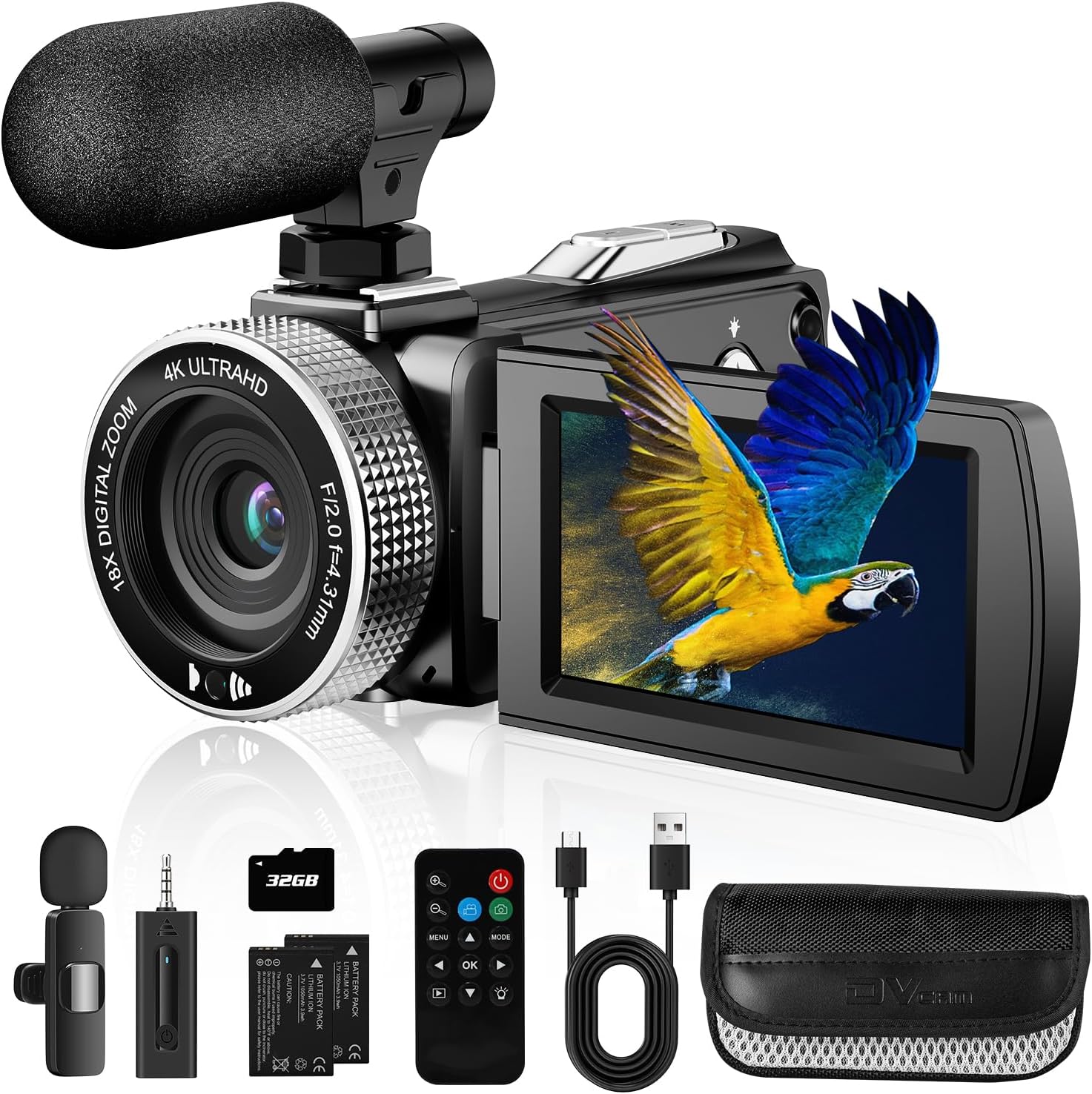
Vlogging Camcorder vs. Other Cameras
The best camera depends on your recording style, budget, and need for control.
| Camera type | Main strength | Main limitation | Best for |
|---|---|---|---|
| Smartphone | Always available and easy to share | Limited zoom, battery, and physical controls | Casual clips and quick posts |
| Vlogging camcorder | Long recording, built-in zoom, simple operation | Less lens and background-blur control | Daily video, events, travel, family footage |
| Mirrorless camera | Strong image quality and lens choice | Higher cost and more setup | Serious creators and controlled shoots |
| Action camera | Small size and wide, durable design | Small sensor and less natural audio | Outdoor sports and point-of-view video |
| Traditional camcorder | Long zoom and comfortable video handling | May lack modern creator features | Events, school programs, and long recordings |
Vlogging camcorder vs. smartphone
A modern smartphone may produce excellent video in good light. It is also easy to edit and upload.
A camcorder may be better when you need:
- Long recording sessions
- Optical zoom
- A dedicated battery
- A comfortable hand grip
- Physical zoom controls
- A memory card
- Less dependence on phone storage
A phone may be the better choice if you record short clips and want to publish them right away.
Vlogging camcorder vs. mirrorless camera
A mirrorless camera usually offers a larger sensor and interchangeable lenses. It may create better background blur and perform better in low light with the right lens.
A camcorder is often easier to operate. It does not require lens changes, and its built-in zoom can cover many situations.
Choose a mirrorless camera when image control is a top priority. Choose a camcorder when speed, simplicity, and long recording matter more.
Vlogging camcorder vs. action camera
An action camera is made for movement and rough conditions. It often has a very wide view and strong electronic stabilization.
A camcorder usually offers a more natural perspective, better zoom, and more traditional video handling. It is often better for speaking to the camera, interviews, and events.
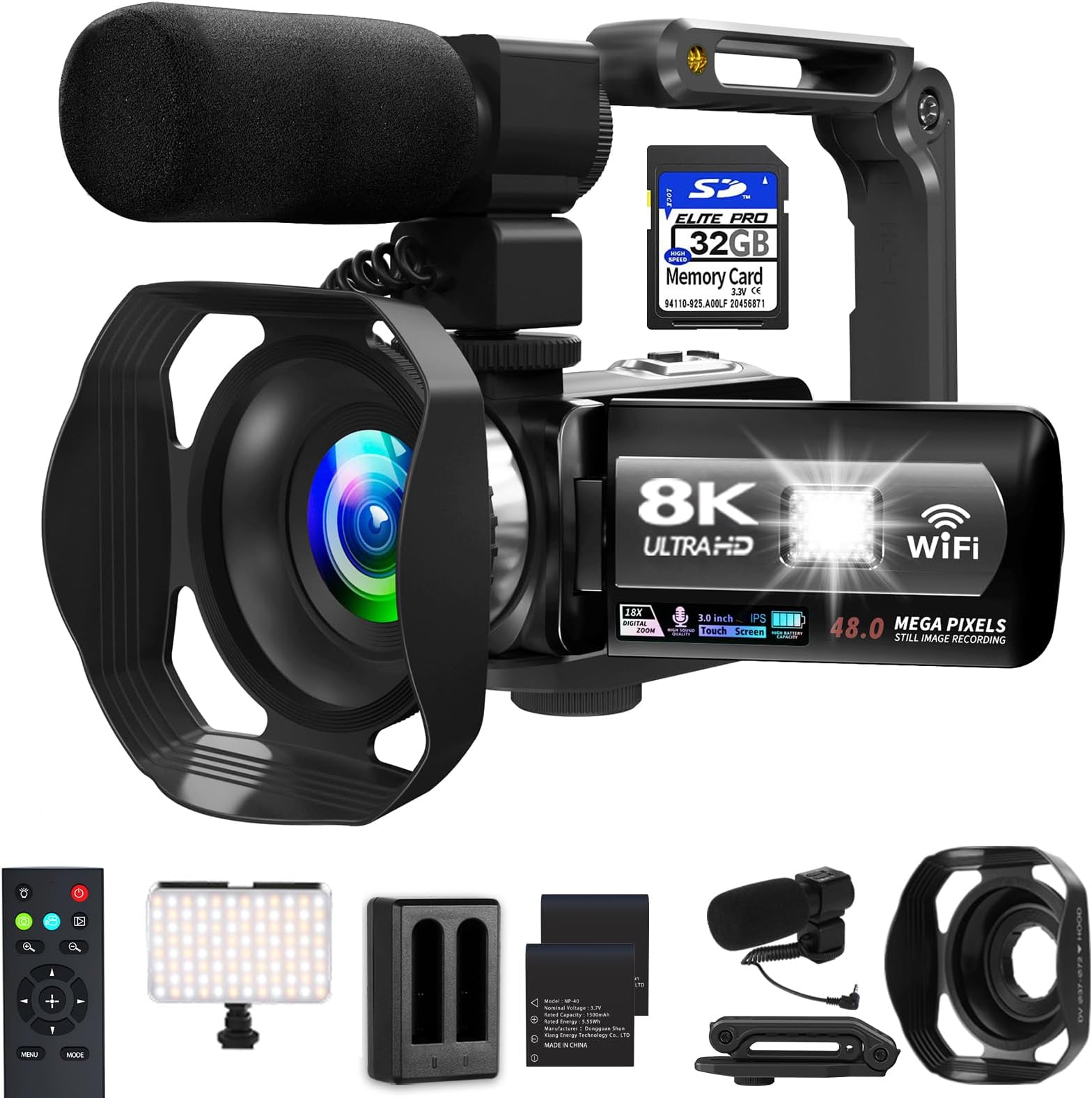
What Resolution and Frame Rate Should You Use?
For most U.S. creators, 1080p is enough for clear online video, while 4K gives more detail and room to crop during editing.
Common recording choices
- 1080p at 24 or 30 frames per second: Good for talking videos and smaller files.
- 1080p at 60 frames per second: Useful for smoother motion.
- 4K at 24 or 30 frames per second: Good for detail and cropping.
- 4K at 60 frames per second: Useful for fast motion, but it creates larger files and may increase heat and battery use.
- Slow motion: Useful for selected clips, but it often reduces resolution or requires strong light.
A higher number is not always better. A well-lit 1080p video with clear sound can be more useful than a noisy 4K video with poor audio.
Frame rate and shutter speed
Frame rate is the number of video frames recorded each second. Shutter speed controls how long each frame receives light.
A common starting point is a shutter speed near twice the frame rate. For example, 30 frames per second often pairs with about 1/60 second. This is a guideline, not a rule.
Automatic settings may be best for new users. Manual settings can help when indoor lights flicker or when exposure changes during a shot.
Memory card planning
Video files can be large. Before recording, confirm that your memory card matches the camera’s speed and capacity requirements.
A simple planning formula is:
Recording time = available storage ÷ data rate
For example, if a camera records at 100 megabits per second, it uses about 12.5 megabytes per second because 8 bits equal 1 byte. The actual file size may vary because of the recording format.
Use the camera maker’s card guidance. A card that works for photos may not be fast enough for high-bitrate 4K video.

How to Set Up a Vlogging Camcorder
Use this basic setup before your first recording.
- Charge the battery. Carry a spare battery for long sessions.
- Insert a compatible memory card. Format it in the camera if the manual recommends this.
- Set the date and time. This helps organize files.
- Choose the recording format. Start with 1080p if storage or editing power is limited.
- Set the frame rate. Use 30 fps for a simple talking video.
- Turn on face detection. Test it before an important shoot.
- Connect the microphone. Check that the camera detects it.
- Monitor the sound. Use headphones if the camera supports them.
- Frame the shot. Leave a little space above your head.
- Check the background. Remove bright distractions and private information.
- Record a short test clip. Watch and listen to it before the full take.
- Start the main recording.
The test clip is the most valuable step. It can reveal a blocked microphone, a full memory card, bad focus, or an unsuitable exposure before you spend time recording.
Signs that your setup is working
- Your face stays sharp as you move.
- Your voice is clear.
- The camera shows enough of the scene.
- The image is not too bright or too dark.
- The camera does not stop unexpectedly.
- You can find the test file on the memory card.
If the camera stops, check the battery, card speed, free storage, temperature, and recording limit. If sound is missing, check the microphone plug, input setting, cable, and battery in the microphone.
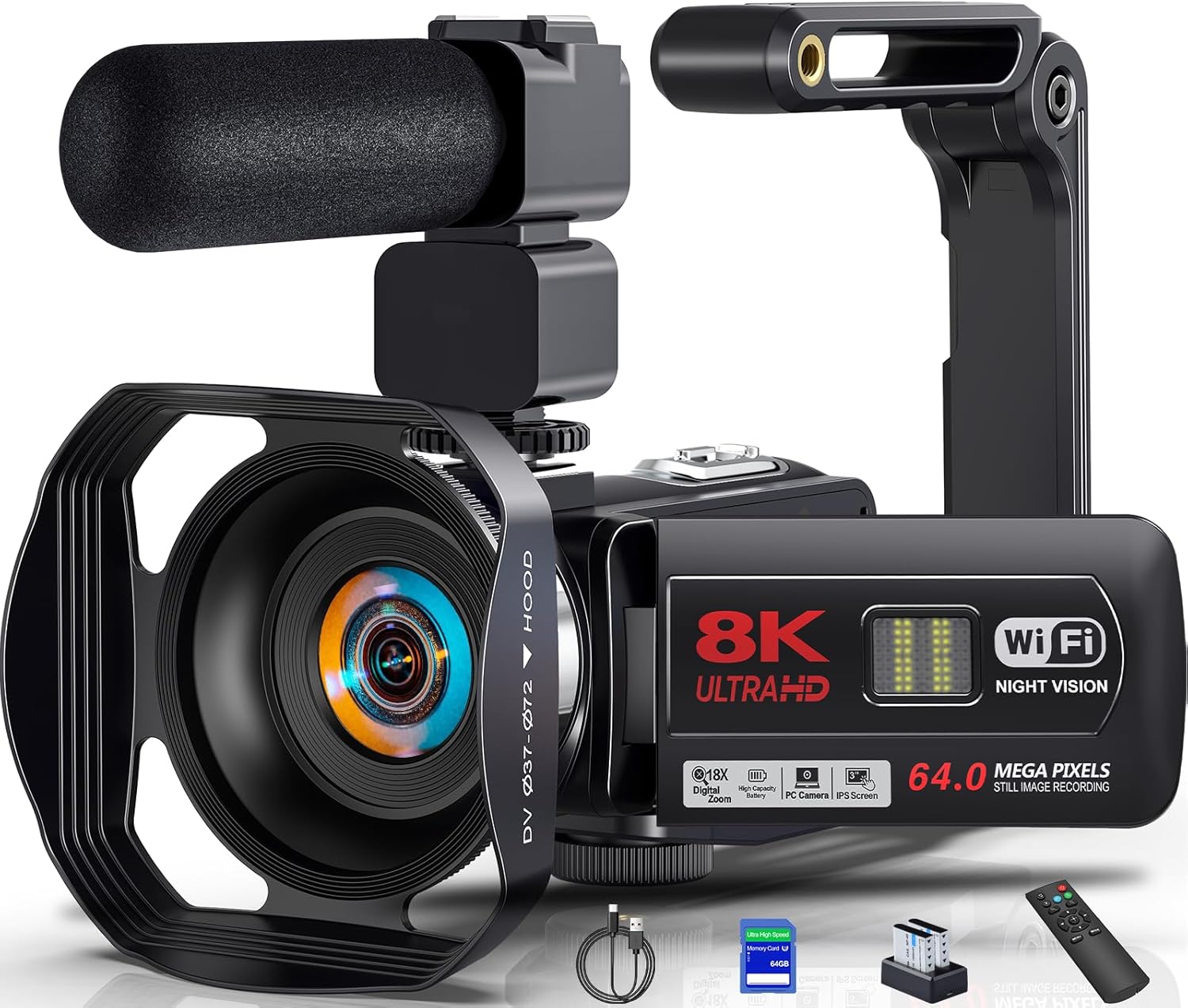
Common Vlogging Camcorder Mistakes
Many weak videos result from setup problems rather than the camera itself.
Relying on built-in sound outdoors
Wind can overwhelm speech. Use a windscreen or an external microphone designed for outdoor use. Keep the microphone away from clothing that may rub against it.
Holding the camera too close
A wide lens can still make your face look large if the camera is very close. Use a grip or small tripod when possible.
Ignoring light
Place a window or light in front of you instead of behind you. A bright background can make your face look dark.
Using digital zoom
Digital zoom enlarges part of the image and can reduce detail. Move closer or use optical zoom when you can.
Forgetting storage and battery limits
Check both before leaving home. A spare card and battery may prevent a missed recording.
Recording in a difficult format
Some cameras create files that older computers or editing apps cannot open easily. Check the camera manual and editing software before choosing an advanced codec or high-bitrate mode.
Assuming every camera can livestream
Some cameras support USB streaming, HDMI output, or wireless livestreaming. Others do not. Confirm the exact model, operating system, cable, capture device, and software requirements before buying.
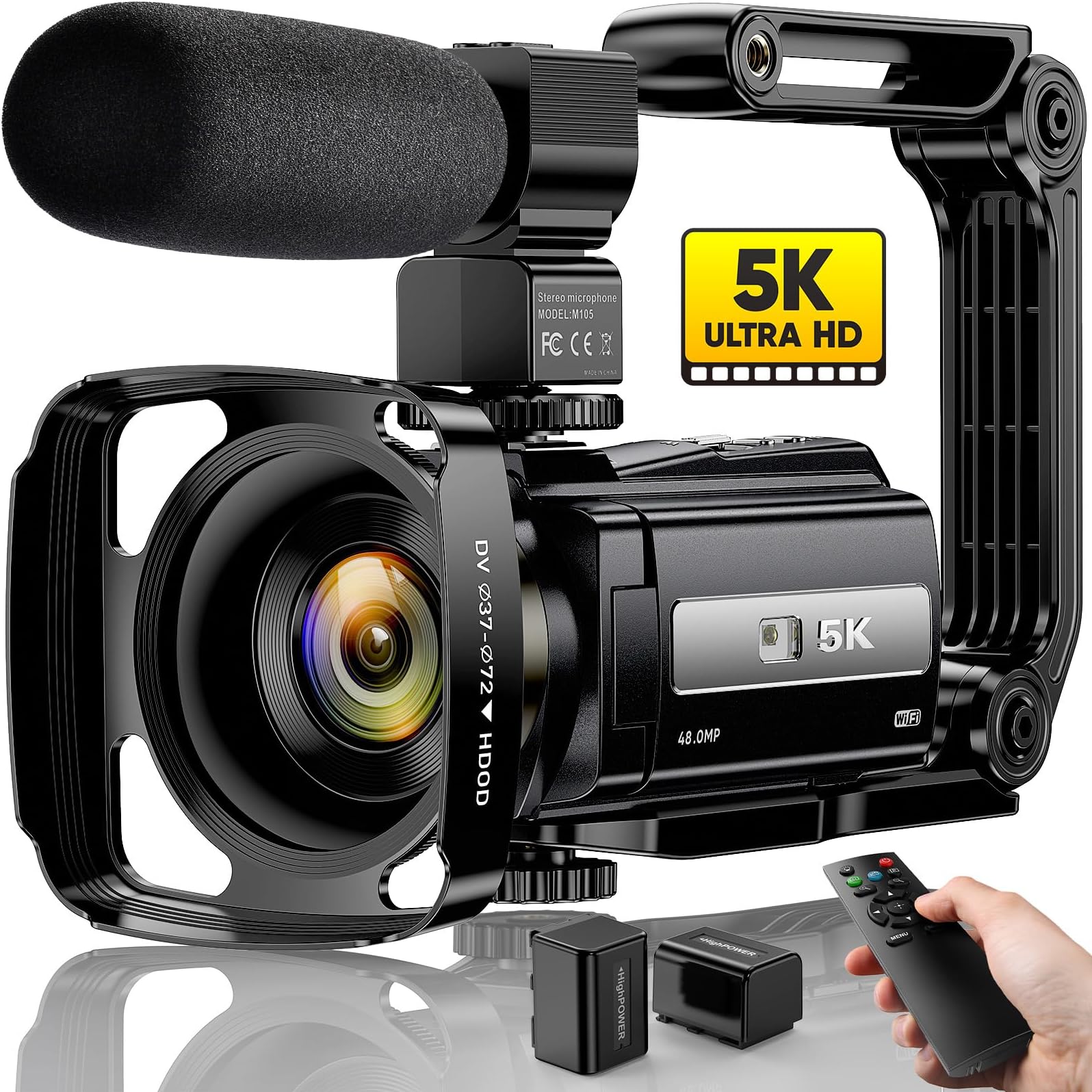
Is a Vlogging Camcorder Worth It?
A vlogging camcorder can be worth the cost if you need a dedicated video tool that is simple, stable, and ready for longer recording.
It may fit you if you:
- Record YouTube videos often
- Film school or community events
- Need optical zoom
- Want a forward-facing screen
- Prefer physical controls
- Do not want to change lenses
- Need longer battery and recording options than a phone provides
A smartphone may be enough if you make short videos, record in good light, and value quick uploads. A mirrorless camera may be a better long-term choice if you want interchangeable lenses, shallow depth of field, or advanced color control.
The key trade-off is convenience versus image control. A camcorder reduces setup. A mirrorless camera usually gives you more ways to shape the image.
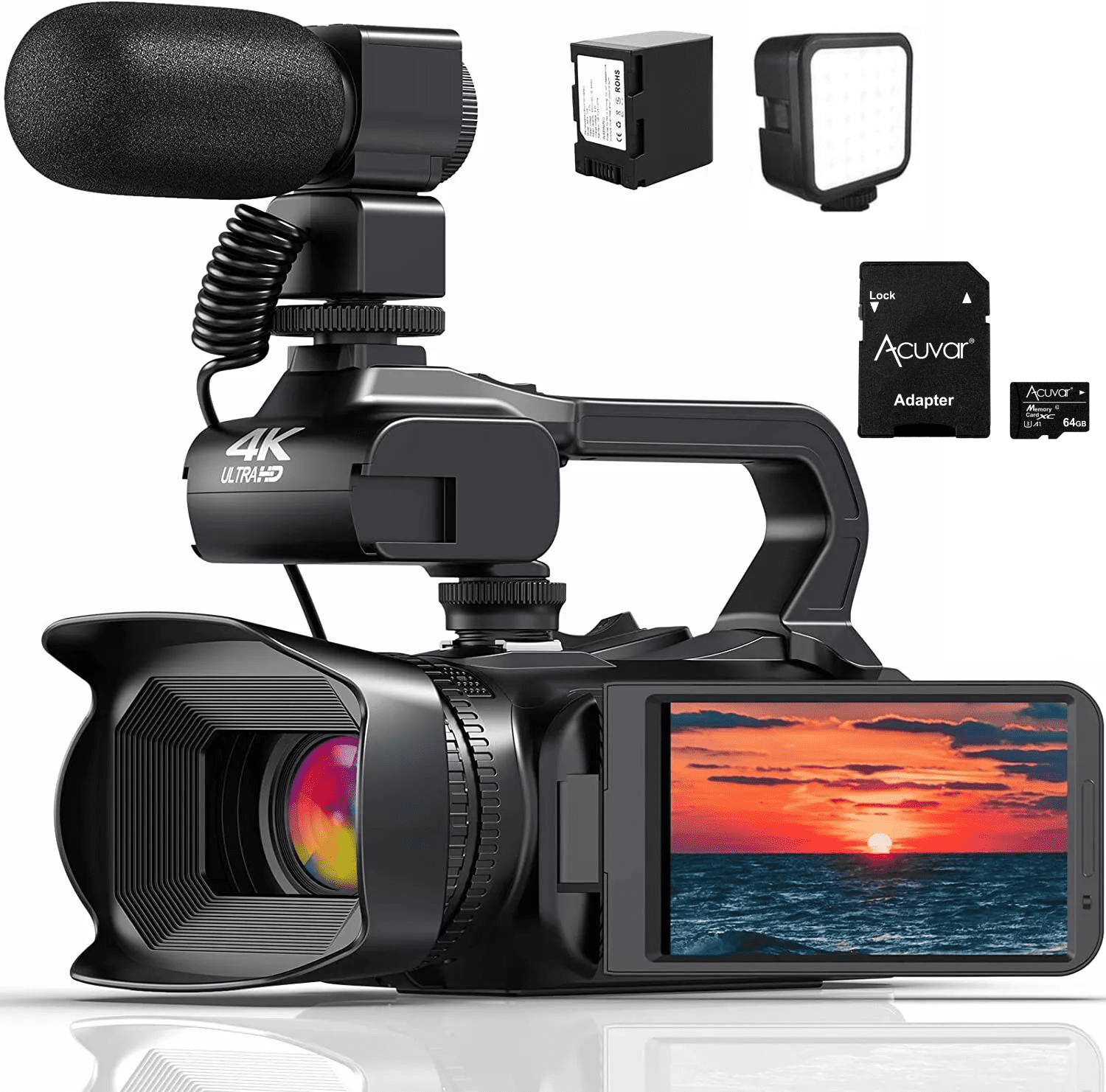
How to Choose a Vlogging Camcorder
Use this checklist before buying.
Start with your main recording task
Choose a camera based on what you film most:
- Talking-head videos: Forward screen, clear microphone input, autofocus
- Travel videos: Small body, stabilization, battery life, wide lens
- Events: Long zoom, long recording, strong battery support
- Outdoor videos: Wind control, weather limits, stabilization
- Tutorials: Manual exposure, clean HDMI or USB options, external audio
Check the complete kit cost
The camera is only part of the budget. You may also need:
- Memory cards
- Spare batteries
- Charger
- Tripod or grip
- External microphone
- Wind protection
- Camera bag
- Video light
A lower-cost camera with a microphone and tripod may produce better results than a more expensive camera used with poor sound and unstable framing.
Read the exact manual
Product pages may list headline features but omit limits. The manual can explain recording time, compatible cards, power options, file formats, and accessory requirements.
Check the manufacturer’s current support page before purchase. Models, firmware, software support, and included accessories can change.

Frequently Asked Questions
Can a vlogging camcorder take photos?
Many camcorders can take still photos, but they are mainly built for video. A camera designed primarily for photography may produce better still images.
Do I need 4K for vlogging?
No. 1080p is suitable for many online videos. Choose 4K if you want extra detail, cropping room, or a more flexible editing file and have enough storage and computer power.
Is a camcorder better than a phone for YouTube?
Not in every case. A phone is easier to carry and share. A camcorder can be better for long recordings, optical zoom, dedicated controls, and stable handheld video.
Can I use a vlogging camcorder for livestreaming?
Sometimes. Check whether the exact model supports USB webcam mode, HDMI output, or a compatible capture device. Also check the requirements of the livestream platform and computer.
What microphone is best for a vlogging camcorder?
The best type depends on distance and location. A small on-camera microphone can improve sound over built-in microphones. A lavalier microphone works well when the speaker stays near the camera or carries a transmitter. A windscreen is useful outdoors.
Conclusion
A vlogging camcorder is a dedicated video camera that combines a built-in lens, screen, microphone, stabilization, and recording controls in one practical device. It is designed to make solo video recording easier, especially for long sessions, travel, events, tutorials, and YouTube content.
Look beyond resolution. Prioritize clear audio, a useful lens, reliable autofocus, stabilization, battery life, storage support, and a screen you can see while recording. Then test a short clip before every important shoot.
For the next step, write down where you record, how far your subject is, how long each session lasts, and whether you need external audio. Those answers will narrow the right type of vlogging camcorder more effectively than a megapixel or resolution number alone.
Recent Posts
What does a vlogging camera mean? Learn its key features, benefits, and how to choose the right camera for creating better videos.
Best Anti Theft Crossbody Bag For Travel: 10 Options Reviewed
Compare 10 anti-theft crossbody bags for travel, including Travelon, TOPEAST, and WANDER+. Learn which security features, materials, and sizes fit your trip.