
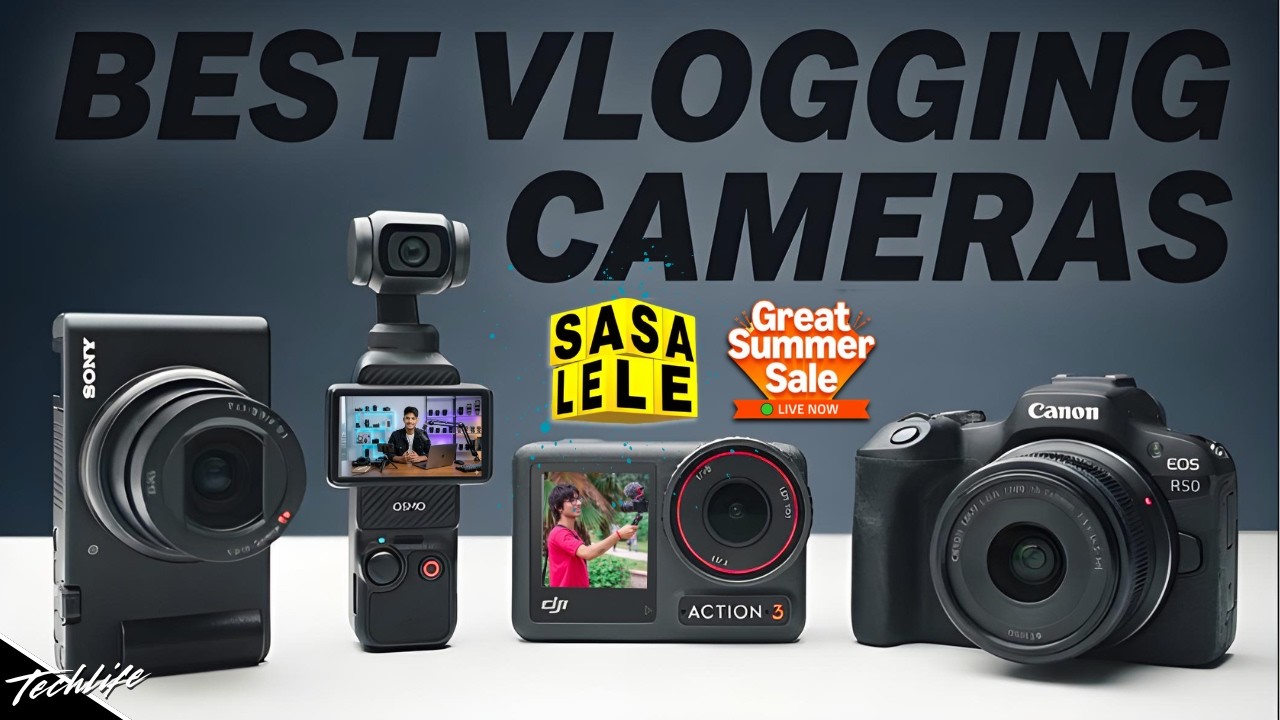
For YouTubers in the United States, there is no single camera used by most vloggers. The most common choices are smartphones, Sony ZV cameras, Canon compact cameras, and DJI pocket cameras. The best-known dedicated vlogging options are the Sony ZV-1, Sony ZV-E10, Sony ZV-E10 II, Canon PowerShot G7 X Mark III, and DJI Osmo Pocket 3.
If you want one simple answer, the Sony ZV-1 is one of the safest all-around choices for beginners. The Sony ZV-E10 II is better if you want to change lenses and improve your video over time. For walking vlogs, the DJI Osmo Pocket 3 is often more practical because its built-in gimbal keeps footage smooth.
The right camera depends on your budget, video style, lighting, audio needs, and how much gear you want to carry.
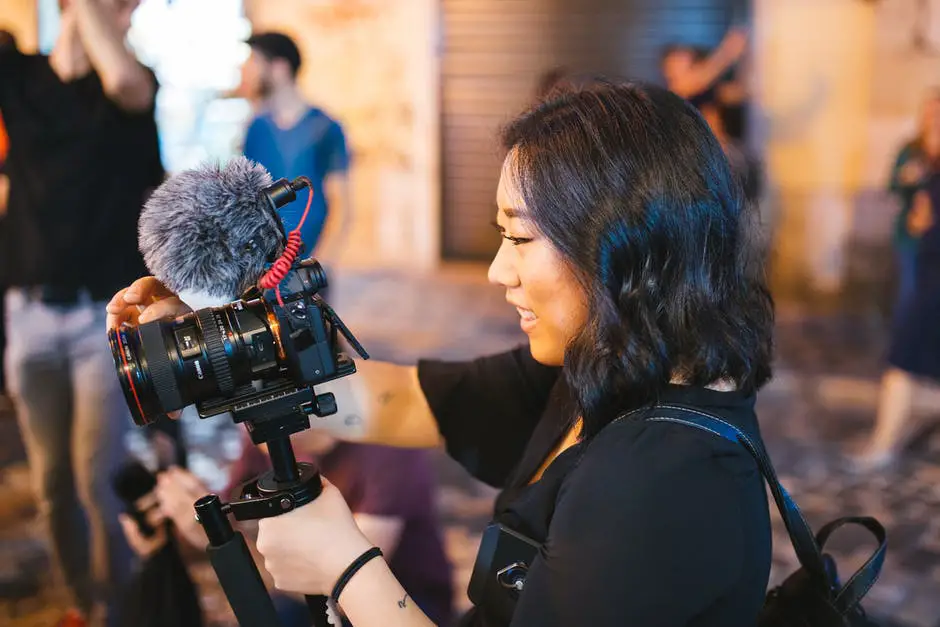
Why YouTubers Choose Different Vlogging Cameras
YouTubers do not all need the same type of camera. A creator who films travel videos in New York City may need a small camera with strong stabilization. Someone who records desk videos in a home studio may prefer a larger camera with interchangeable lenses.
A vlogging camera must handle more than image quality. It should also offer:
- Reliable autofocus
- A screen that faces the creator
- Good built-in or external audio
- Simple controls
- Useful battery life
- Portable size
- Stable handheld footage
- Strong performance indoors
A high-end cinema camera may produce a beautiful image, but it can be a poor vlog camera if it is heavy, slow to set up, or difficult to focus.
The main camera types used for vlogging
Most YouTube vlogs fall into four camera groups:
-
Smartphones
These are easy to carry and already owned by many creators. -
Compact cameras
Models such as the Sony ZV-1 and Canon PowerShot G7 X Mark III offer better control than a phone without the size of a mirrorless camera. -
Mirrorless cameras
Cameras such as the Sony ZV-E10 let creators change lenses and create a more cinematic look. -
Pocket and action cameras
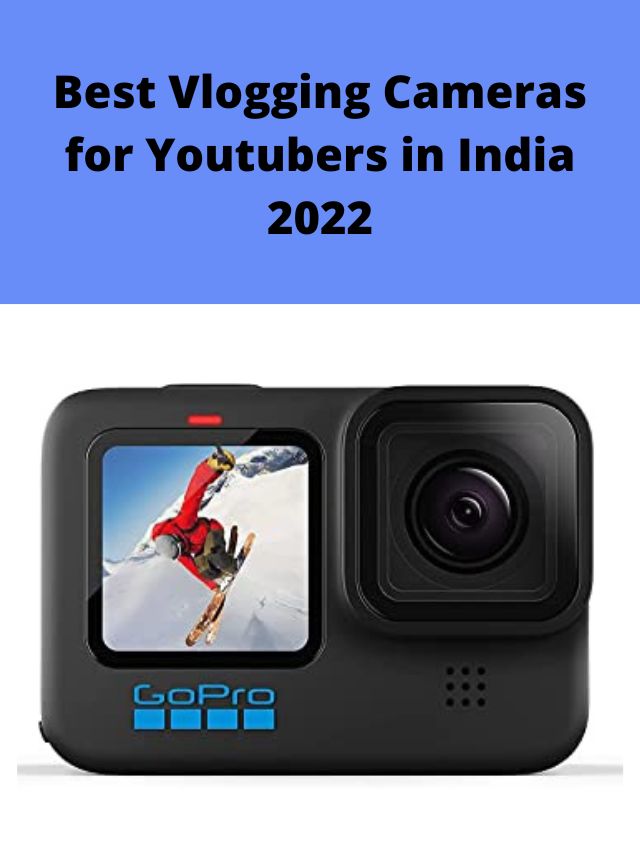
Devices such as the DJI Osmo Pocket 3 and GoPro HERO series are useful for movement, travel , sports, and outdoor filming.
The phrase “most YouTubers use” is difficult to measure. YouTube does not publish a complete camera-use database, and creator gear lists are not a scientific survey. Therefore, it is more accurate to discuss the cameras that appear frequently in creator setups and fit common vlogging needs.

The Most Popular Cameras YouTubers Use for Vlogging
The following cameras are common choices because they solve different problems. None is best for every creator.
| Camera | Best for | Main strength | Main limitation |
|---|---|---|---|
| Sony ZV-1 | Beginner vlogging | Small body and strong autofocus | Fixed lens and limited low-light performance |
| Sony ZV-E10 | Affordable interchangeable-lens video | Lens choice and image quality | No built-in optical stabilization |
| Sony ZV-E10 II | Long-term creator growth | 10-bit video and modern features | Costs more than compact options |
| Canon PowerShot G7 X Mark III | pocketable travel vlogs |
Small size and bright lens | Older autofocus system |
| Canon PowerShot V10 | Simple sit-down and casual vlogs | Built-in stand and simple controls | Limited flexibility |
| DJI Osmo Pocket 3 | Walking and travel vlogs | Built-in mechanical gimbal | Less flexible than a mirrorless camera |
| iPhone or premium Android phone | Fast, simple filming | Always available and easy to edit | Less control over lenses and long recordings |
| GoPro HERO series | Action and outdoor video | Durable, wide-angle footage | Small sensor and less natural background blur |
Sony ZV-1: The common beginner recommendation
The Sony ZV-1 is a compact camera made with vloggers in mind. It has a 1-inch sensor, a built-in zoom lens, a side-opening screen, and a built-in microphone system designed for front-facing video.
Its lens covers a useful range for vlogging. The wide end works for arm’s-length filming, while the longer end helps with close-ups and indoor talking-head videos. Sony also includes features such as face-priority autofocus and background defocus controls.
The ZV-1 is a good fit for:
- New YouTubers
- Indoor talking-head videos
- Travel creators
- Product demonstrations
- Creators who want a small camera
- People who do not want to buy lenses
Its main limits are its small body, short battery life compared with larger cameras, and fixed lens. It also cannot create the same level of lens choice or background separation as a mirrorless camera.
Sony ZV-E10 and ZV-E10 II: Popular choices for growing channels
The Sony ZV-E10 is an APS-C mirrorless camera built for video creators. Its interchangeable lens mount allows a creator to start with a small kit lens and later add a wide lens, portrait lens, or low-light lens.
The original ZV-E10 records 4K video and uses Sony’s strong autofocus system. It also includes a microphone input and a screen that flips out to the side. However, it does not have built-in optical image stabilization. Digital stabilization can help, but it may crop the image.
The newer Sony ZV-E10 II adds several improvements, including:
- A newer APS-C sensor
- 10-bit video recording
- 4:2:2 color recording in supported modes
- Improved battery performance
- Faster readout and updated video features
The ZV-E10 II is more suitable for creators who plan to edit color, use higher-quality lenses, or keep the same camera for several years. The original ZV-E10 can still make excellent YouTube videos, especially when paired with a stabilized lens or used on a tripod.
Choose a Sony ZV-E10 model if you want:
- Interchangeable lenses
- A more cinematic image
- Better control over depth of field
- External microphone support
- A camera that can grow with your channel
Canon PowerShot G7 X Mark III: A small travel-vlogging favorite
The Canon PowerShot G7 X Mark III is a compact camera with a 1-inch sensor and a bright built-in zoom lens. It became popular with travel and lifestyle creators because it fits easily in a pocket or small bag.
Its lens is useful for indoor scenes and street footage. The camera also supports 4K video and includes a microphone input, which helps when the built-in microphone is not enough.
The G7 X Mark III makes sense for creators who want:
- A pocket-size camera
- A built-in zoom lens
- A bright lens for indoor filming
- Simple operation
- An external microphone connection
Its autofocus performance is not as advanced as newer Sony models in every situation. Availability and pricing can also change because it is an older model. Check the current U.S. price and warranty before buying.
Canon PowerShot V10: Simple video with fewer accessories
The Canon PowerShot V10 is designed specifically for casual video creators. It has a built-in stand, front-facing screen, stereo microphones, and a compact body.
The built-in stand is useful for quick desk videos, recipes, demonstrations, and short clips. It reduces the need to carry a small tripod.
The V10 is best for creators who value:
- Fast setup
- Low weight
- A built-in stand
- Simple controls
- Casual indoor videos
It is less suitable for creators who need interchangeable lenses, strong background blur, advanced stabilization, or a large range of manual controls.
DJI Osmo Pocket 3: A strong choice for walking vlogs
The DJI Osmo Pocket 3 uses a built-in three-axis mechanical gimbal. This lets the camera physically stabilize the lens as you walk. The result is usually smoother than footage from a phone or unstabilized mirrorless camera.
It also has a 1-inch sensor and a rotating touchscreen. The screen can turn into a vertical or horizontal filming position, which helps creators who publish both YouTube videos and short-form content.
The Pocket 3 is a strong choice for:
- Walking tours
- Travel vlogs
- City videos
- Family and event footage
- One-person filming
- Creators who want smooth movement
Its small size is a benefit, but it also creates limits. The lens is fixed, the gimbal needs care, and it is less flexible than a mirrorless camera. It is not the best choice for creators who want many lenses or a traditional studio setup.
Is a Phone Good Enough for YouTube Vlogging?
For many creators, a phone is good enough. Modern iPhones and premium Android phones can record sharp 4K video, stabilize handheld footage, and process difficult lighting better than older compact cameras.
A phone may be the best starting point if you already own one made in the last few years. It removes the cost of a camera body, memory card, spare battery, and lens.
A phone is especially useful for:
- Short travel videos
- Daily vlogs
- Behind-the-scenes clips
- Quick interviews
- Social media and YouTube Shorts
- Videos that need fast editing
The main weakness is handling. A phone may be harder to hold for long periods, and its built-in microphones can pick up wind and background noise. Phone storage can also fill quickly when recording 4K video.
A simple phone setup can include:
- A small grip or phone cage
- A compact tripod
- A wireless or wired microphone
- A small LED light
- A power bank
- A lens-cleaning cloth
Clean the phone lens before recording. Fingerprints can make footage look soft and hazy, especially around bright lights.
What Camera Is Best for Different Types of YouTube Vlogs?
The best camera changes with the way you film. Use the following guide instead of choosing a camera only because another creator owns it.
| Vlogging style | Suitable choice | Why |
|---|---|---|
| Daily home vlog | Sony ZV-1 or phone | Fast setup and simple framing |
| Walking vlog | DJI Osmo Pocket 3 | Smooth mechanical stabilization |
| Travel vlog | Sony ZV-1, phone, or Canon G7 X Mark III | Small size and built-in lens |
| Studio talking-head video | Sony ZV-E10 II | Lens choice and strong image control |
| Budget YouTube channel | Existing phone or used ZV-1 | Low starting cost |
| Product reviews | Sony ZV-E10 or ZV-E10 II | Better control over focus and lenses |
| Outdoor action videos | GoPro HERO series | Tough body and wide field of view |
| Low-light video | APS-C mirrorless camera | Larger sensor and faster lens options |
| Vertical and horizontal content | DJI Osmo Pocket 3 or phone | Easy framing for both formats |
For indoor talking-head videos
A Sony ZV-E10 or ZV-E10 II gives you more control over the background. A lens with a wide aperture can make the background look softer, but room lighting still matters.
A Sony ZV-1 is simpler. Its built-in lens removes the need to choose a lens, but its smaller sensor gives you less control over background blur.
For outdoor walking videos
The DJI Osmo Pocket 3 is often the easiest dedicated option. Its gimbal is designed for movement, and its small body is easy to hold.
A phone can also work well with electronic stabilization. A mirrorless camera may need a stabilized lens, a gimbal, or careful walking technique.
For travel
Small cameras usually win because travel gear must be carried, protected, and charged. The Sony ZV-1, Canon G7 X Mark III, DJI Osmo Pocket 3, and a good phone are all practical choices.
A larger mirrorless camera can produce a better image in some conditions, but it adds weight. You may also need extra lenses, batteries, a charger, and a bag.
For cinematic YouTube videos
An interchangeable-lens camera offers more creative control. The Sony ZV-E10 II is a practical creator camera, while many other Sony, Canon, Panasonic, and Fujifilm mirrorless cameras can also work well.
“Cinematic” does not come from the camera alone. Lighting, lens choice, camera movement, sound, framing, and editing often have a larger effect on the final video.

What Features Matter Most in a Vlogging Camera?
The most useful features are autofocus, audio support, stabilization, screen design, battery life, and heat control. Resolution matters, but it should not be the only buying factor.
1. Autofocus
Face and eye autofocus can keep your face sharp while you move. This is useful when you vlog alone and cannot check focus during filming.
Test autofocus in the conditions you plan to use. A camera may focus well in bright light but struggle in a dim room or against a busy background.
2. Audio
Viewers may tolerate a soft image. They are less likely to tolerate speech that is hard to hear.
Look for:
- A microphone input
- A hot shoe or accessory mount
- Wind protection
- Headphone monitoring, if available
- A reliable wireless microphone system
A small external microphone can improve a video more than a more expensive camera body. Keep the microphone close to your mouth, and use a windscreen outdoors.
3. Stabilization
There are three common types of stabilization:
- Optical stabilization: The lens or sensor moves to reduce shake.
- Electronic stabilization: Software crops and adjusts the image.
- Mechanical gimbal stabilization: A motorized gimbal physically holds the camera steady.
Electronic stabilization can reduce the field of view. Mechanical gimbals can produce smoother motion but require careful handling.
4. A front-facing screen
A screen that faces you helps with framing. A side-opening screen is useful because it does not block a microphone mounted on top of the camera.
Check whether the screen remains visible when you attach a tripod, microphone, or small light.
5. Battery and charging
Vlogging uses power quickly, especially when recording 4K video or using wireless connections. Look for USB charging or USB power operation if you record long sessions.
Carry at least one spare battery for a dedicated camera. A power bank may help, but confirm that the camera supports operation while charging.
6. Heat management
Small cameras can become warm during long 4K recordings. Heat depends on the room temperature, recording mode, frame rate, battery level, and camera settings.
Do not cover vents. Avoid leaving the camera in a hot car or direct sun. If a camera stops recording because of heat, let it cool before starting again.

How Much Should You Spend on a Vlogging Camera?
You do not need to spend thousands of dollars to start a YouTube channel. A sensible U.S. budget depends on whether you already own a phone and accessories.
| Budget range | Practical setup |
|---|---|
| Under $300 | Existing phone, used compact camera, basic tripod, simple microphone |
| $300–$700 | Phone upgrade, used Sony ZV-1, Canon V10, or entry-level compact setup |
| $700–$1,200 | Sony ZV-1, Canon G7 X Mark III, DJI Osmo Pocket 3, or entry-level mirrorless kit |
| $1,200–$2,000 | Sony ZV-E10 II with lens, microphone, extra battery, and light |
| Over $2,000 | Advanced mirrorless body, multiple lenses, audio, lighting, and support gear |
Prices change often in the United States. Sales, refurbished stock, used equipment, and manufacturer bundles can change the value of each option.
Remember to budget for the full kit. A camera may need:
- Memory cards
- Extra batteries
- A charger
- A microphone
- A tripod or grip
- A camera bag
- A small light
- Storage for video files
A $1,000 camera with poor sound and no spare battery may produce a worse vlog than a phone with a $100 microphone and good lighting.
What Accessories Do Most Vloggers Need?
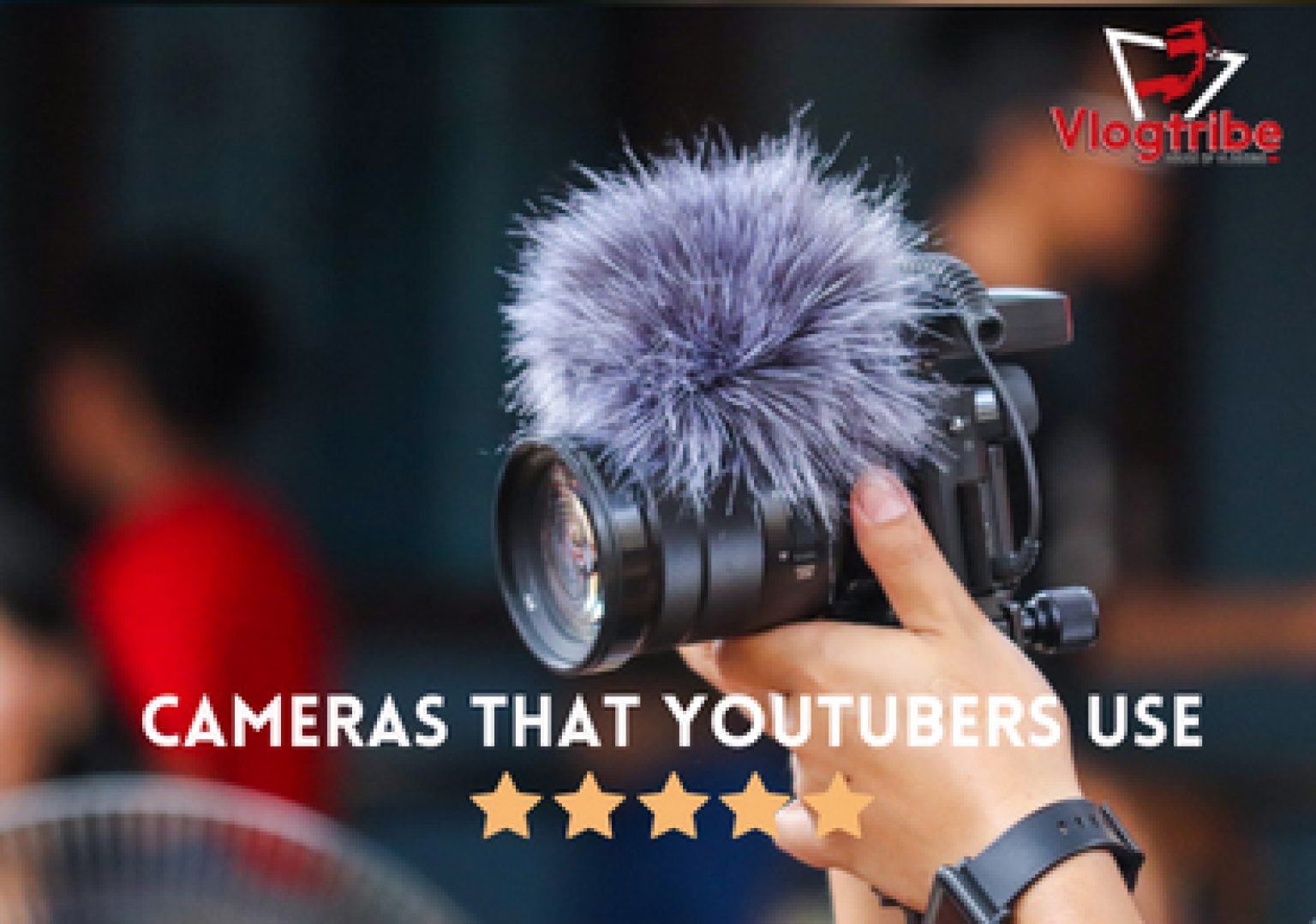
The most useful accessory is usually a microphone. Better audio makes speech clearer and reduces the need to repair sound during editing.
Start with these accessories
-
Microphone
Choose a small on-camera, wired lavalier, or wireless microphone. -
Wind protection
Use a furry windscreen outdoors. A foam cover helps indoors but may not stop strong wind. -
Small tripod or grip
This gives you a stable shot and makes the camera easier to hold. -
Extra battery or power bank
This helps during long filming days. -
Memory card
Use a card with the speed rating required by the camera and recording mode. -
Small LED light
A soft light can improve faces in rooms with weak or mixed lighting. -
Camera bag
Protect the camera from drops, dust, and moisture.
Do not buy every accessory at once. Record a few videos first. Your workflow will show which limitation matters most.
Common Mistakes When Choosing a Vlogging Camera
Many new creators focus on resolution and ignore the parts that affect daily use.
Choosing 8K or 4K without checking storage
Higher resolution creates larger files. You need faster cards, more storage, and a computer that can edit the footage.
For many YouTube channels, well-lit 4K or even 1080p footage is enough. Clear sound and stable framing often matter more than the jump from one resolution to another.
Buying a large camera for a small workflow
A large camera may stay at home because it is difficult to carry. The best camera is the one you can use often.
Think about where you will film. A compact camera may be more useful than a full-size setup for daily travel videos.
Ignoring the lens
A camera body does not determine the entire image. Lens width affects how much of the scene fits in the frame. A wide lens is useful for arm’s-length vlogging, while a longer lens can work better for portraits and close-ups.
Before buying a mirrorless camera, check the total cost of the body and lens.
Relying only on built-in audio
Built-in microphones can work in a quiet room. They are less reliable outdoors, near traffic, or in a room with echo.
If viewers cannot understand your speech, camera upgrades will not solve the main problem.
Forgetting stabilization
A camera with excellent image quality may still produce unpleasant footage when walking. Check whether it has optical, electronic, or mechanical stabilization.
If you plan to walk often, prioritize smooth footage over a small increase in resolution.
Buying based only on a famous creator’s setup
A professional YouTuber may have a camera team, controlled lighting, several lenses, and a large editing computer. Their camera may not fit a solo creator who films in a bedroom or carries gear on public transportation.
Use another creator’s setup as a reference, not as proof that it is the right choice for you.

A Simple Way to Choose Your First Vlogging Camera
Use this process before spending money.
Step 1: Decide where you will film
Choose the most common setting:
- At home
- Outdoors
- While walking
- In a car
- At events
- In a studio
- While traveling
Your filming location affects stabilization, lens width, sound, and battery needs.
Step 2: Decide whether you need interchangeable lenses
Choose a fixed-lens camera if you want simplicity. Choose a mirrorless camera if you want to change lenses and improve your image over time.
A fixed lens is not a weakness for every creator. It can make filming faster and reduce the amount of gear you carry.
Step 3: Set an equipment budget
Include accessories and storage. If your budget is limited, spend first on:
- A camera you will carry
- A microphone
- A stable grip or tripod
- Extra power
- Light, if your filming space is dark
Step 4: Check the screen and microphone setup
Make sure the screen faces you and remains usable with your microphone. Confirm that the camera accepts the microphone you plan to use.
Step 5: Test the complete setup
Record a short clip before filming a full video. Check:
- Focus on your face
- Voice clarity
- Wind noise
- Exposure
- Stabilization
- Battery drain
- File transfer
- Editing performance
A camera is ready for regular vlogging when it records clear video, keeps your face in focus, captures usable sound, and fits your normal routine.
Frequently Asked Questions
What camera do most beginner YouTubers use?
Many beginner YouTubers start with a smartphone. Among dedicated cameras, the Sony ZV-1 is a common beginner choice because it combines a small body, a built-in lens, a front-facing screen, and creator-focused autofocus.
Is Sony or Canon better for vlogging?
Sony often has an advantage in continuous face and eye autofocus, especially in its newer creator cameras. Canon offers simple controls, good color, and several compact options. The better brand depends on the exact camera, lens, audio setup, and filming style.
Is a GoPro good for regular vlogging?
A GoPro is good for action, outdoor trips, water activities, cycling, and wide-angle footage. It is less natural for indoor talking-head videos because its small sensor and very wide lens can create a different look.
Do YouTubers use DSLR cameras for vlogging?
Some do, but mirrorless cameras are now more common for new video setups. Mirrorless cameras are usually smaller and offer strong autofocus and video features. Older DSLR cameras can still work, but they may have weaker video autofocus or limited screen designs.
Do I need 4K for YouTube?
No. YouTube supports 4K, but 1080p can still look good when the lighting, focus, framing, and audio are strong. Use 4K if you want more detail, cropping room, or a high-resolution master file and your computer can handle the workflow.
What is the best camera for walking and talking?
The DJI Osmo Pocket 3 is one of the most practical options because its mechanical gimbal smooths walking footage. A phone with strong stabilization can also work well. A mirrorless camera is better when you need interchangeable lenses or more control.

Final Recommendation
For most new U.S. YouTubers, start with the camera that removes the most friction.
- Choose a smartphone if you want to begin at the lowest cost.
- Choose the Sony ZV-1 for a small, simple dedicated camera.
- Choose the Sony ZV-E10 or ZV-E10 II if you want interchangeable lenses and room to grow.
- Choose the DJI Osmo Pocket 3 for smooth walking and travel vlogs.
- Choose a GoPro for action and outdoor filming.
- Choose the Canon PowerShot V10 for simple, casual videos with a built-in stand.
Before buying, record a test video with your current phone. If the main problem is sound, buy a microphone first. If the problem is shaky footage, choose better stabilization. If the problem is low-light image quality or lens flexibility, consider a larger sensor or mirrorless camera.
The best vlogging camera is not always the most expensive one. It is the camera that produces clear sound, steady footage, and a simple workflow you can repeat every week.
Recent Posts
Find the best compact travel bag for weekend trips, flights, and daily essentials. Compare seven bags and packing accessories for security, hygiene, durability, and value.
What camera do travel vloggers use? Compare lightweight, reliable options for stunning footage, smooth audio, and effortless travel filming.