
To vlog with a camera, choose a camera that fits your style, record clear sound, use steady framing, and follow a simple filming plan. Start with basic settings, keep the lens near eye level, check your audio before filming, and record short clips that tell one clear story.
For creators in the United States, a good vlog can be filmed at home, in a city, at a national park, or on a road trip. You do not need a cinema camera. A phone, mirrorless camera, compact camera, or DSLR can work if it produces a clear image and usable sound.
The camera matters, but your message matters more. Viewers will forgive a less-than-perfect image. They are less likely to stay if they cannot hear you or understand what is happening.
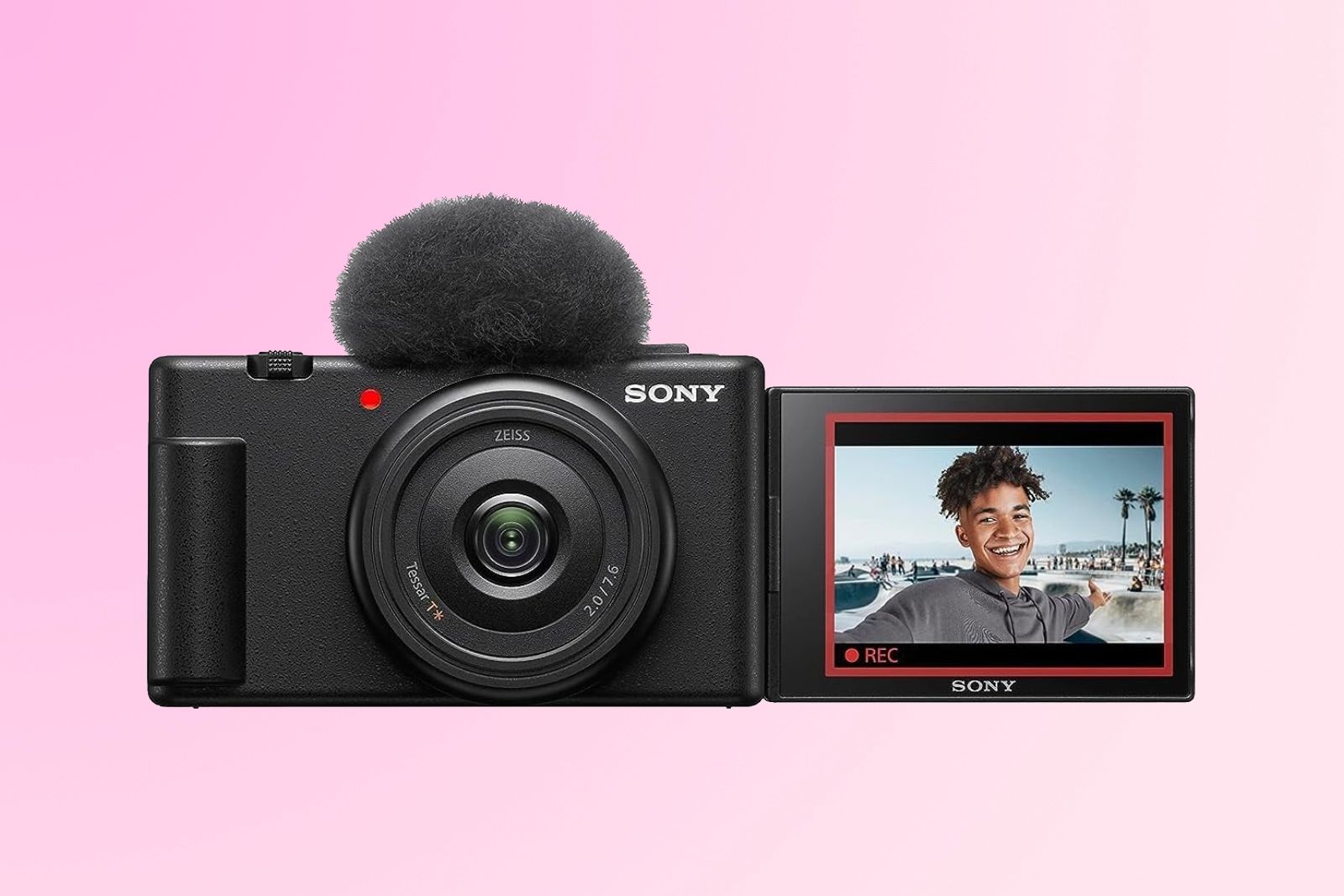
What You Need to Start Vlogging
You need a camera, a way to record sound, steady support, enough power, and a simple plan. You can begin with the equipment you already own and upgrade only when a clear problem appears.
Camera
A vlog camera should offer:
- Clear video at 1080p or 4K
- Reliable autofocus
- A screen that helps you frame yourself
- A microphone input, if possible
- Good battery life
- A size you can carry with ease
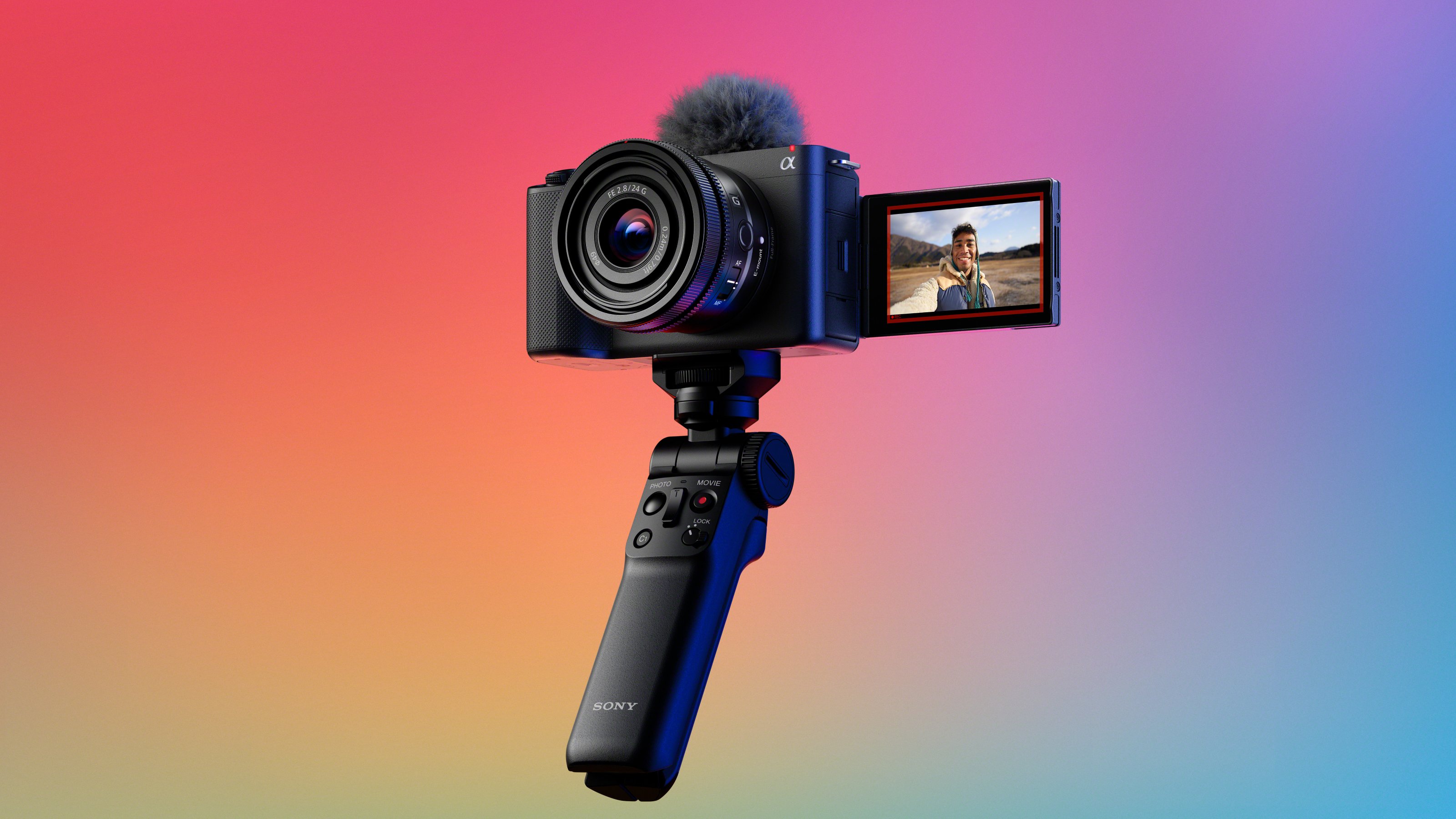
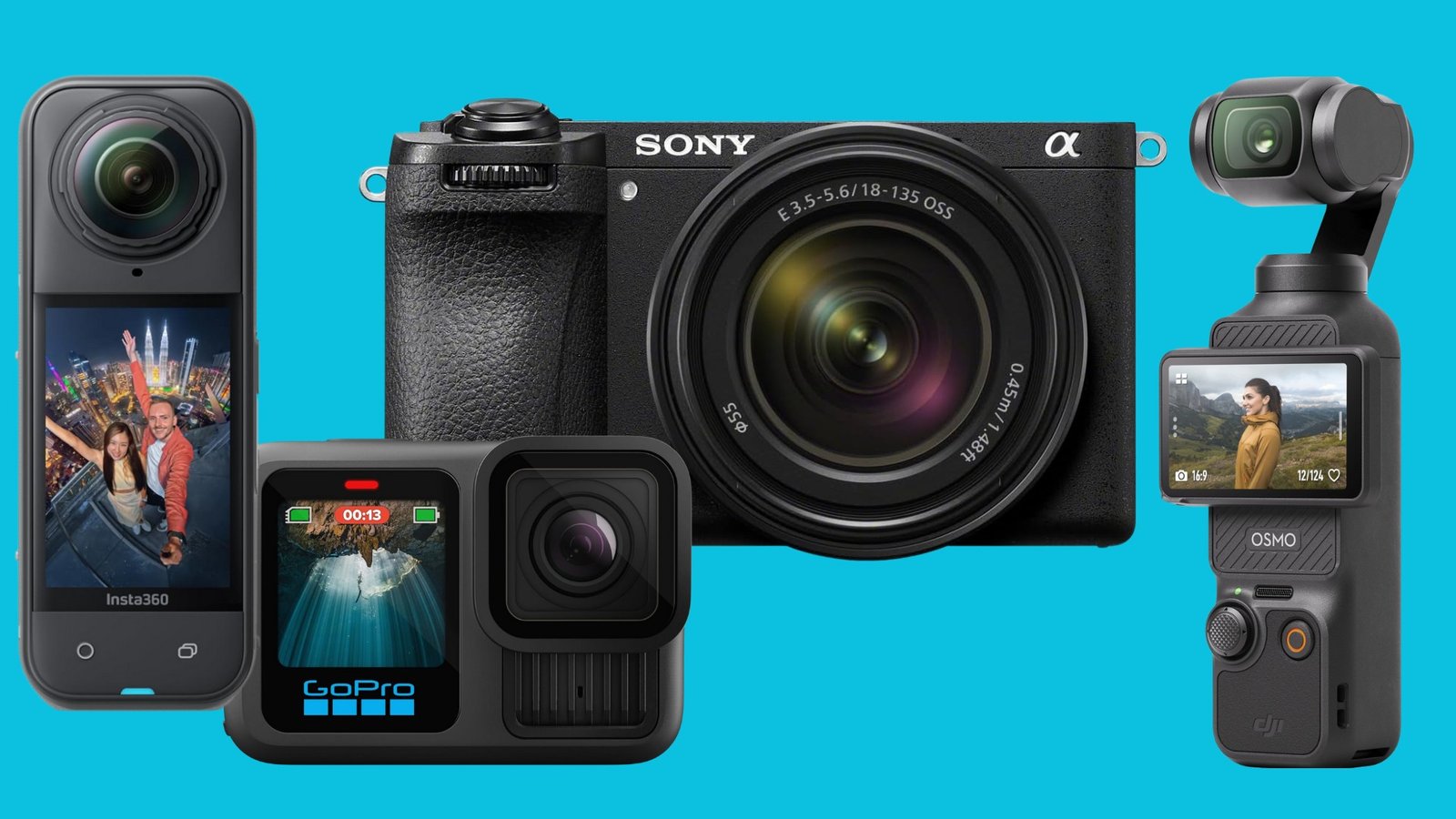
A mirrorless camera gives you strong image quality and lens choices. A compact camera is easier to carry. An action camera works well for travel , sports, and wet conditions. A smartphone may be the best first camera because it is always available.
The best camera for vlogging is the one you will actually use. A large camera that stays at home is less useful than a small camera that travels with you.
Microphone
The built-in microphone can work in a quiet room. It often struggles outdoors, in traffic, or near wind.
Common microphone types include:
| Microphone type | Best use | Main limit |
|---|---|---|
| Built-in camera mic | Quiet rooms and quick clips | Picks up camera noise and room sound |
| Wired lavalier mic | Talking while moving | The cable can show or snag |
| Wireless mic | Walk-and-talk videos | Needs charging and careful pairing |
| Shotgun mic | Directional sound near the camera | Works poorly when far from the camera |
| USB mic | Desk and home videos | Not useful for most outdoor shots |
Place the microphone close to your mouth. Distance affects sound more than camera price. A low-cost mic near you can sound better than an expensive mic several feet away.
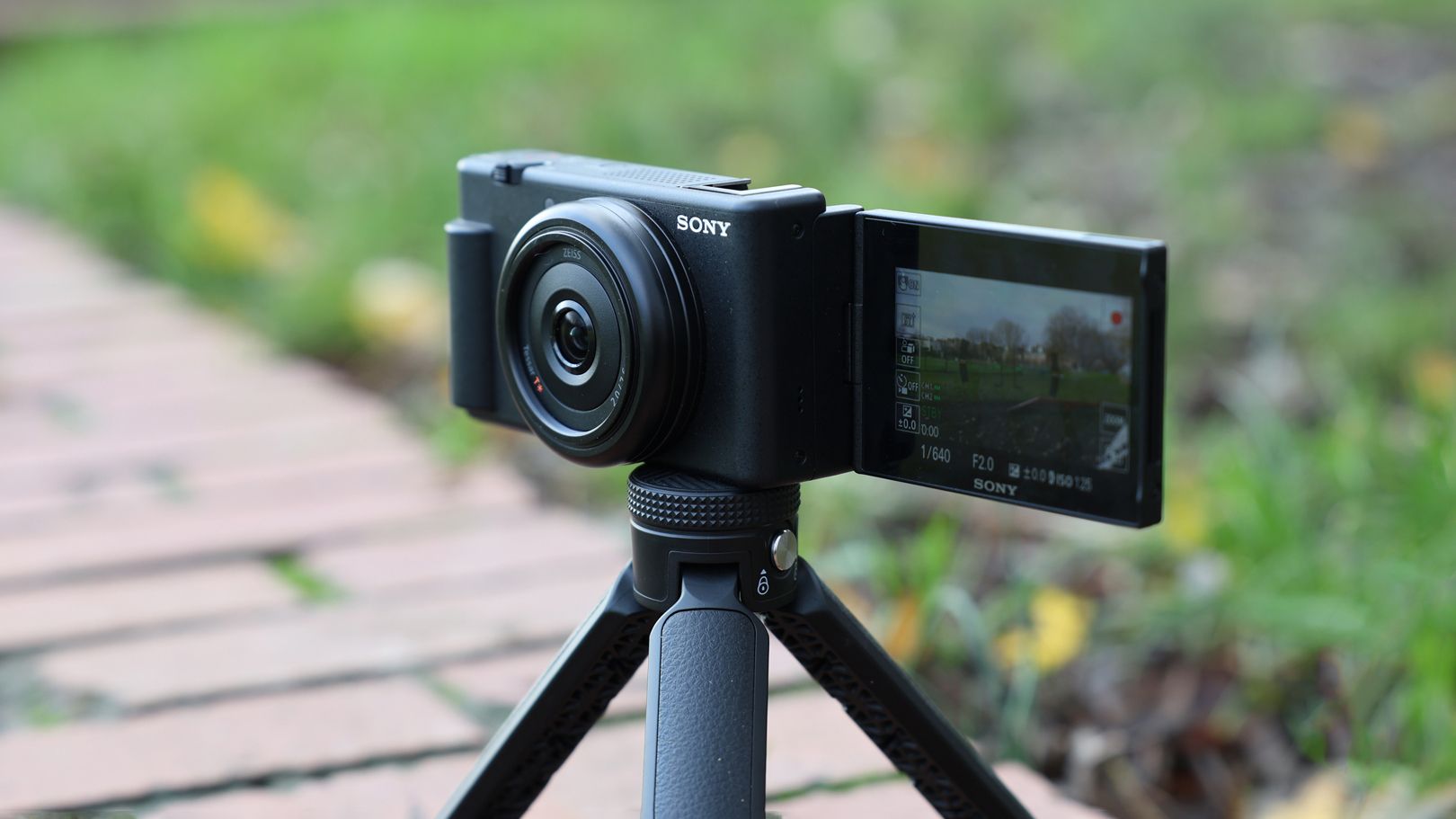
Tripod or Grip
A small tripod helps with sit-down videos. A handheld grip helps with walking shots. A full-size tripod helps when you want a stable, locked frame.
Use a tripod when you need both hands free. Use a grip when you need to move. Do not hold a heavy camera at arm’s length for a long time without support.
Extra Batteries and Storage
Video uses battery power and storage space quickly. Carry at least one charged spare battery when possible. Bring a memory card that meets your camera’s speed and capacity requirements.
Format the card in the camera before important shoots, after copying your files safely. Do not remove the card while the camera is recording or writing data.
Light
A window can provide good light for a home vlog. Face the window instead of placing it behind you. Outdoors, open shade can reduce harsh shadows.
A small LED light can help at night or in dark rooms. Avoid pointing a bright light directly at someone’s eyes. Check the light’s color setting so your skin does not look too blue or orange.

Plan Your Vlog Before You Press Record
A simple plan keeps the video clear and reduces editing time. You do not need a full script for every vlog, but you should know the main point.
Choose One Main Idea
A vlog may cover a trip, a project, a day at work, a meal, or a personal update. Pick one central question:
- What am I doing?
- Why does it matter?
- What will the viewer see or learn?
- How will the day end?
For example, “I visited Chicago” is broad. “I tested three deep-dish pizza spots in Chicago” gives the video a clear path.
Use a Simple Story Structure
A useful vlog structure is:
- Hook: Show or state the most interesting part.
- Setup: Explain where you are and what you plan to do.
- Main action: Record the important steps.
- Change or problem: Show what did not go as planned.
- Result: Share what happened.
- Ending: Give the viewer a clear final thought.
The hook does not need to be loud or dramatic. It can be a direct promise, such as, “Today I am testing whether this small camera can handle a full day in New York City.”
Make a Shot List
A shot list prevents a video from becoming one long talking clip. Use a mix of:
- Wide shots that show the place
- Medium shots that show the action
- Close-ups of hands, tools, food, or details
- Walking shots
- Reaction shots
- Short clips of signs, streets, and surroundings
- A final shot that closes the story
Record each supporting clip for about 5 to 10 seconds. Hold the camera still for a moment before moving it. This gives you clean points for editing.
Write Talking Points
Use short notes instead of memorizing every word. Write three to five points for each section.
If you lose your place, stop, pause, and repeat the sentence. You can remove the mistake later. Do not rush because you want to avoid editing.

Set Up Your Camera for Vlogging
Set the camera before the main shoot. Test a short clip and watch it with sound before you begin.
Choose the Resolution and Frame Rate
Use 1080p if you need smaller files, faster editing, or longer recording times. Use 4K if you want more detail or room to crop the image during editing.
Common frame rates include:
- 24 frames per second: A film-like look and common for controlled scenes
- 30 frames per second: A natural choice for most talking videos
- 60 frames per second: Useful for smooth movement or slow motion
Your camera, editing software, and publishing platform must support the setting you choose. A higher resolution creates larger files and may require more storage and computer power.
Use a Natural Shutter Speed
A common starting point is to set the shutter speed at about twice the frame rate:
| Frame rate | Starting shutter speed |
|---|---|
| 24 fps | 1/50 second |
| 30 fps | 1/60 second |
| 60 fps | 1/125 second |
These values are starting points, not strict rules. Bright daylight may require a neutral-density filter when you want to keep a slower shutter speed. In low light, you may need to open the aperture, raise the ISO, add light, or accept some motion blur.
Control Exposure
Exposure controls how bright or dark the image looks. It depends on:
- Aperture: The lens opening
- Shutter speed: How long the sensor records light
- ISO: The camera’s brightness gain
A wide aperture, such as f/1.8, can create a soft background. It also makes focus more sensitive. A smaller aperture, such as f/4 or f/5.6, can keep more of the scene sharp.
Raise ISO only as much as needed. High ISO can add visible noise, especially in dark areas.
Set White Balance
White balance controls the color of the image. Auto white balance is easy and often works well. A fixed white balance can keep color more consistent across clips.
If one clip looks blue and the next looks orange, the camera may have changed its white balance. Use a fixed setting when the lighting stays the same.
Use Autofocus With Care
Face and eye detection can help when you vlog alone. Test it before filming. Some cameras may focus on a nearby object, a passing person, or the background.
If autofocus hunts, try these steps:
- Add more light.
- Move the camera closer.
- Make sure your face is clear in the frame.
- Reduce objects moving behind you.
- Use a smaller aperture.
- Switch to manual focus for a locked, seated shot.
Turn On Stabilization When Needed
Optical or digital stabilization can make handheld video smoother. It may crop the image or reduce the field of view. Some stabilization modes work best while walking, while others work best from a fixed position.
Do not rely on stabilization to fix a loose grip or unsafe movement. Walk slowly, bend your knees slightly, and keep both hands on the camera when possible.

Record Better Audio and Light
Clear sound and even light can make a basic camera look professional. Test both before filming the full vlog.
Monitor Your Sound
If your camera has a headphone jack, wear headphones while recording. Listen for:
- Wind
- Clothing rubbing against a lavalier mic
- Air conditioners
- Traffic
- Echo
- Audio that is too quiet or distorted
Record a short test clip and play it back. A level that is too high may clip. Clipped audio is often difficult to repair.
If your camera shows audio meters, keep normal speech below the maximum level. Leave some headroom for louder words, laughs, or sudden sounds.
Protect the Microphone From Wind
Wind protection is essential for outdoor vlogging. Use a foam cover for light air movement and a furry windscreen for stronger wind.
Stand with your back toward the wind when practical. Use walls, vehicles, or buildings as wind breaks. If wind still ruins the sound, record voice-over indoors and use outdoor clips as visual coverage.
Use Soft, Simple Light
Place your main light slightly to one side of your face. A window, lamp, or LED panel can work.
Avoid mixing many types of light. Daylight and warm indoor bulbs may create different colors on your face and in the background. If you cannot control the lights, use a camera setting that matches the dominant light and correct the rest during editing.
Watch the Background
A clean background helps viewers focus on you. Remove private papers, passwords, addresses, and other personal information from view.
A background does not need to be empty. Books, plants, tools, or travel items can add context. Keep bright objects from pulling attention away from your face.
Film Yourself With Better Framing
Good framing makes the vlog easier to watch. Keep the camera near eye level and leave a small amount of space above your head.
Use a Horizontal or Vertical Frame
Choose the frame based on where you plan to publish:
- Horizontal video: YouTube, television screens, and most long-form videos
- Vertical video: TikTok, Instagram Reels, YouTube Shorts, and similar feeds
- Square video: Some social feeds and specific layouts
Do not crop a horizontal video into vertical format without checking the result. Your face or important action may fall outside the frame.
Look at the Lens
When you speak to the audience, look at the lens rather than the camera screen. Looking at the screen can make your eyes appear slightly off-center.
Check the screen before recording. Then focus on the lens. If you need notes, place them close to the camera.
Walk Smoothly
Walking and talking can add energy, but fast movement can make viewers feel uncomfortable. Keep your steps short. Hold the camera close to your body. A grip, gimbal, or action camera may help for active scenes.
Record a few seconds before and after each movement. This gives you room to cut between clips.
Capture Room Tone
Room tone is the natural sound of a place when no one is speaking. Record 20 to 30 seconds of it in each major location.
Room tone can help cover cuts in speech. It also makes edits sound less abrupt.
Film B-Roll
B-roll is supporting footage that plays over narration or cuts. It may show a street, a product, a meal, a process, or a reaction.
Record more B-roll than you think you need. Use different distances and angles. A few short clips can make a talking segment feel active.
Edit and Publish Your Vlog
A good edit removes confusion and dead time. It does not need complex effects.
Organize Your Files
Create folders for:
- Camera footage
- Audio
- Photos
- Music
- Project files
- Exports
Rename important clips or add notes. Back up your original files before deleting them from the memory card.
Build a Rough Cut
Start by placing clips in story order. Remove long pauses, repeated points, mistakes, and parts that do not support the main idea.
Do not add music or effects first. Make the story work with voice and natural sound.
Improve Sound Before Adding Style
Set speech to a clear, steady level. Reduce background noise with care. Too much noise reduction can make a voice sound thin or artificial.
Use music at a low level under speech. You need permission to use music in a public video. YouTube’s Audio Library and properly licensed music services can provide permitted options, but check the license terms for commercial use and platform limits.
Add Text With Purpose
Use captions for names, places, prices, steps, and key points. Keep text large enough to read on a phone.
Accurate captions also help viewers who watch without sound. Review automatic captions because names and technical terms may be wrong.
Export the Correct File
Match the export format to the platform. Check:
- Resolution
- Aspect ratio
- Frame rate
- File type
- Audio quality
- File size
Watch the exported file before uploading. Problems can appear after export even when the editing timeline looked correct.
Create a Clear Title and Thumbnail
A useful title tells viewers what they will see. Avoid claims the video cannot support.
For example:
- “A Full Day Vlogging With a Compact Camera”
- “How I Record Better Audio Outdoors”
- “Testing a Small Camera on a New York City Walk”
A thumbnail should show one clear subject. Avoid filling it with small text.

Troubleshoot Common Vlogging Problems
Most problems come from sound, light, focus, storage, or unstable movement. Check the simplest cause first.
| Problem | Likely cause | Useful fix |
|---|---|---|
| Video looks blurry | Missed focus, dirty lens, or motion blur | Clean the lens, test autofocus, and raise shutter speed if needed |
| Face looks too dark | Bright background or weak front light | Face a window or add light in front of you |
| Image looks too bright | Excess light or incorrect exposure | Lower ISO, close the aperture, or use an ND filter |
| Audio is quiet | Mic is too far away or input is low | Move the mic closer and check input levels |
| Audio is distorted | Recording level is too high | Lower the level and leave headroom |
| Camera stops recording | Full card, low battery, heat, or file limit | Check storage, power, temperature, and the camera manual |
| Autofocus keeps shifting | Low light or distracting background | Add light, simplify the background, or use manual focus |
| Video looks shaky | Loose grip or walking movement | Use support, stabilize the camera, and move more slowly |
| Clips have different colors | Changing white balance or light | Lock white balance and keep lighting consistent |
| Video looks flat or boring | No change in shot size or scene | Add B-roll, close-ups, movement, and clear transitions |
When the Camera Overheats
Stop recording if the camera becomes unusually hot or shows a temperature warning. Move it out of direct sun and let it cool. Do not place a hot camera in a refrigerator or freezer because condensation can damage electronics.
Read the manual for your exact camera. Recording time can change with resolution, frame rate, room temperature, battery condition, and card type.
When You Forget What to Say
Pause. Look at your notes. Repeat the sentence from the beginning. You can remove the pause in editing.
If the same mistake happens several times, record the line as a voice-over later. The viewer does not need to see every part of the process.
When the Footage Feels Boring
Ask whether each clip adds information, emotion, place, or progress. If it adds none of these, remove it.
Shorter clips do not always make a better vlog. A longer shot can work when the viewer needs to understand an action. The key is to give each shot a job.
Vlogging Safety, Privacy, and Copyright
Vlogging in public does not remove every privacy or safety concern. Think about people, places, and information in the frame.
In the United States, recording laws can vary by state, especially for private conversations and audio. Do not assume that a person’s presence in a public area gives permission to record every private exchange. Check the law where you are filming and get consent when the situation is unclear.
Also avoid showing:
- Home addresses
- License plates when they are not needed
- Medical records
- Computer screens with private data
- Children without a parent or guardian’s permission
- Security procedures
- Another person’s private conversation
Respect location rules. Federal buildings, museums, schools, stores, airports, national parks, and private venues may have their own filming policies. Ask staff when commercial filming, tripods, lights, or interviews are involved.
Do not film while driving. Set the camera before the vehicle moves, or ask a passenger to handle it. Keep your attention on traffic, pedestrians, and local conditions.
Use music, photos, video clips, and logos with care. Copyright law has exceptions, but “fair use” is not automatic. Commentary or criticism may qualify in some cases, but the full context matters. Licensed material is the safer choice for most new creators.

Key Takeaways
- Start with the camera you already own.
- Put the microphone close to your mouth.
- Plan one clear idea for each vlog.
- Use 1080p or 4K based on your needs and storage.
- Keep the camera near eye level.
- Test focus, sound, and exposure before the main shoot.
- Record wide shots, medium shots, close-ups, and B-roll.
- Back up your files before formatting a memory card.
- Check privacy, location, and copyright rules before publishing.
Frequently Asked Questions
Can I vlog with a regular camera?
Yes. A regular mirrorless camera, compact camera, DSLR, action camera, or smartphone can work. The most useful features are reliable focus, good sound support, a usable screen, and a size you can carry.
Should I vlog in 4K or 1080p?
Use 4K when you want more detail or plan to crop the image. Use 1080p when you want smaller files, faster editing, or easier uploads. Both can produce good results when the lighting, framing, and sound are strong.
What camera settings are best for vlogging?
Start with 24 or 30 frames per second, a shutter speed near twice the frame rate, continuous autofocus with face detection, and a fixed white balance when the light stays the same. Adjust ISO and aperture to keep the exposure correct.
How do I vlog without holding the camera?
Use a small tripod, full-size tripod, or clamp. For walking shots, use a grip, chest mount, or action-camera mount when suitable. Place the camera in a safe spot and check that it cannot fall or block people.
How long should a vlog be?
Make the vlog long enough to tell the story and no longer. A short trip update may need five minutes. A detailed project may need 20 minutes or more. Remove parts that repeat the same point.
Do I need a microphone to vlog?
You can begin with the built-in microphone in a quiet space. An external microphone becomes more useful outdoors, in busy areas, or when the camera is more than a short distance from you.
Conclusion
Learning how to vlog with a camera is mainly a process of controlling sound, light, focus, and story. Start with a simple plan. Test a short clip. Record more supporting footage than you need. Then edit for clarity.
Your next step is simple: choose one small story, charge your camera, connect or test your microphone, and record a one-minute practice vlog. Review the image and sound before buying new equipment. That test will show you what needs improvement first.
Recent Posts
Best Anti Theft Travel Bag: 10 Secure Crossbody Picks for 2026
Compare 10 anti-theft travel bags for secure, comfortable everyday carry. See key features, practical limitations, ratings, and a clear buying guide.
Learn how to use a vlogging camera with simple setup tips, filming techniques, and audio advice to create better videos with confidence.