
For most people in the United States, the Sony ZV-E10 II is the best all-around camera for vlogging and photography. It has a large APS-C sensor, strong video tools, interchangeable lenses, a fully articulating screen, and a light body.
It is not the best choice for every creator. The Canon EOS R50 may be easier for still photos, the Sony ZV-1 II is better for travel, and the DJI Osmo Pocket 3 is better for walking videos. Your best camera depends on how you shoot, where you shoot, and how much gear you want to carry.
This guide compares the main choices for U.S. buyers. It focuses on image quality, autofocus, sound, stabilization, lens choice, battery life, and ease of use. Camera specifications come from manufacturer information available at the time of writing. Prices and stock can change across U.S. stores.
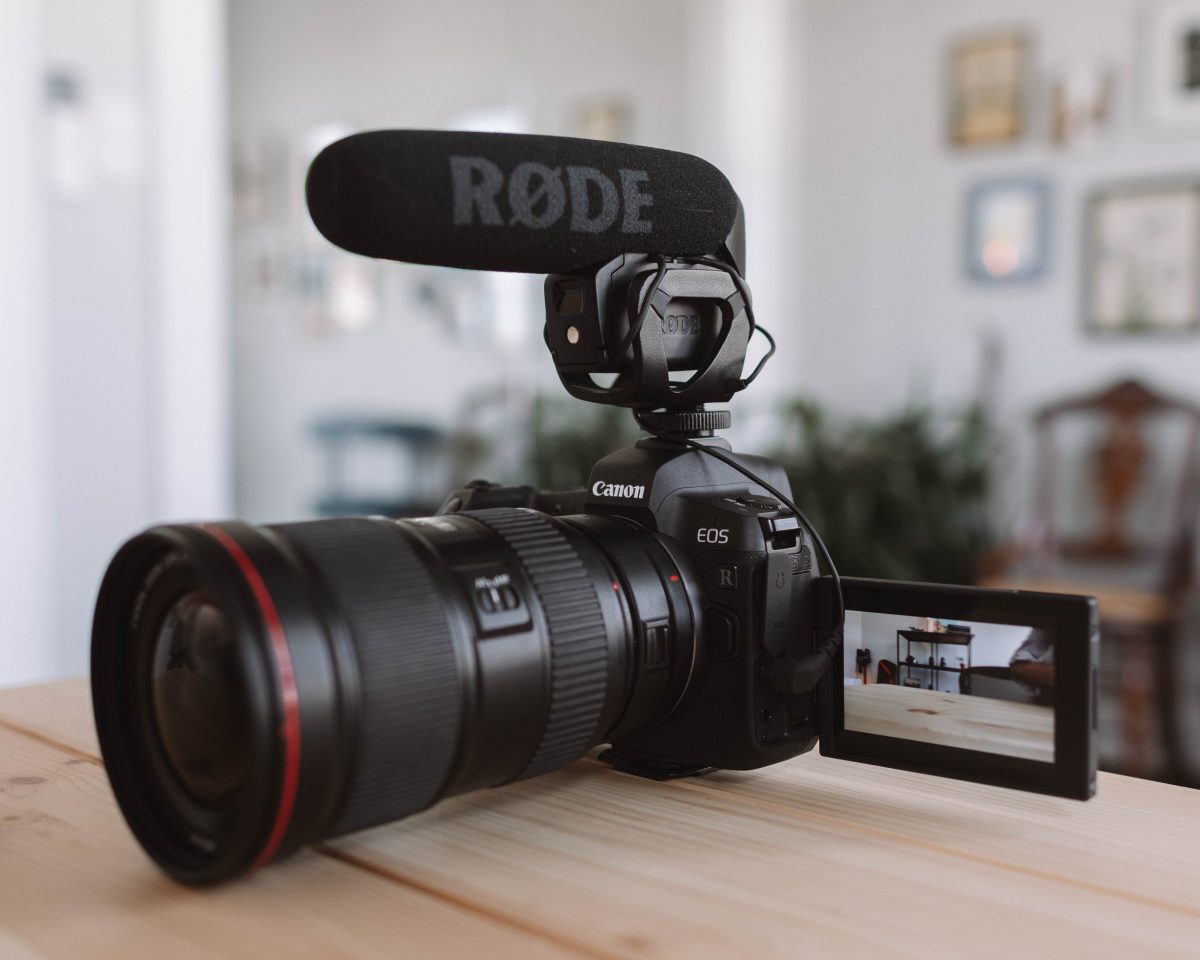
Quick answer: Which camera should you buy?
Choose the camera that fits your main use:
| Your main need | Best fit | Why |
|---|---|---|
| One camera for photos and vlogs | Sony ZV-E10 II | Large sensor, lens choice, strong video features |
| Easy photo and video autofocus | Canon EOS R50 | Simple controls and reliable subject tracking |
| Small camera for travel vlogging | Sony ZV-1 II | Built-in lens and compact body |
| Walking and moving videos | DJI Osmo Pocket 3 | Built-in three-axis gimbal |
| Best photo color and film-style looks | Fujifilm X-S20 | Good stills, strong video, useful film simulations |
| Beginner camera with a low learning curve | Canon EOS R50 | Friendly menus and familiar controls |
| Nikon lens system | Nikon Z30 | Good APS-C image quality and Nikon Z lenses |
The Sony ZV-E10 II is the strongest general pick when you want one system for years. It works well for YouTube, TikTok, Instagram, family photos, portraits, and travel.
The main catch is stabilization. The camera does not have built-in sensor stabilization. For smooth walking shots, you may need a tripod, a gimbal, a stabilized lens, or a separate camera such as the DJI Osmo Pocket 3.
What makes a camera good for both vlogging and photography?
A hybrid camera must handle two different jobs. Vlogging needs clear sound, steady video, fast focus, and a screen you can see from the front. Photography needs good image quality, lens choice, exposure control, and a viewfinder or bright screen.
The most useful features are:
- Large sensor: A larger sensor can produce cleaner images in low light and softer background blur.
- Reliable autofocus: Eye and face tracking help keep you sharp while you move.
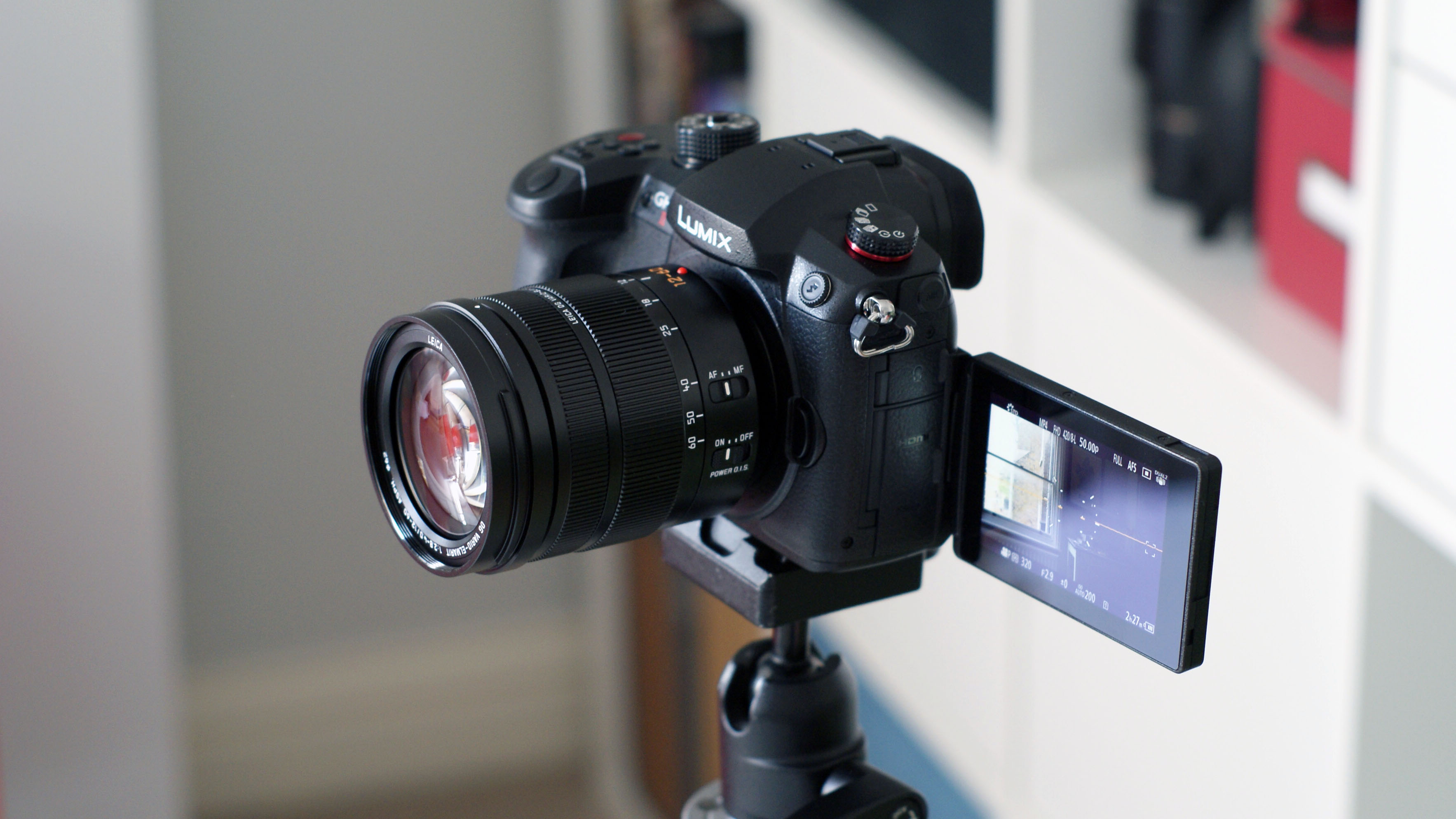
- Fully articulating screen: The screen flips to the side and faces forward.
- Microphone input: This lets you use an external mic.
- Headphone output: This helps you check sound while recording.
- Good battery life: Video drains batteries faster than still photos.
- Interchangeable lenses: You can use a wide lens for vlogs and a longer lens for portraits.
- Image stabilization: This reduces shake when you hold the camera.
- Simple controls: A camera is useful only if you can set it quickly.
A camera with more features is not always better. A small camera that you carry every day can create more useful footage than a large camera that stays at home.
Sensor size matters, but it is not the only factor
Most cameras in this guide use one of three sensor types:
- 1-inch sensors: Small bodies and good daylight quality. They are common in compact cameras.
- APS-C sensors: A strong balance of image quality, size, cost, and lens choice.
- Micro Four Thirds sensors: Small lenses and bodies, with a wide range of affordable lenses.
- Full-frame sensors: Better low-light potential and shallow depth of field, but often larger and more costly.
Sensor size does not guarantee better photos. Lens quality, light, focus, skill, and camera processing also matter.

Best overall: Sony ZV-E10 II
The Sony ZV-E10 II is the best overall choice for people who want serious video and strong photos without moving to a large full-frame setup.
It uses a 26-megapixel APS-C sensor and accepts Sony E-mount lenses. Sony lists 4K recording at up to 60 frames per second, 10-bit color recording options, a side-opening screen, and features made for creators. These tools give you room to grow from simple social videos to more advanced editing.
Why the Sony ZV-E10 II is a strong hybrid camera
The camera has several features that help vloggers:
- A side-opening screen for front-facing recording
- A built-in microphone with a wind screen
- A 3.5 mm microphone input
- USB streaming support
- Product showcase autofocus
- Face and eye tracking
- Interchangeable lenses
- A compact body
The APS-C sensor also gives photos more detail and background control than most phone cameras and 1-inch compact cameras.
Limits to understand
The Sony ZV-E10 II does not include in-body image stabilization. Electronic stabilization can crop the image and may not fully replace a gimbal. Walking footage can still look shaky if you use a wide lens without support.
The camera also uses Sony’s menu system, which some beginners may find less clear than Canon’s menus. The cost of lenses can also grow over time.
Best lens choices for the Sony ZV-E10 II
For a simple kit, consider:
- A wide kit zoom: Useful for travel, rooms, and general clips.
- A compact wide prime lens: Helpful for handheld talking videos.
- A 30 mm or 35 mm equivalent lens: Good for portraits and everyday photos.
- A stabilized zoom lens: Useful when you need reach and smoother handheld shots.
The best lens depends on your distance from the camera. If you film at arm’s length, a lens that is too narrow may crop out your face or room.
For official specifications, see Sony’s [ZV-E10 II product page](https://electronics.sony.com/imaging/interchangeable-lens-cameras/p/ zv-e10m2-b) and confirm the current U.S. listing before buying.

Best for easy photo and video use: Canon EOS R50
The Canon EOS R50 is an excellent choice for beginners who want good photos, simple controls, and dependable autofocus.
It uses a 24.2-megapixel APS-C sensor and Canon’s RF lens mount. Its autofocus system can detect and track people, animals, and vehicles in supported modes. The camera also has a fully articulating screen and a microphone input.
The EOS R50 is especially useful for people who take more photos than video. Its electronic viewfinder makes it easier to compose photos in bright outdoor light.
Why choose the Canon EOS R50?
The EOS R50 works well for:
- Family photos
- Travel photography
- Portraits
- Product images
- YouTube videos
- Short-form social content
- Beginner photography lessons
Canon’s color output can also look pleasing straight from the camera. This can reduce editing time for users who do not want a complex workflow.
What should you know before buying?
The EOS R50 does not have in-body image stabilization. Some RF lenses include optical stabilization, but the result depends on the lens you choose.
The camera’s 4K video options also vary by frame rate and mode. Check Canon’s current manual for crop, autofocus, and recording limits before buying it for a specific production job.
The RF-S lens range is smaller than Sony’s APS-C E-mount range. You can use some full-frame RF lenses, but they may cost more and add weight.
Read the current details on Canon’s EOS R50 specifications page.

Best compact camera for vlogging: Sony ZV-1 II
The Sony ZV-1 II is a good choice when you want a small camera with a built-in lens. It is easier to carry than an interchangeable-lens camera and avoids the need to choose, clean, and replace lenses.
Its 1-inch sensor is larger than the sensor in many basic point-and-shoot cameras. The built-in lens starts at a wide angle that works well for talking to the camera at arm’s length. Sony also includes creator-focused tools such as a side-opening screen and product showcase autofocus.
Best uses for the Sony ZV-1 II
The camera fits:
- City trips
- U.S. national park visits
- Daily videos
- Food videos
- Product demonstrations
- Small indoor spaces
- Beginner YouTube channels
A built-in lens also lowers the total cost of the system. You do not need to buy a second lens before you start shooting.
Its main trade-offs
The ZV-1 II has less background blur and low-light ability than an APS-C camera. Its battery is also smaller, as expected from a compact body.
It does not provide the same lens flexibility as the Sony ZV-E10 II. Its stabilization is also not the same as a true mechanical gimbal. For walking videos, hold it with both hands or use a small grip.
See Sony’s ZV-1 II product information for current features and recording modes.
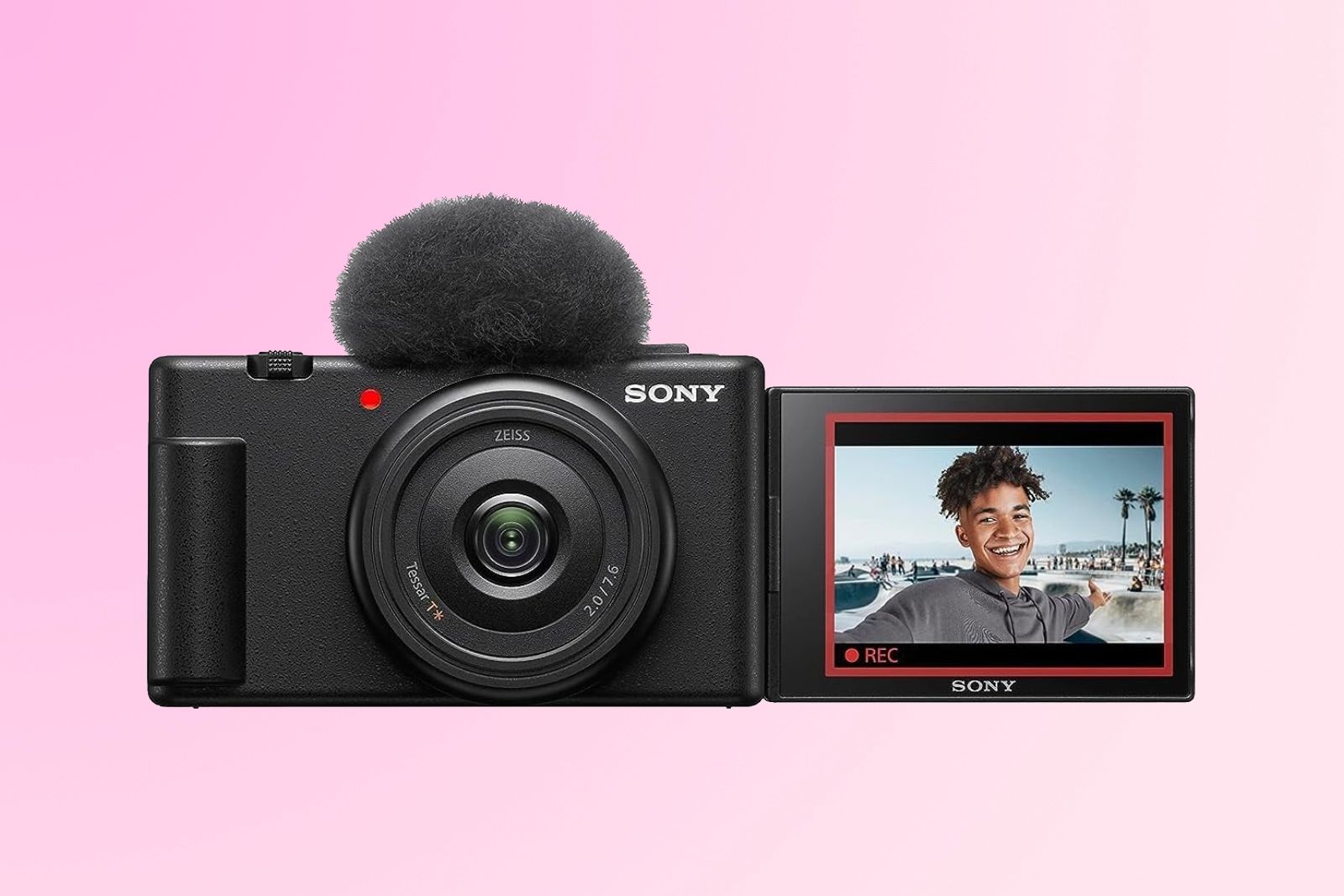
Best for walking videos: DJI Osmo Pocket 3
The DJI Osmo Pocket 3 is one of the easiest tools for smooth walking footage. Its built-in mechanical gimbal moves the camera to counter hand movement.
That makes it different from a normal mirrorless camera. It is mainly a video tool, although it can capture useful still images for social posts and travel records.
Why the Osmo Pocket 3 works well for vlogging
It is useful when you:
- Walk through a city
- Film a home tour
- Record travel clips
- Follow a subject
- Need fast setup
- Want smooth motion without a separate gimbal
The camera uses a 1-inch sensor and has a rotating screen. It can also record vertical video, which helps creators who publish on TikTok, Instagram Reels, or YouTube Shorts.
Why it may not replace a photo camera
The Osmo Pocket 3 has a fixed lens. You cannot swap to a portrait lens, telephoto lens, or ultra-wide lens.
Its small body is convenient, but it does not provide the same photo controls or lens range as a mirrorless camera. It is best as a compact video camera or as a second camera beside your main photography system.
Review current details on the DJI Osmo Pocket 3 product page.
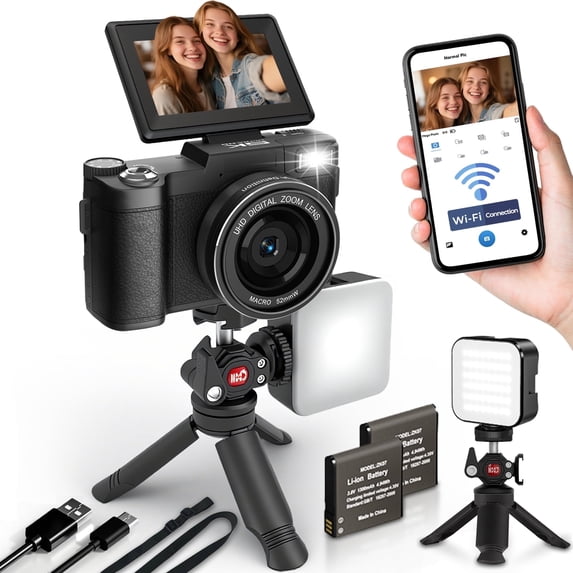
Best for photos, color, and video: Fujifilm X-S20
The Fujifilm X-S20 is a strong hybrid camera for people who care about still photos as much as video. It uses an APS-C sensor, has in-body image stabilization, and supports advanced video formats.
Its physical controls and Fujifilm Film Simulation modes can make photography more enjoyable. These modes change the look of JPEG photos in the camera and can reduce the need for editing.
Why the Fujifilm X-S20 stands out
The camera offers:
- A 26.1-megapixel APS-C sensor
- In-body image stabilization
- A fully articulating screen
- 6.2K video recording
- 4K recording options
- A large battery compared with many small mirrorless cameras
- Fujifilm’s X-mount lens system
In-body stabilization can help with handheld photos and some video shots. It does not freeze a moving person, and it does not remove all shake while walking, but it can help in many static or slow-moving scenes.
Who should avoid it?
The X-S20 may be more camera than a casual vlogger needs. Its advanced video settings can also create a steeper learning curve.
Fujifilm lenses vary in size and cost. A small prime lens can keep the kit light, while a fast zoom lens can become much larger.
See Fujifilm’s X-S20 specifications.

Best Nikon option for beginner vloggers: Nikon Z30
The Nikon Z30 is a good option for creators who prefer Nikon cameras or already own compatible Nikon Z lenses.
It uses a 20.9-megapixel APS-C sensor and has a fully articulating screen. Nikon designed it for creators, so it does not include a traditional electronic viewfinder. That keeps the body focused on screen-based shooting but may disappoint photographers who prefer an eye-level view.
Strengths of the Nikon Z30
The Z30 offers:
- A compact body
- A flip-out screen
- Nikon Z lens compatibility
- 4K video recording
- A microphone input
- Good handling for a small camera
- Nikon’s familiar color and controls
It can work well for desk videos, home videos, travel clips, and still photography.
Limits for hybrid shooters
The lack of a viewfinder matters when you shoot in strong sunlight. The camera also does not have in-body image stabilization.
Nikon’s Z lens system continues to grow, but the range of small APS-C lenses may not match Sony’s E-mount selection. Choose the Z30 when the Nikon system fits your current gear or preferred handling.
Nikon lists current specifications on its Z30 product page.
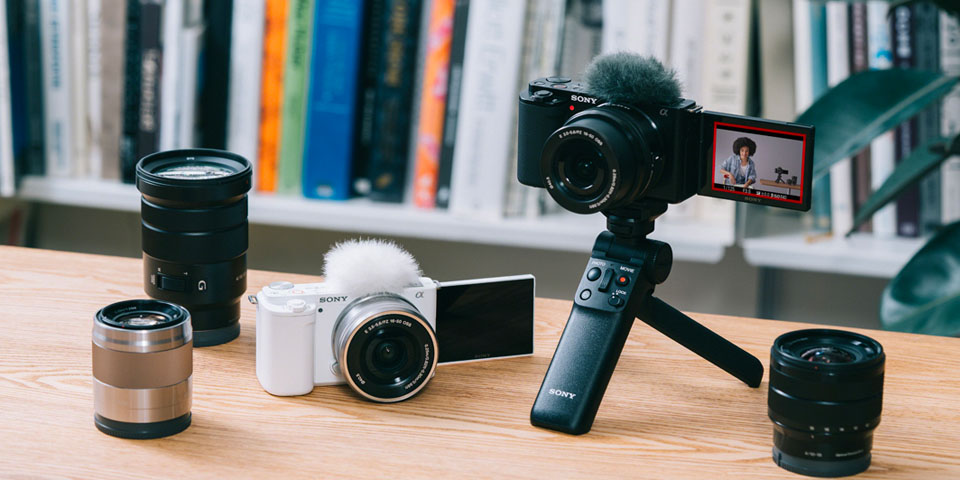
Mirrorless, compact, or phone: which type is best?
A mirrorless camera is usually the best long-term choice for both vlogging and photography. It gives you a larger sensor and interchangeable lenses.
A compact camera is better when size and speed matter more than system flexibility. It starts quickly and takes less space in a bag.
A smartphone remains the easiest tool for casual content. Modern phones offer strong computational processing, fast sharing, and good stabilization. A dedicated camera becomes more useful when you need better low-light images, lens choices, stronger audio, or more control over the final look.
| Camera type | Main benefit | Main weakness |
|---|---|---|
| Smartphone | Always available and easy to share | Small controls and limited lens flexibility |
| Compact camera | Small and simple | Less room to upgrade |
| APS-C mirrorless | Strong balance of quality and size | Requires lenses and accessories |
| Full-frame mirrorless | Strong low-light potential and shallow depth of field | Higher cost and more weight |
| Gimbal camera | Smooth moving video | Limited still-photo and lens options |
Do not buy a full-frame camera only because it has a larger sensor. For many creators, an APS-C camera is easier to carry and less expensive to build.

What camera features matter most for vlogging?
For vlogging, sound and stability often matter more than small differences in resolution. A viewer may forgive a soft background. They are less likely to watch a video with poor sound or distracting shake.
Autofocus
Look for face and eye detection. Test the camera with your type of subject before relying on it for paid work.
Autofocus can struggle in darkness, through glass, with fast movement, or when objects pass close to the lens. Manual focus can be safer for a fixed desk setup.
Audio
A built-in microphone is useful for quick clips. An external microphone is better for serious work.
Useful options include:
- A small on-camera microphone
- A wireless microphone system
- A wired lavalier microphone
- A recorder for controlled shoots
Place the microphone close to the speaker. Distance often affects sound more than the price of the microphone.
Stabilization
There are three common forms:
- Optical stabilization: Built into a lens.
- In-body stabilization: The sensor moves inside the camera.
- Electronic stabilization: Software crops and shifts the video.
A gimbal can produce the smoothest movement, but it adds setup time and weight. For seated videos, a tripod is often enough.
Screen design
A fully articulating screen helps when the camera is in front of you. It also helps when you record vertical videos.
A tilting screen may be fine for photography, but it can be harder to see from the side or when the camera is mounted on a rig.
Heat and recording limits
Small cameras can get warm during long, high-quality recordings. Heat, room temperature, battery condition, card speed, and video settings can affect recording time.
Check the maker’s manual for your exact mode. Do not assume that a camera can record for the same length at every resolution and frame rate.

What camera features matter most for photography?
For photos, prioritize the sensor, lens, autofocus, handling, and light.
Lens choice
The lens often changes your photos more than a small change in megapixels.
A wide lens helps with:
- Rooms
- Travel scenes
- Architecture
- Self-recording
- Large groups
A standard lens helps with:
- Street photos
- Food
- Family moments
- Everyday scenes
A longer lens helps with:
- Portraits
- Sports
- Wildlife
- Distant subjects
Viewfinder
An electronic viewfinder can make outdoor photography easier. It blocks bright light and lets you hold the camera against your face.
A camera without a viewfinder can still take good photos. It may simply feel less comfortable in strong sun.
Low-light performance
A larger sensor and a bright lens can help in dim scenes. Image stabilization can also help when the subject is still.
Stabilization cannot stop a person from moving. To freeze motion, you may need a faster shutter speed, more light, or a flash.
JPEG and RAW files
JPEG files are ready to share. RAW files preserve more editing data but need software and storage.
If you are new to photography, start with JPEG or RAW plus JPEG. This gives you a ready image while you learn editing.
How much should you spend on a vlogging and photography setup?
The camera body is only part of the cost. A realistic U.S. budget should include a lens, memory card, spare battery, microphone, and support.
Basic setup
A basic setup may include:
- Camera with kit lens
- Memory card
- Small tripod or grip
- Spare battery
- Simple microphone
Growing creator setup
A more advanced setup may add:
- A fast prime lens
- A wide lens for vlogging
- Wireless microphones
- Small LED light
- Camera cage
- Extra storage
- ND filters for outdoor video
An ND filter reduces light without changing color much. It can help you use a slower shutter speed outdoors, but it is not required for every beginner.
A simple buying rule
Spend first on the parts that solve your biggest problem:
- Shaky video: buy support or a stabilized camera.
- Poor sound: buy a microphone.
- Tight framing: buy a wider lens.
- Poor night photos: buy a brighter lens or add light.
- Heavy kit: choose a smaller body and lens.
Do not buy accessories because a bundle includes them. Check whether each item fits your camera and your way of shooting.

Common mistakes when buying a camera for vlogging
Many buyers focus on megapixels and ignore the daily experience of using the camera.
Mistake 1: Choosing resolution over ease of use
A camera that records 6K does not help if your computer, storage, or editing app struggles with the files. For many creators, 4K is more than enough.
Mistake 2: Forgetting audio
Poor audio can make a high-quality image feel amateur. Make sure the camera accepts the microphone you plan to use.
Mistake 3: Buying a narrow lens for self-recording
A lens that looks good for portraits may be too narrow for a handheld vlog. Check the lens angle at the distance where you plan to film.
Mistake 4: Assuming every camera has stabilization
Check whether stabilization comes from the body, lens, software, or a gimbal. These systems do not produce identical results.
Mistake 5: Ignoring battery and storage
Video uses more power and storage than still photos. Buy memory cards that meet the camera maker’s speed requirements. Carry a spare battery or a safe USB power plan.
Mistake 6: Choosing a camera without checking the full system
Before buying, confirm:
- Lens availability in the United States
- Microphone and headphone connections
- Battery and charger options
- Memory card type and speed
- Warranty terms
- Computer and editing compatibility
- Return policy from the seller
How to choose the best camera for your use
Use this short process before you buy.
Step 1: Decide what you record most
Choose one main use:
- Seated talking videos
- Walking vlogs
- Travel clips
- Family photos
- Portraits
- Product videos
- Outdoor action
- Short-form vertical video
Step 2: Set a complete budget
Include the body, lens, audio, battery, card, and support. A low body price can become expensive after you add the parts you need.
Step 3: Pick your camera size
If you carry a camera daily, size matters. A compact camera may serve you better than a larger system with more features.
Step 4: Check the lens angle
For self-recording, choose a lens wide enough for your room and distance. If you cannot stand far from the camera, a wide lens is often the first lens you need.
Step 5: Check sound and power
Confirm that the camera supports your microphone. Check whether you can charge it by USB while recording or during breaks.
Step 6: Try the controls if possible
Visit a U.S. camera store or use a retailer with a clear return policy. Hold the camera. Open the screen. Test the grip. These small details affect how often you use it.

FAQs about cameras for vlogging and photography
Is a mirrorless camera better than a DSLR for vlogging?
A mirrorless camera is usually more convenient for vlogging because it provides a live preview during video, supports modern autofocus features, and often has a smaller body. A DSLR can still produce good photos and video, but its live-view autofocus and screen design vary by model.
Is 4K necessary for vlogging?
No. 1080p can work well for many social videos. 4K gives you more detail and lets you crop or reframe footage, but it uses more storage and may require a faster computer.
Do I need a camera with a flip screen?
A flip or fully articulating screen is very useful when you record yourself. It is not essential if another person operates the camera or if you use an external monitor.
Is image stabilization essential for vlogging?
No, but it helps. Stabilization matters most for handheld movement. A tripod can solve the problem for seated videos, while a gimbal or gimbal camera may work better for walking footage.
Should I buy a camera or use my iPhone?
Use your iPhone if speed, convenience, and sharing are your top needs. Buy a dedicated camera if you need interchangeable lenses, stronger low-light control, external audio, a larger sensor, or more control over the image.
Final recommendation
The Sony ZV-E10 II is the best overall camera for vlogging and photography when you want one flexible system. It offers strong video features, good photo quality, and a broad lens range.
Choose the Canon EOS R50 if you want simple controls and a strong photo experience. Choose the Sony ZV-1 II if you want a small camera with no lens decisions. Choose the DJI Osmo Pocket 3 if smooth walking video matters most. Choose the Fujifilm X-S20 if photography, color, and in-body stabilization are major priorities.
Before buying, plan the full setup. The right microphone, lens, battery, and support can improve your results more than a more expensive camera body.
Research notes
This guide uses manufacturer specifications and product documentation from Sony, Canon, DJI, Fujifilm, and Nikon. Those sources document features and limits; they do not prove that one camera will perform best for every user. Current U.S. prices, stock, firmware, warranties, and included accessories should be checked on the manufacturer’s U.S. site and the seller’s product page before purchase.
Recent Posts
Find the best blogger video camera for sharp, professional content. Compare key features, budgets, and picks to choose the right camera for your blog.
Which phone camera is best for vlogging? Compare video quality, stabilization, audio, and low-light performance to choose the right phone.